Digitize Floor
How to digitize a floor plan
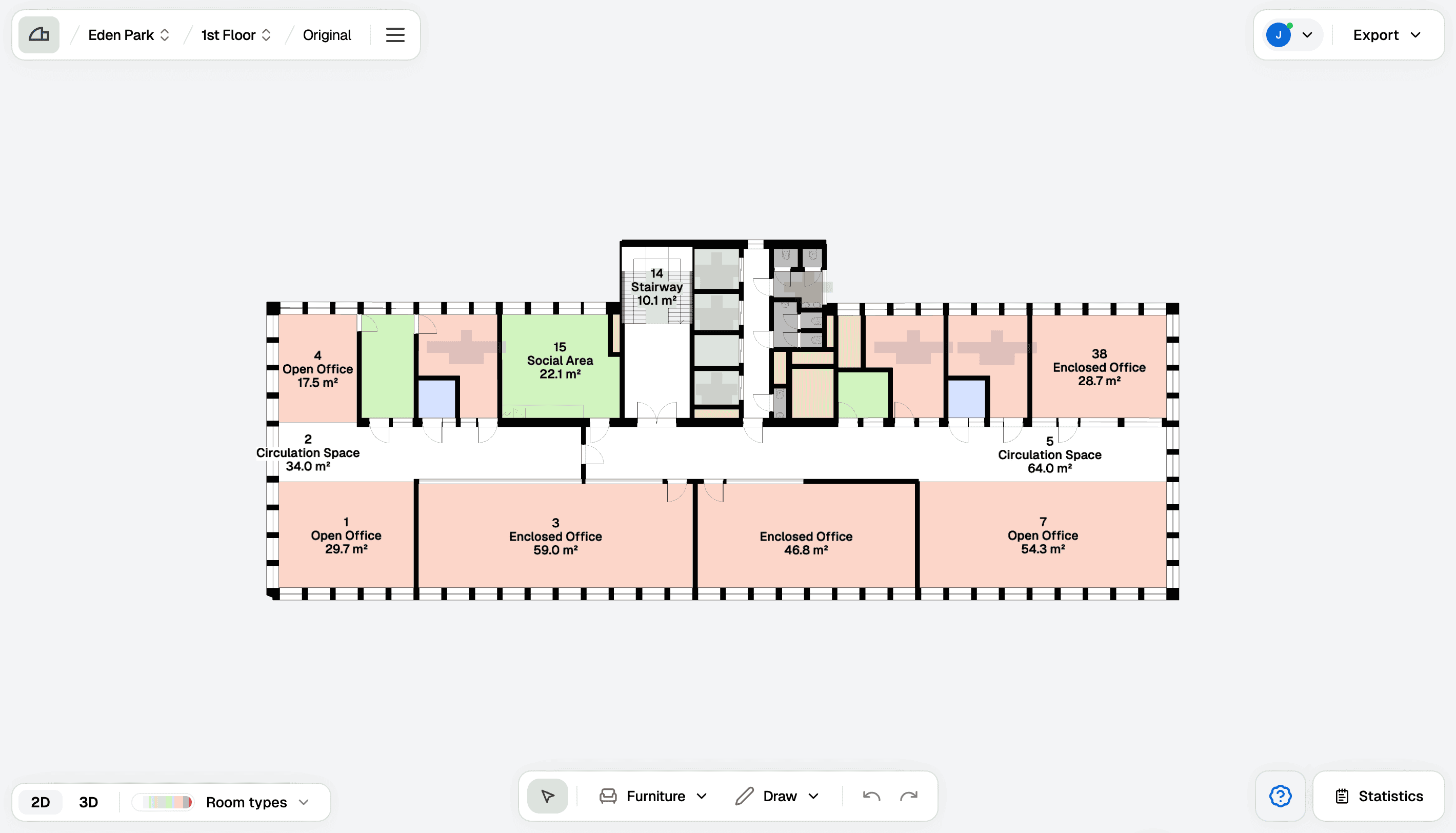
When digitizing a floor, the floor plan becomes editable. You can adjust areas and furniture, export statistics, and export the floor plan in various formats.
Steps
1
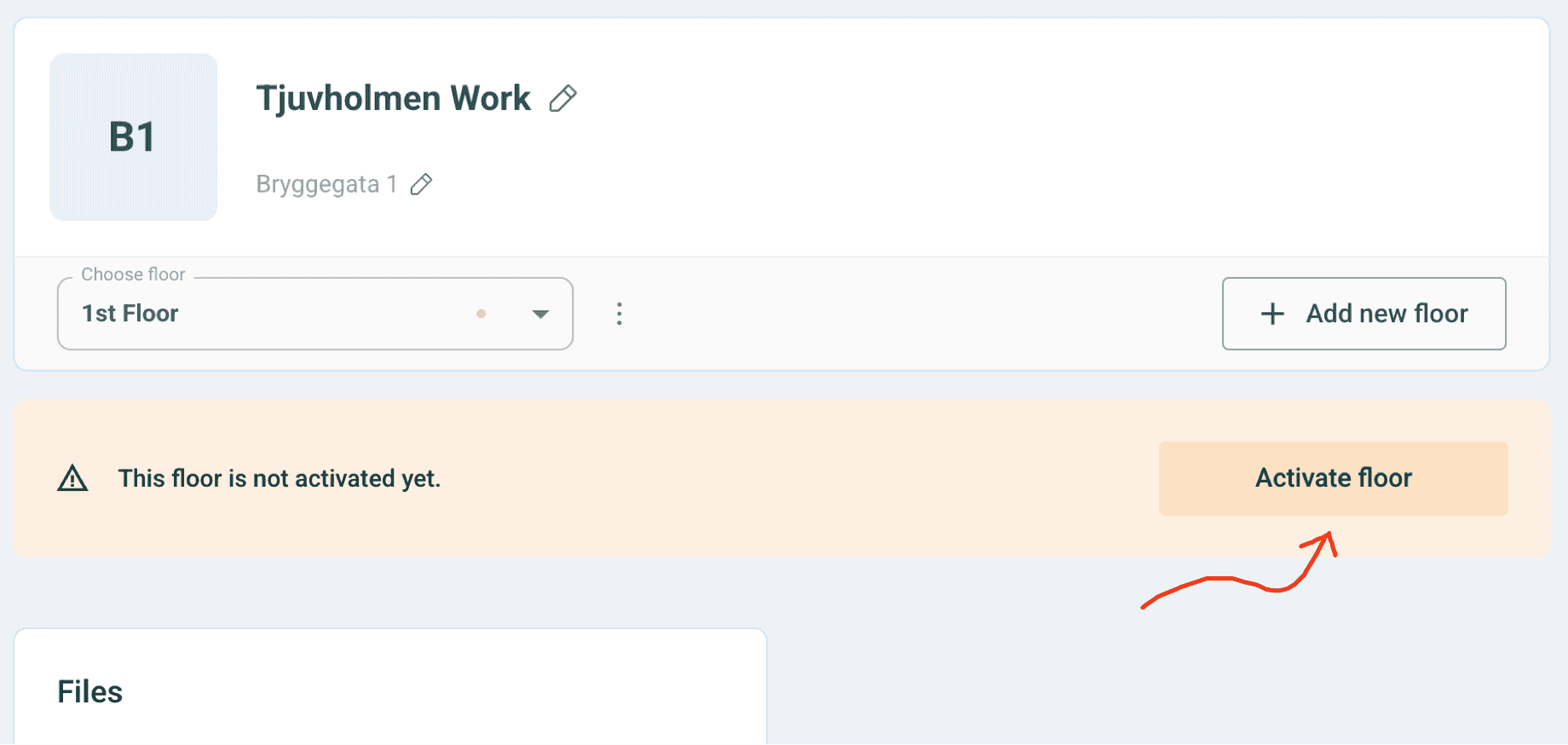
Activate Floor
To create an editable version, you need to start an activation. Click on ‘Activate Floor’ to proceed.
2
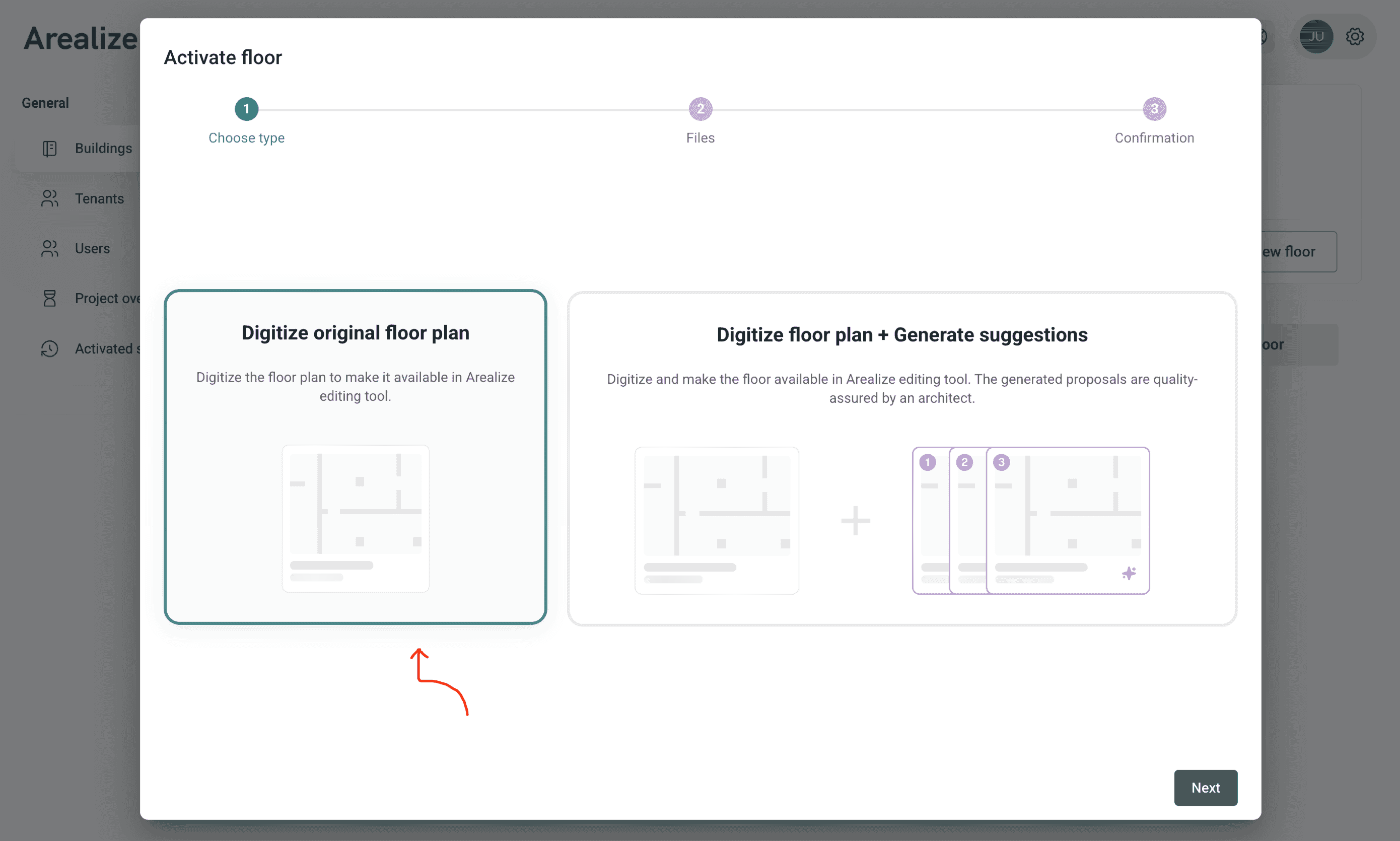
Select 'Digitization'
Select “Digitize Floor Plan”. Click “Next.”
3
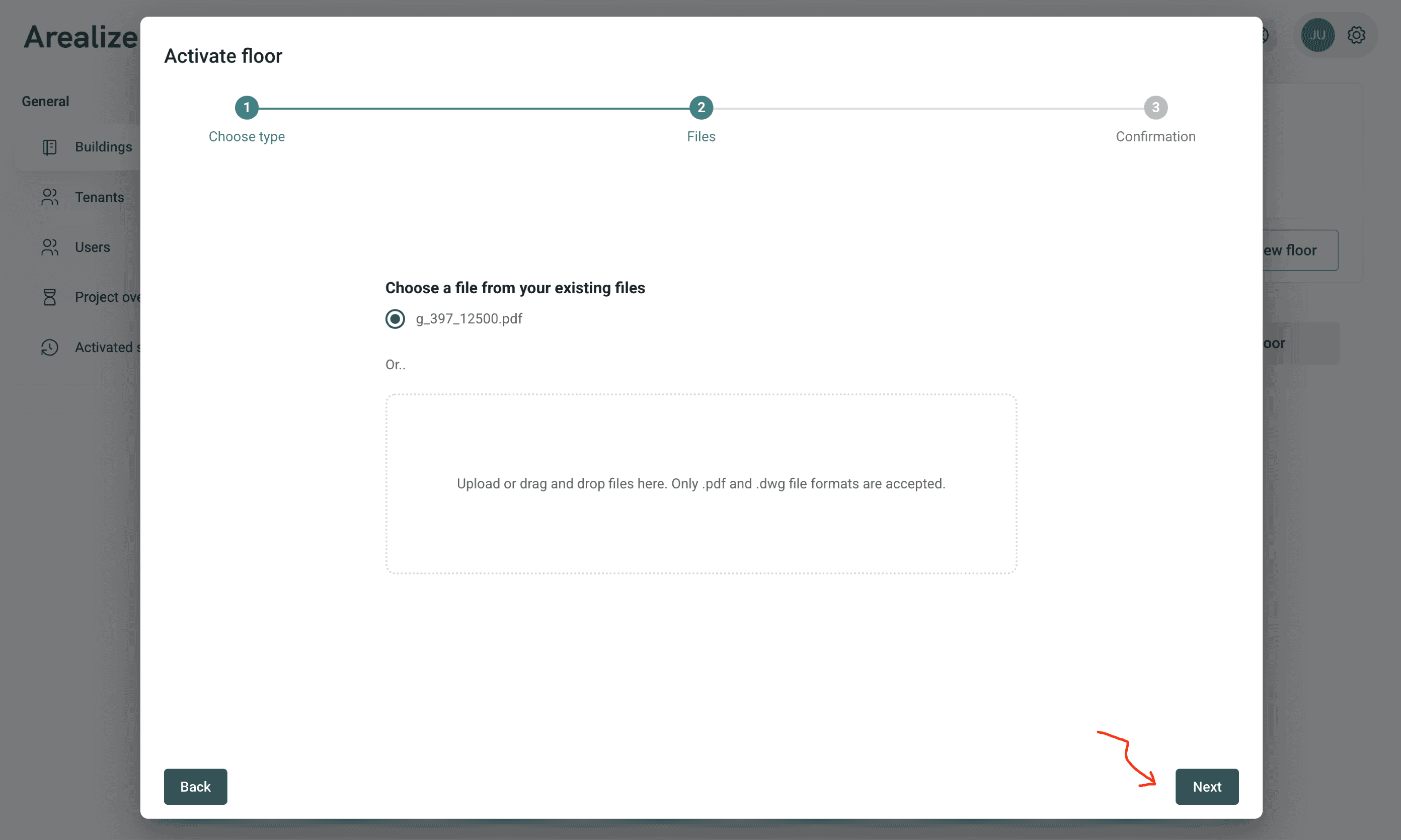
Upload File
Upload a PDF file of the floor plan, or select the correct file if you have already uploaded it.
4
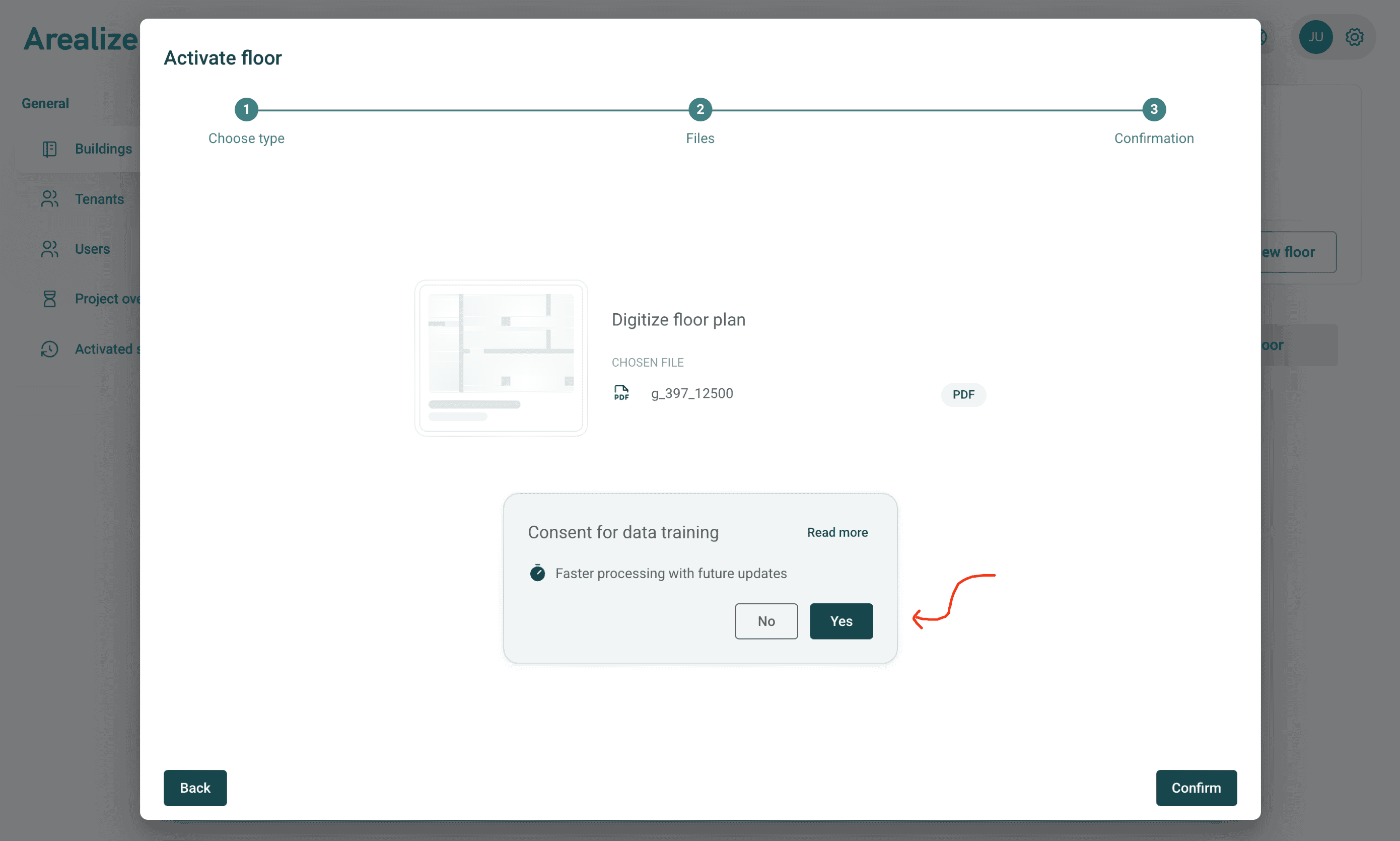
Confirm Digitization
We will ask for your consent to include the floor plan as training data. Opting in will help improve both speed and accuracy of the digitization of future floors. To learn more, click on the “Read more” link.
5
Receive Email Notification
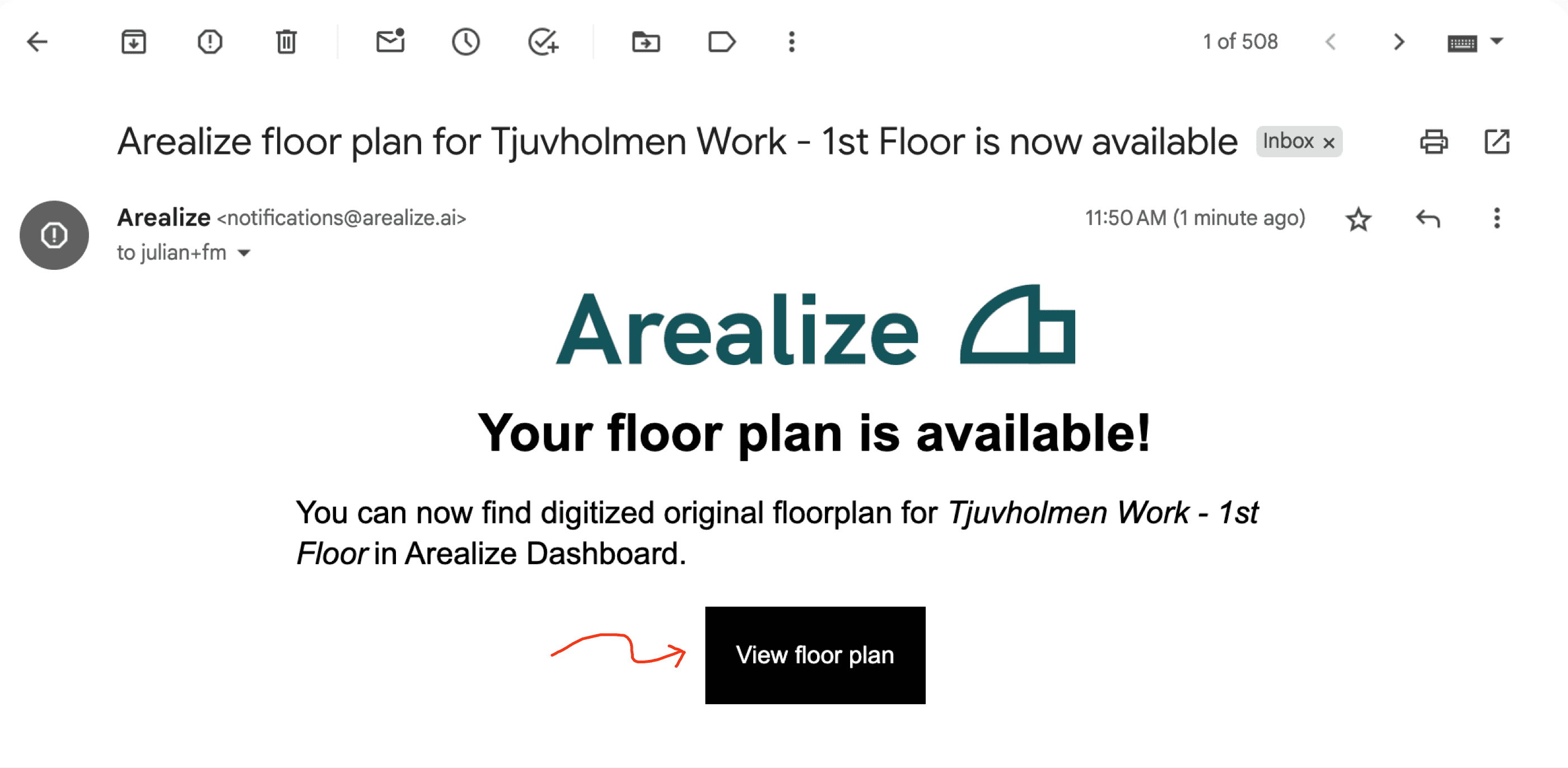
You will receive an email notification when the floor plan is ready. Open the email and click “View floor plan” to be taken directly to the Arealize Studio editing tool.
The process may take up to 24 hours.
It is recommended to enable Notifications. This will ensure that you are notified when your floor plans are available.