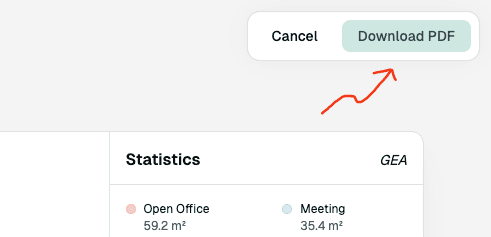
Download PDF
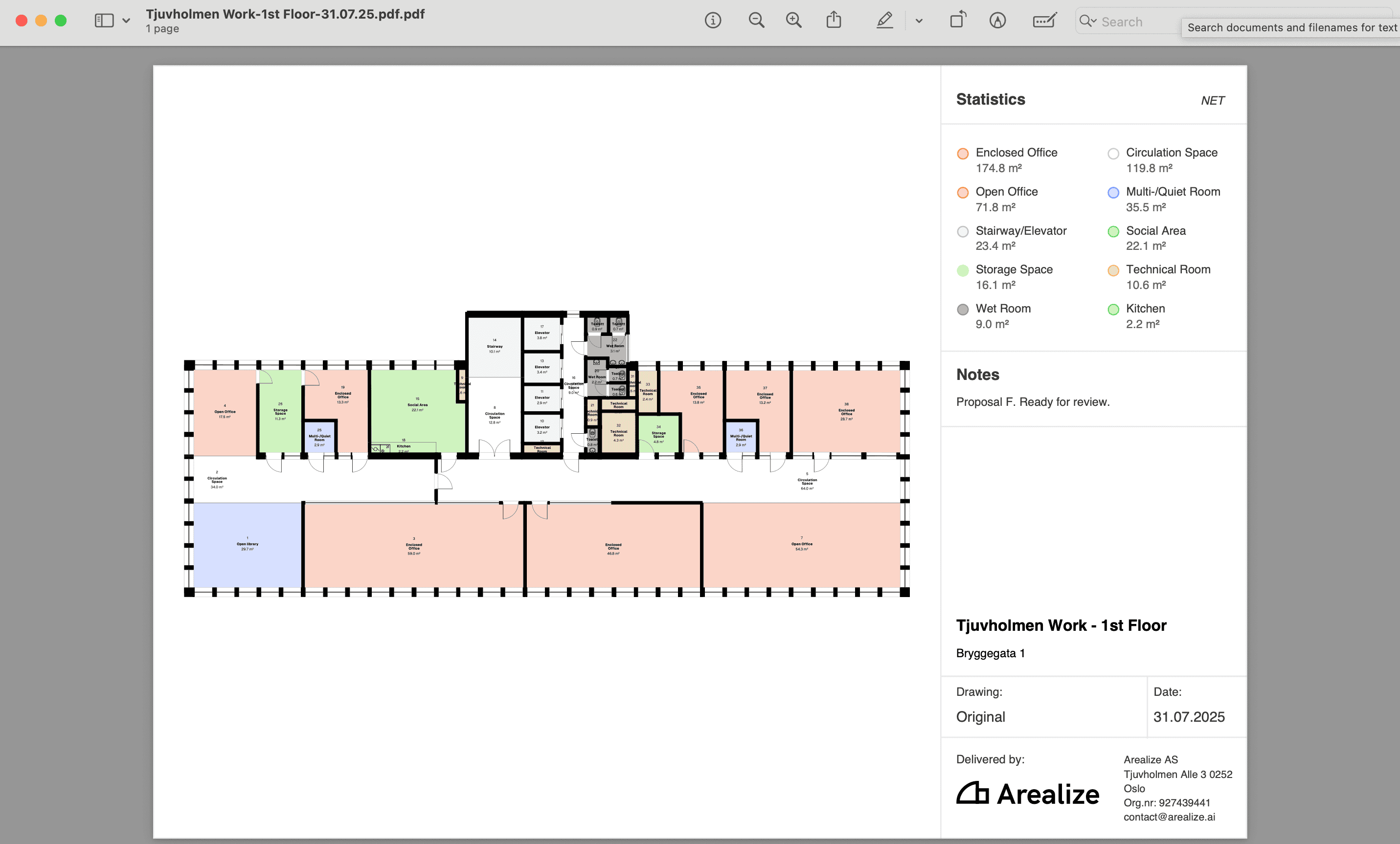
Download PDF-file with statistics
Steps
1
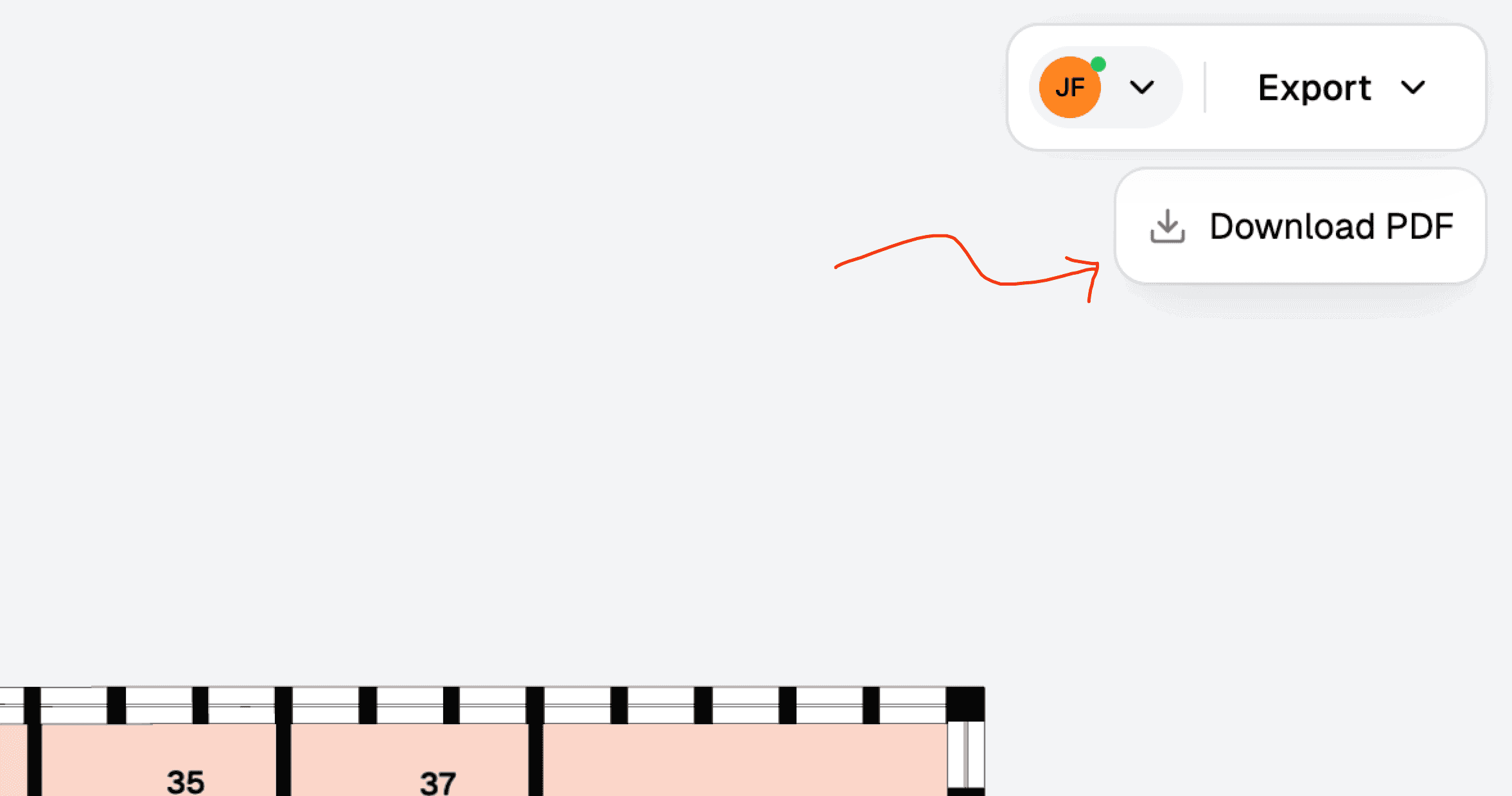
Click 'Download PDF'
In the toolbar to the right, click the “Export” menu and select “Download PDF”.
”
2
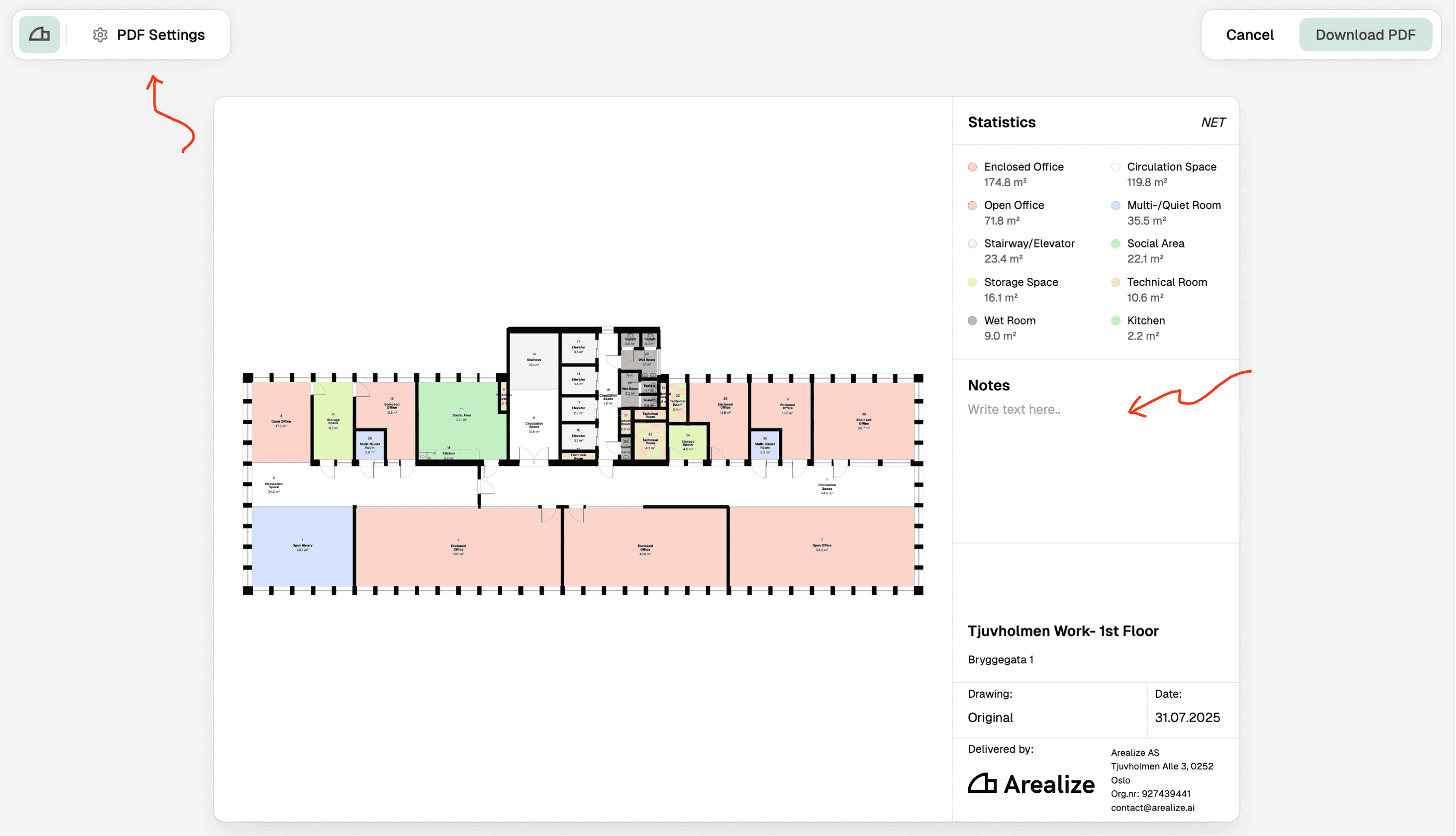
Add custom notes
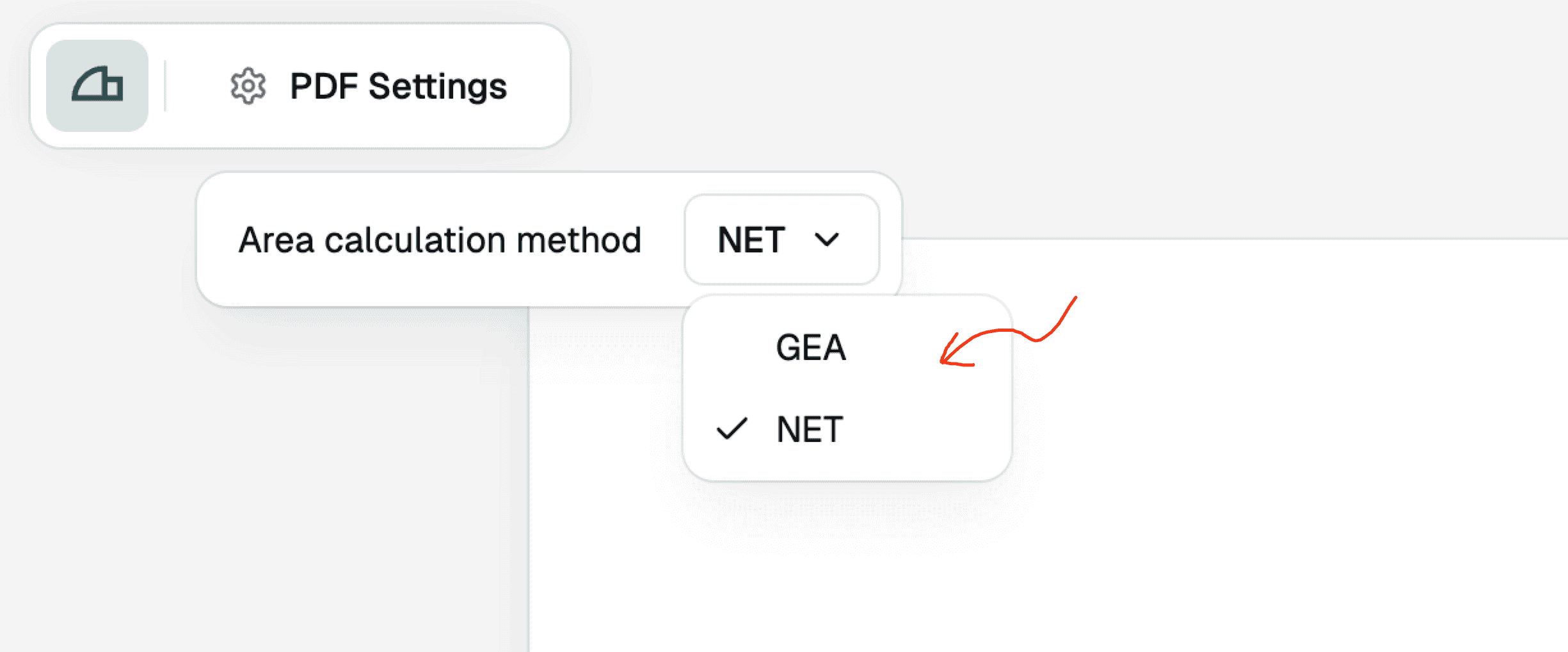
Write custom notes in the notes section. You can modify the PDF settings by clicking “PDF Settings” in the top left corner.
3
Change area type and hide the side panel
In PDF settings, select your preferred area type (NET/GEA) from the dropdown. You can hide or show the side panel using the “Show side panel” toggle.
4
Filter floor plan by area type
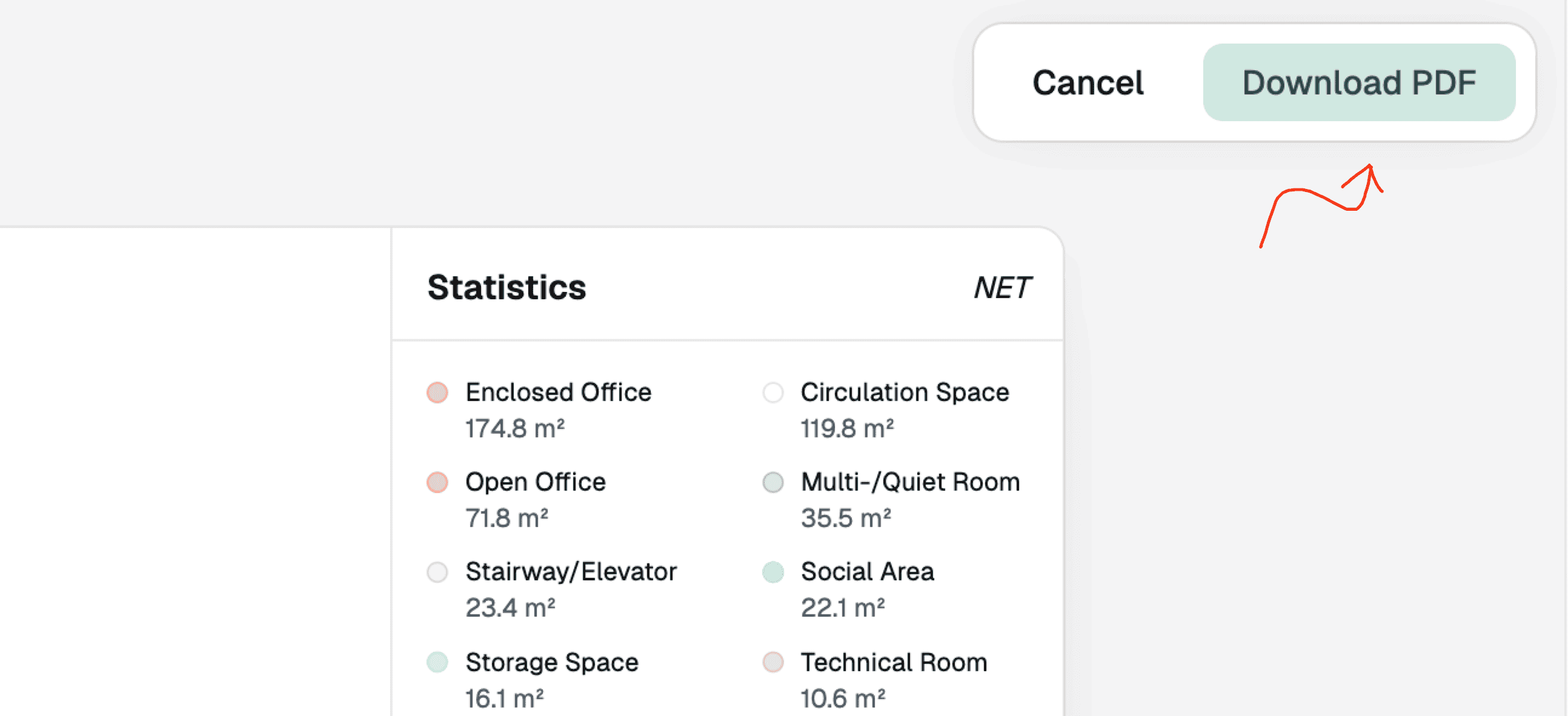
In the filter dropdown, click to hide/show specific areas on the floor plan. The statistics in the side panel will update accordingly.
5
Download PDF
Click the “Download PDF” button in the top right corner. The file will download to your local downloads folder.