Scale floor
Scale a floor plan to real-world measurements
Scale your floor plan
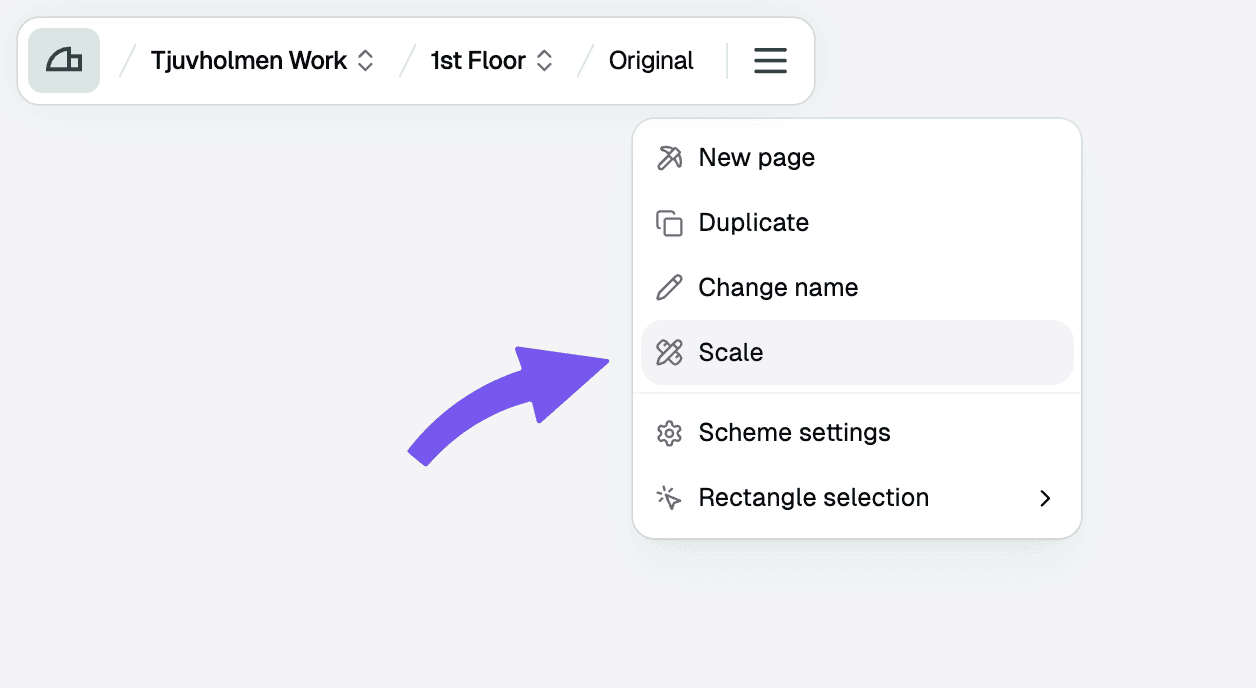
Choose scaling method
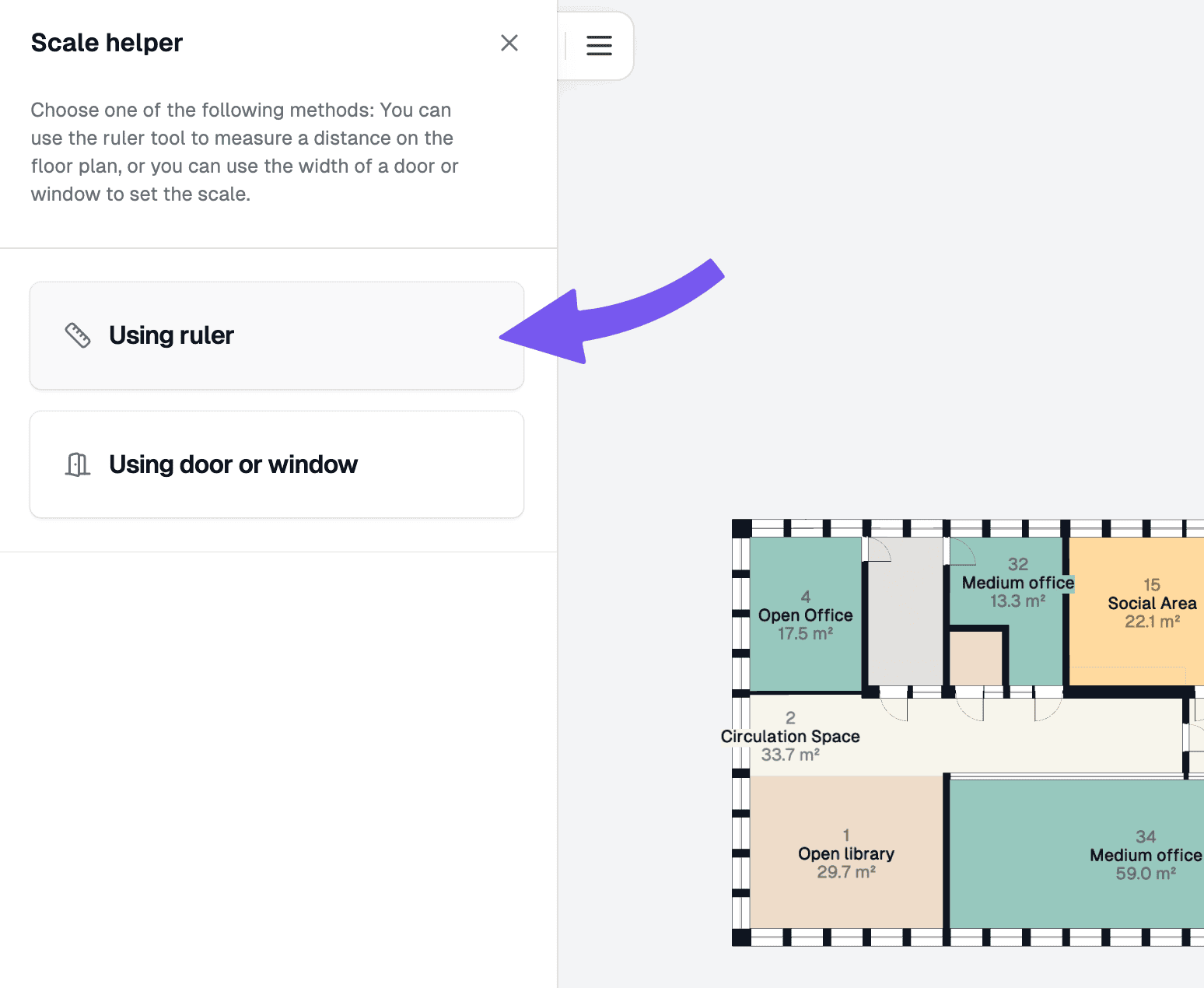
You'll be presented with two options: "Using ruler" and "Using door or window". The recommended method is using a ruler to define a specific length for scaling.
Measure distance
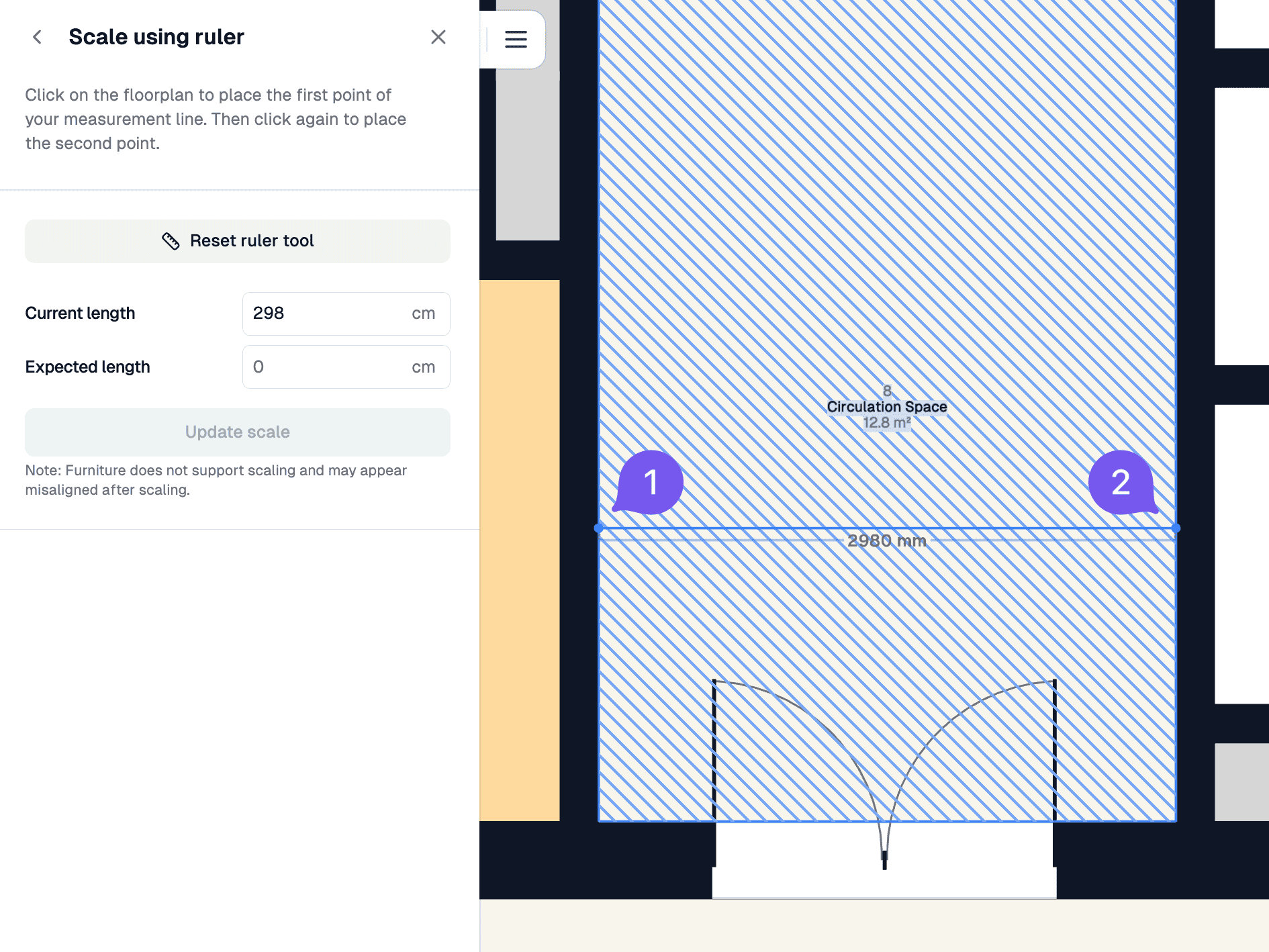
Click once to start the ruler, and again to end the ruler, measuring the distance.
Press Ctrl to enable/disable automatic snapping.
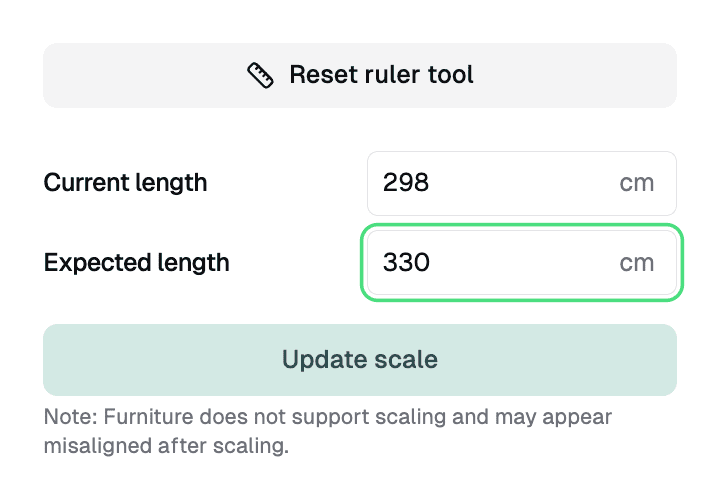
Update scale
Input the correct length in centimetres and click "Update scale" to scale the floor to match the new measurement.