
Introduction
Overview of Arealize and how to get started
Download as PDFClick to download the Facility documentation as a PDF file
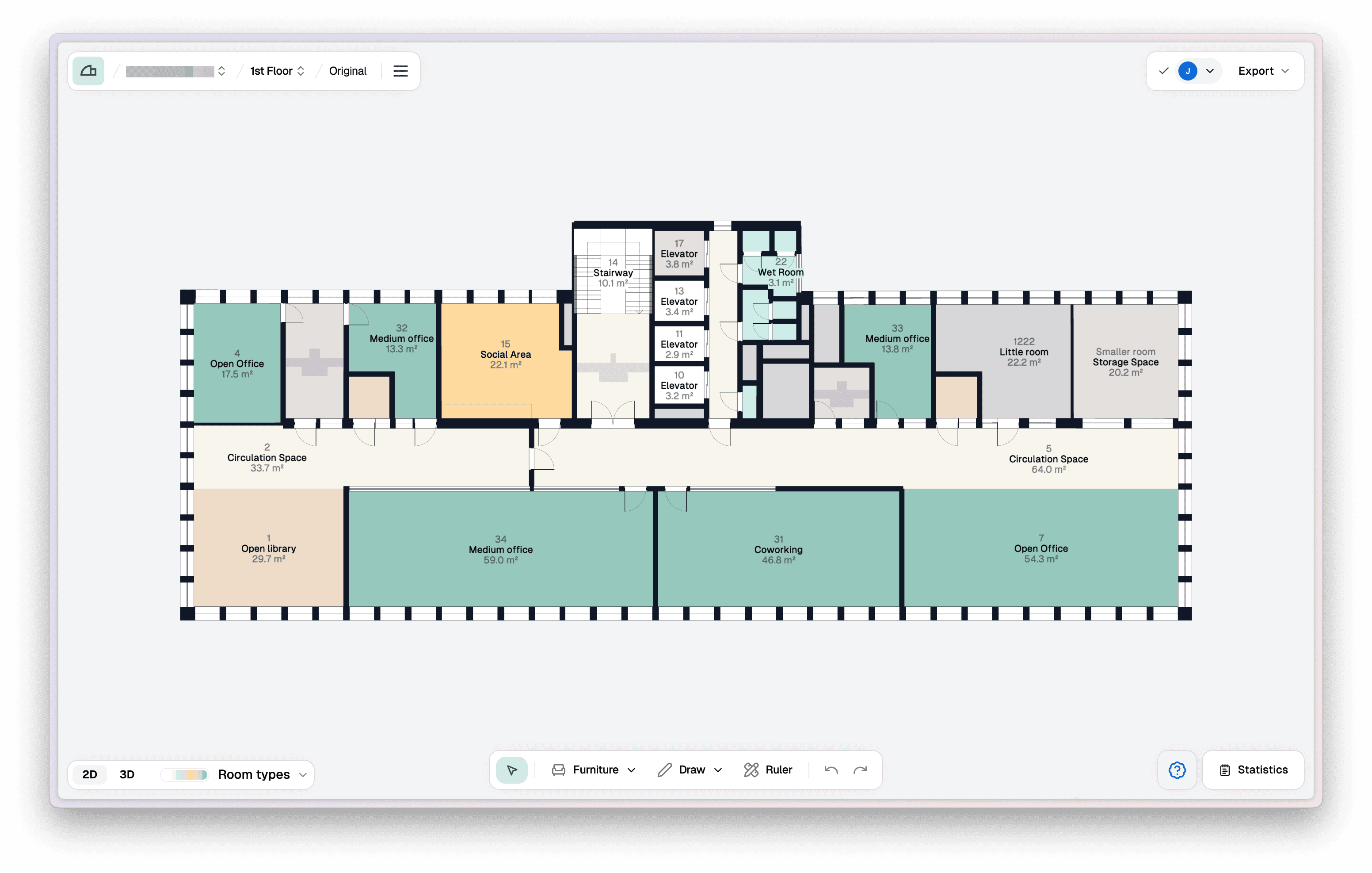
How to use Arealize?
- Create building and add floors
- Digitise floor
- Receive notification when the floor is available
- Open floor plan in Studio
- Export floor as PDF or Excel
Shortcuts
Create building
Create a building and add floors.
Digitise floor
Digitise floor.
Statistics
Customise areas and view statistics for a floor.
Download PDF
Export floor as PDF.
Frequently asked questions
Which format provides the best result?
PDF files will provide the best results. PDF must contain a scale for optimal results.
What type of buildings can be uploaded and digitised?
We can digitise all types of commercial buildings, such as hotels, industrial buildings, shopping centres, etc. Non-commercial floor plans will still be created, but as of now room types and certain furniture might not be recognised.