Buildings
Create building
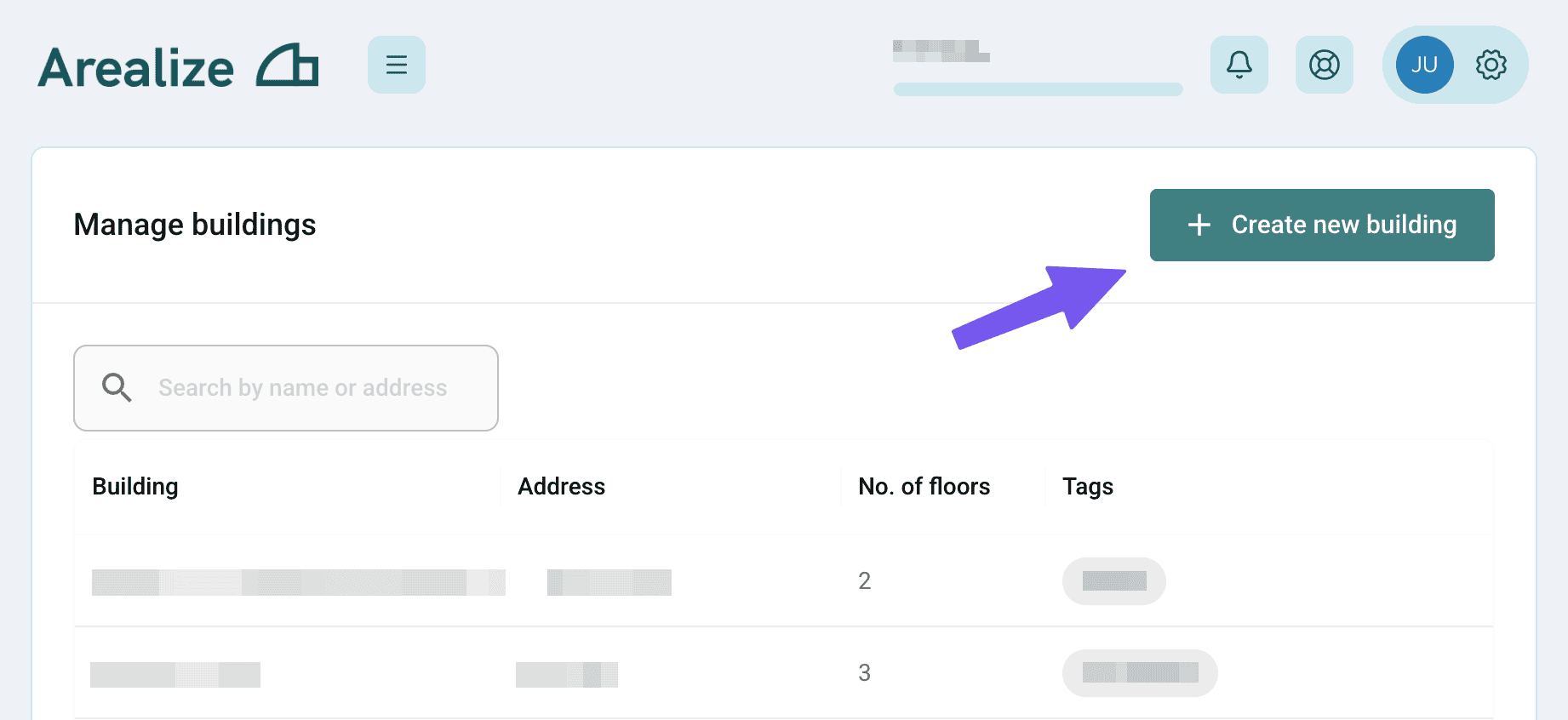
Create a new building in the Dashboard
Steps
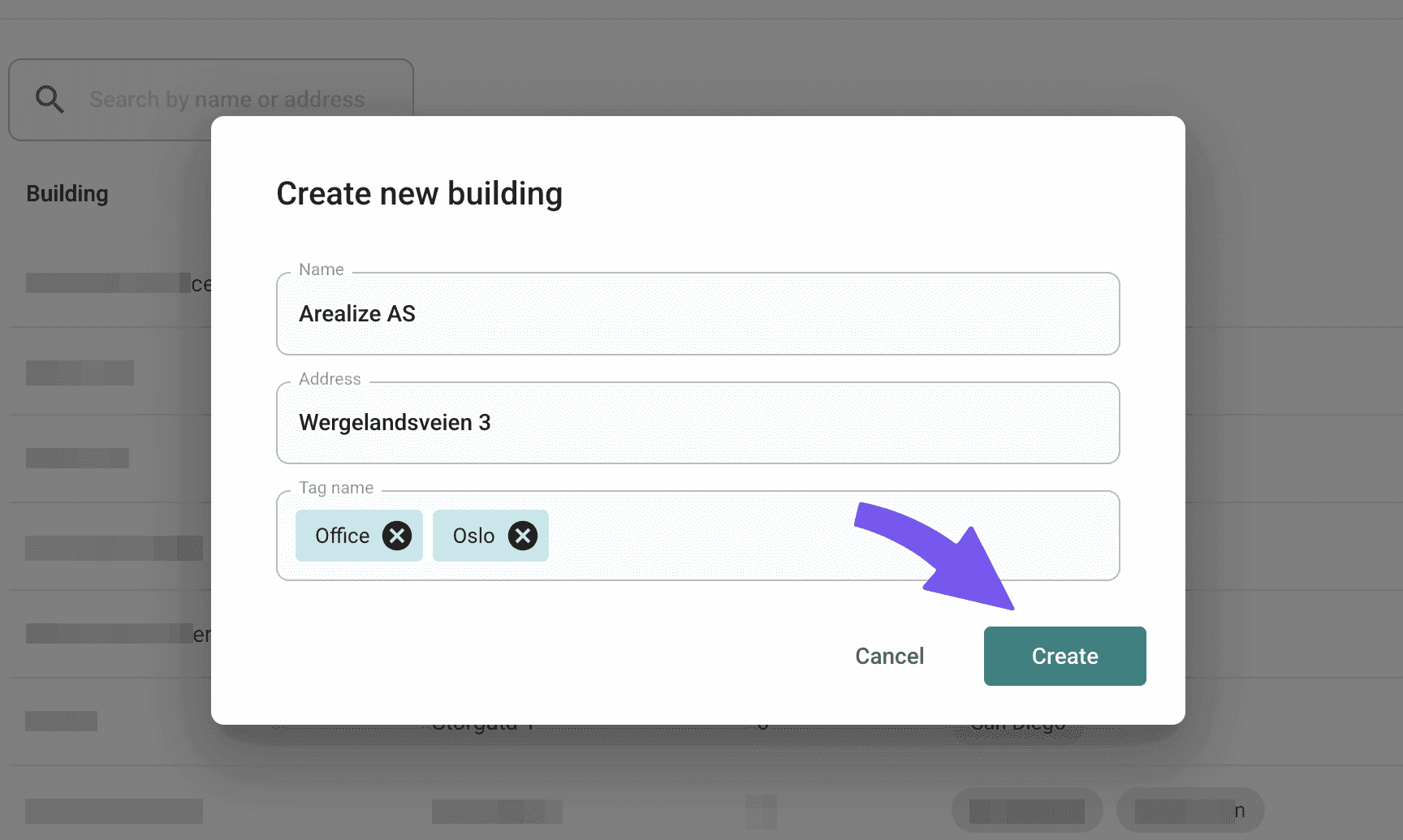
Fill in details
Fill in the name and address, and add tags for easier organisation of the buildings. Then press 'Create' to complete.
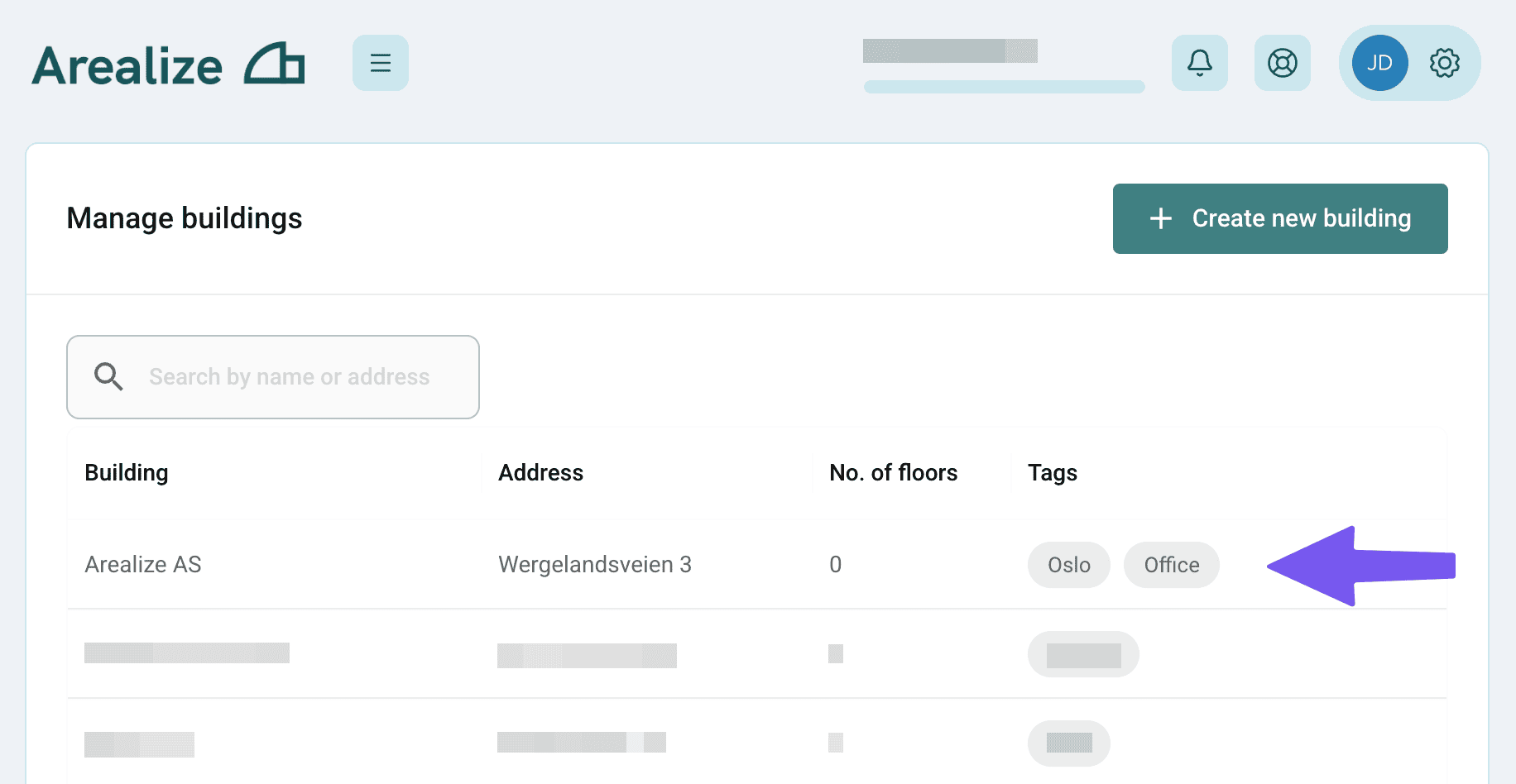
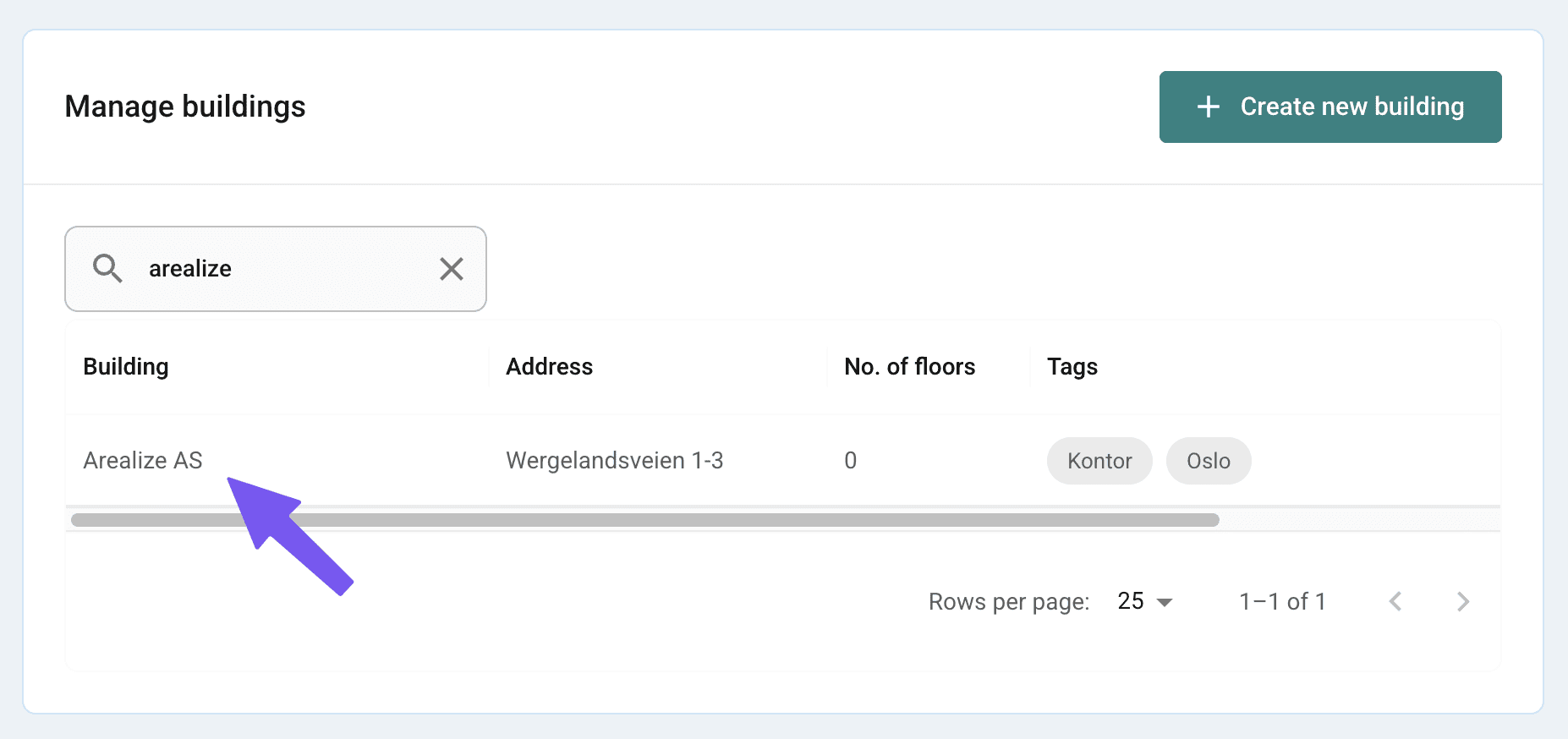
Search for building
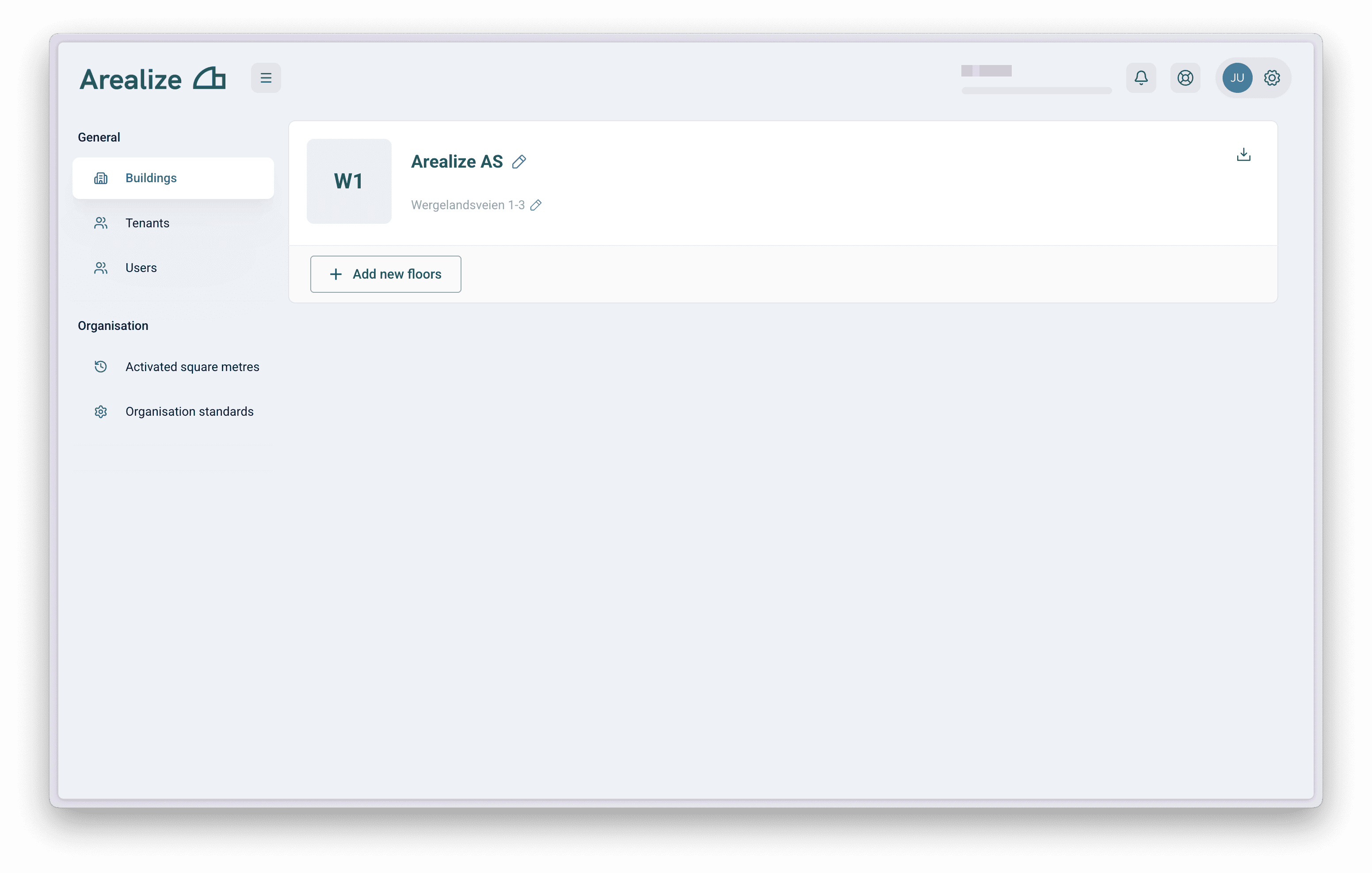
You can use the search field to find and modify or create floors for the building. You can also search for tags or address to find the building.