
Settings
3D visualisation
Use 3D visualisation to visualise the space
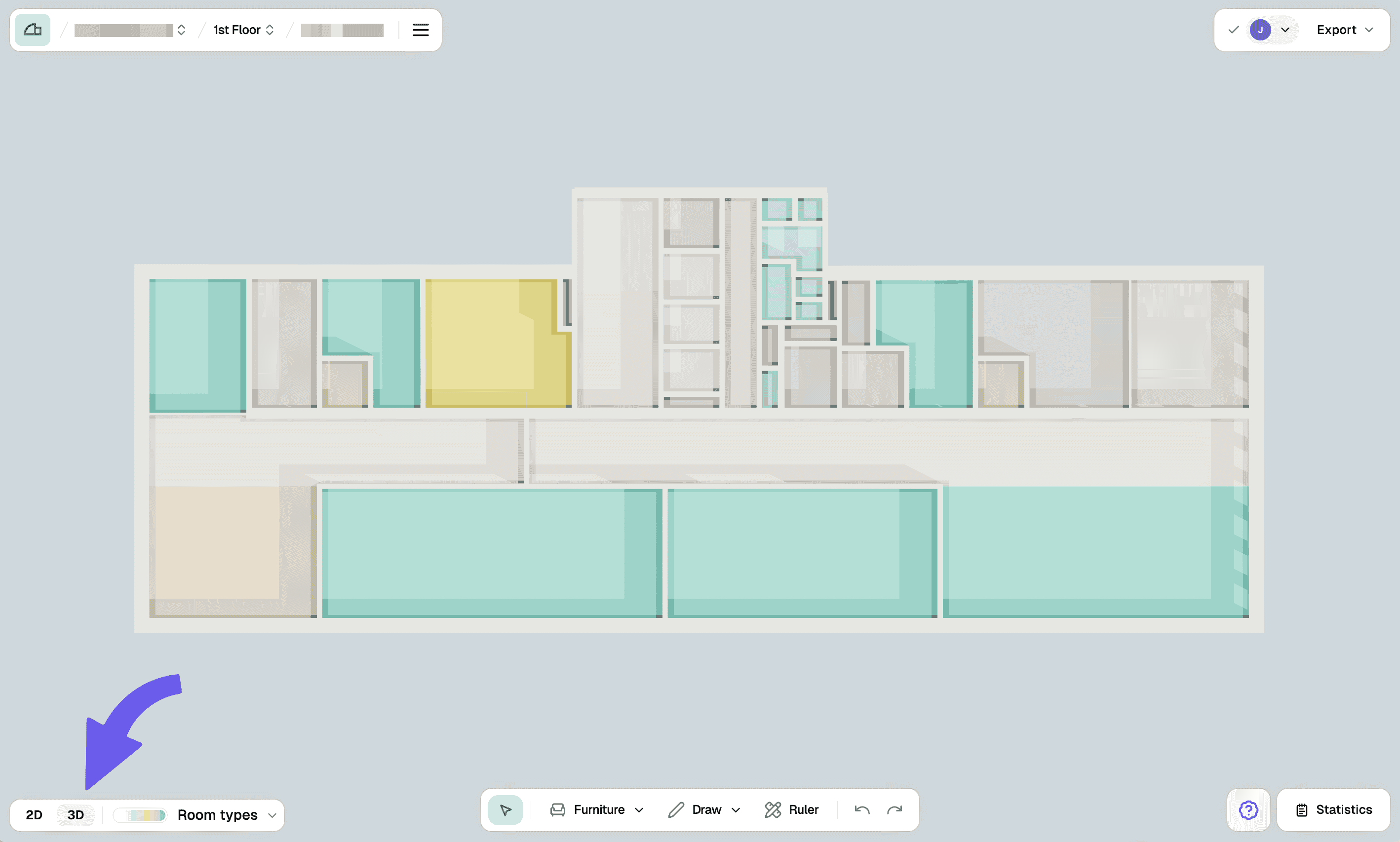
3D visualisation is an additional feature used to create a better sense of space.
Steps
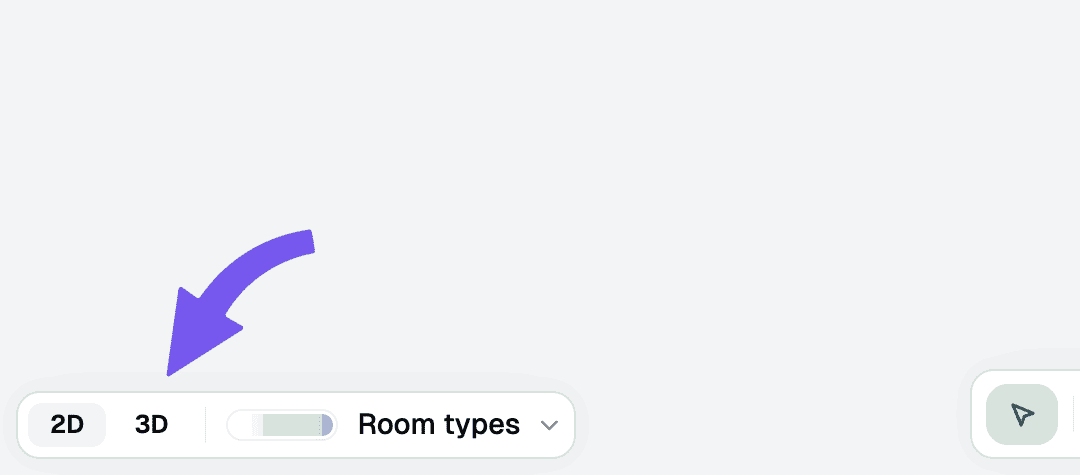
Set the view type
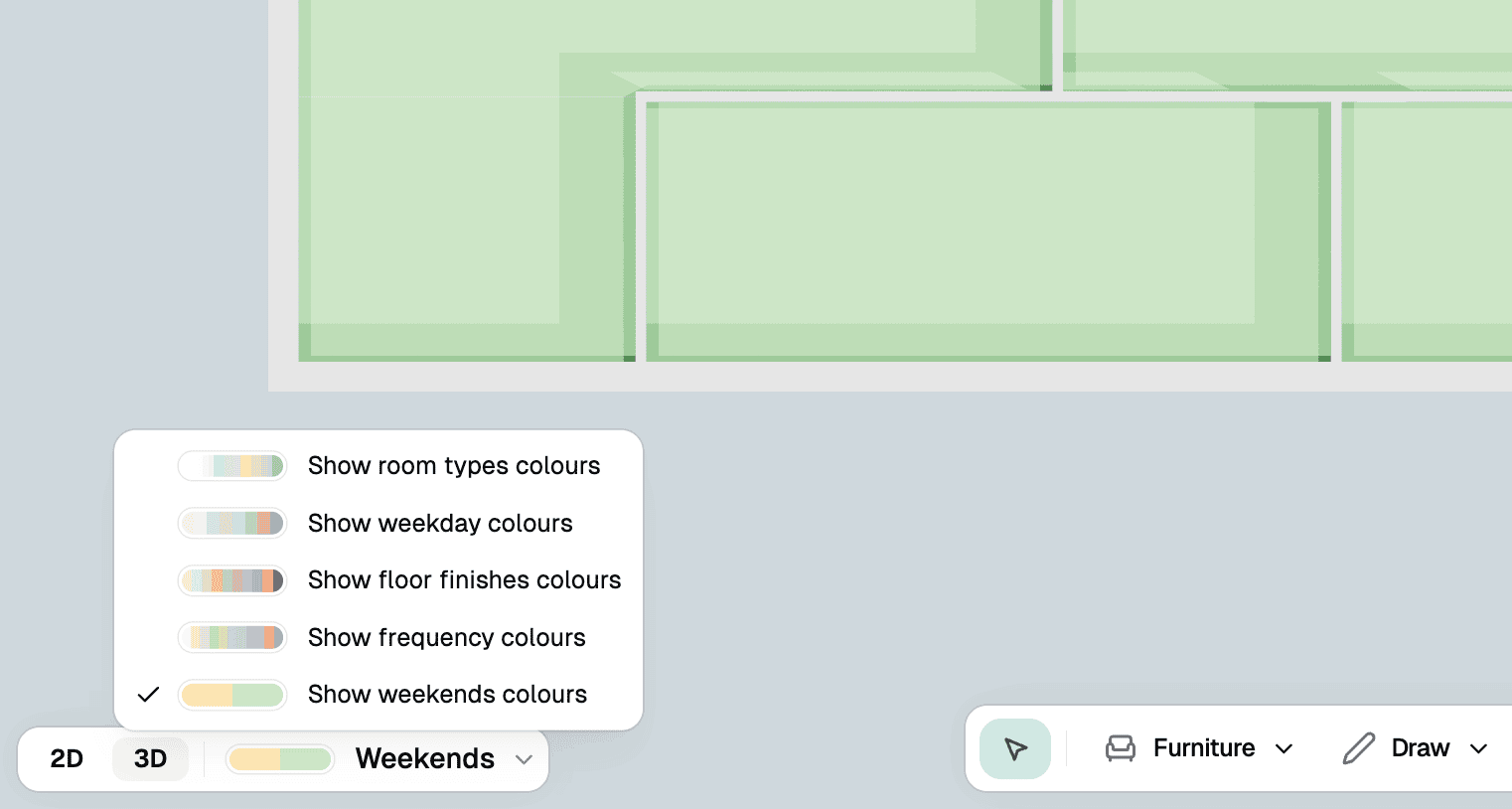
Set the view type in the bottom left dropdown. Here you can select between room type or zones view.
Troubleshooting
The 3D view is not loading or displaying properly
Make sure your browser supports WebGL and that hardware acceleration is enabled. Try refreshing the page or switching to a different view type. If the issue persists, check that your floor plan has proper room types assigned, as this affects 3D rendering.