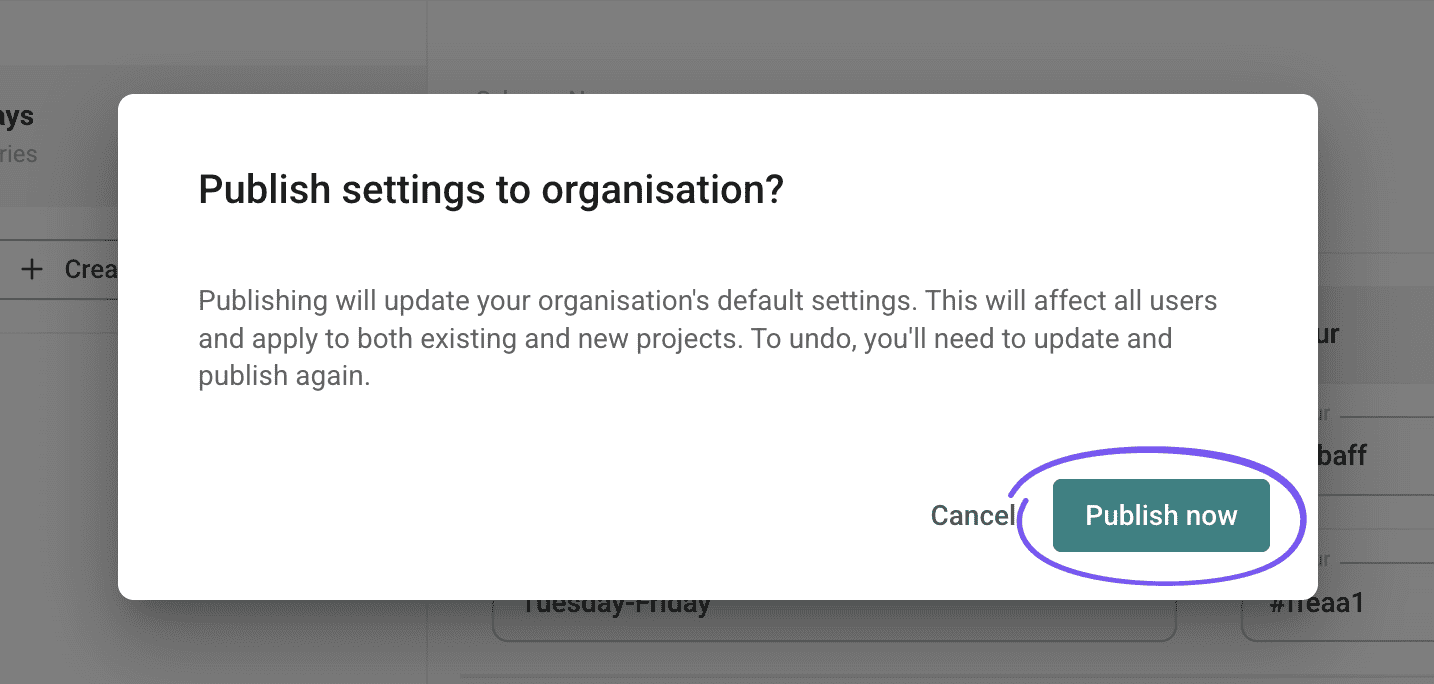
Settings
Organisational schemes
Create organisational schemes
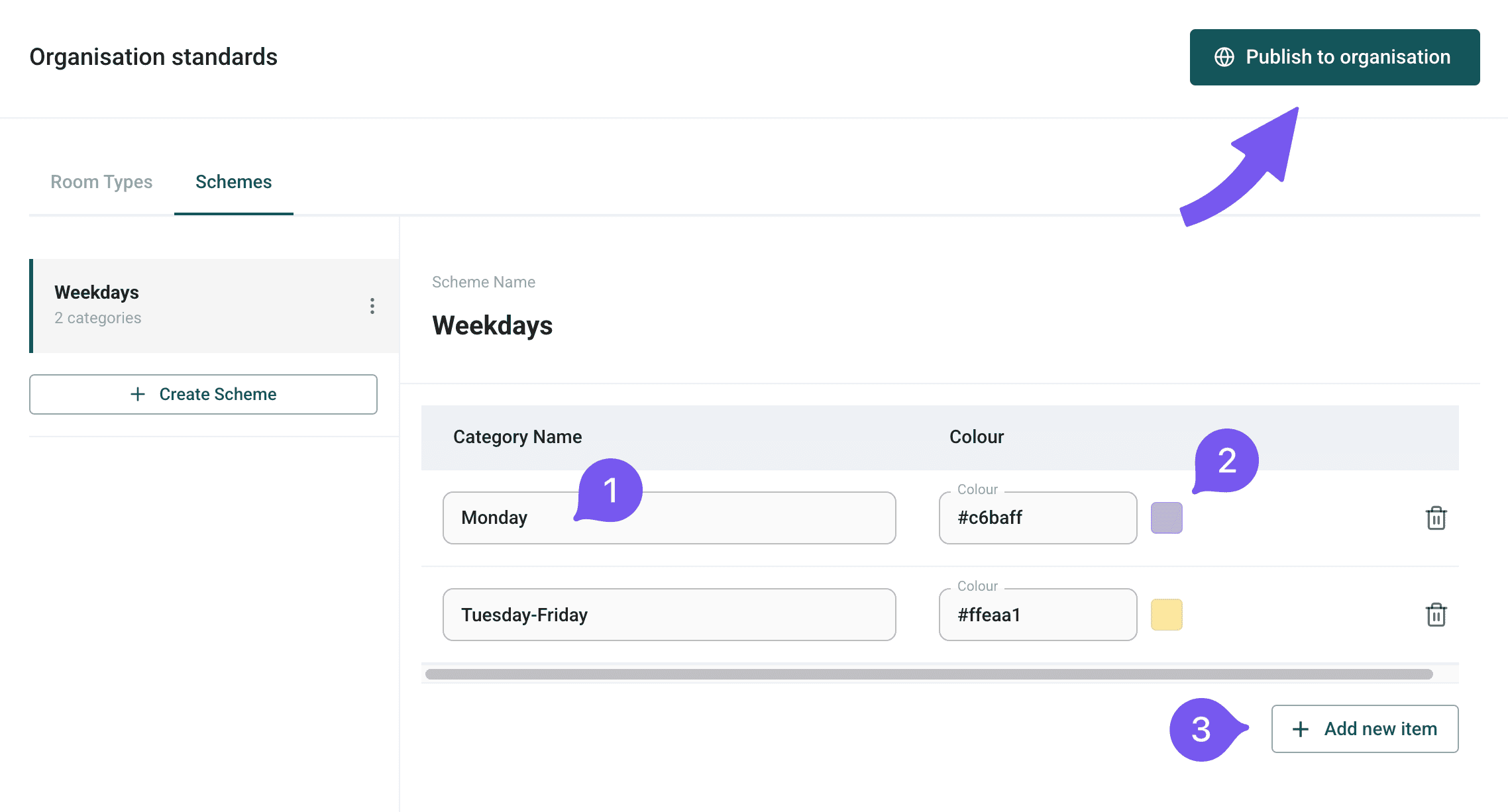
Organisational schemes help categorise floor plan areas for maintenance and cleaning. Create custom schemes with names and coloured items for organisation-wide use.
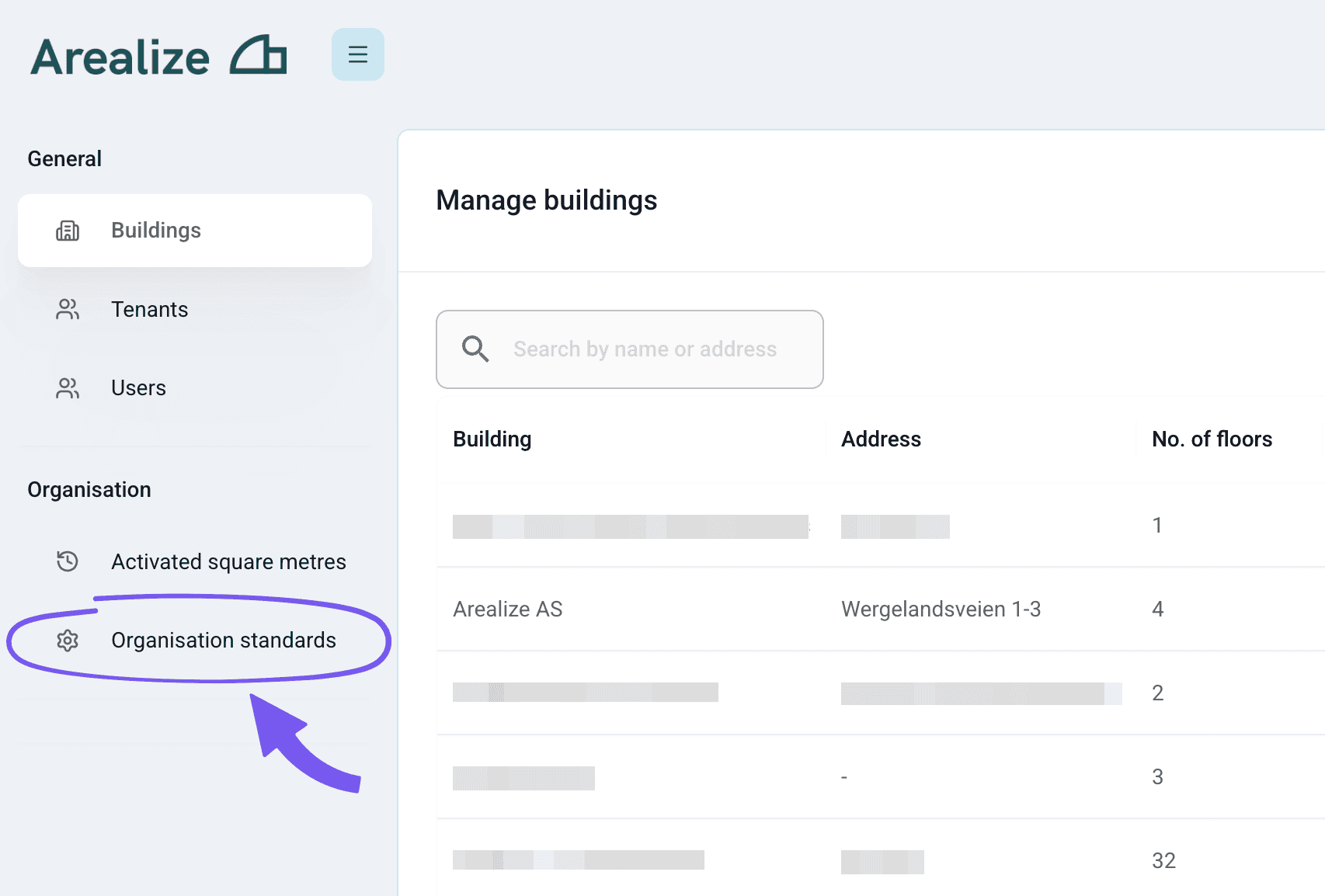
Create a scheme
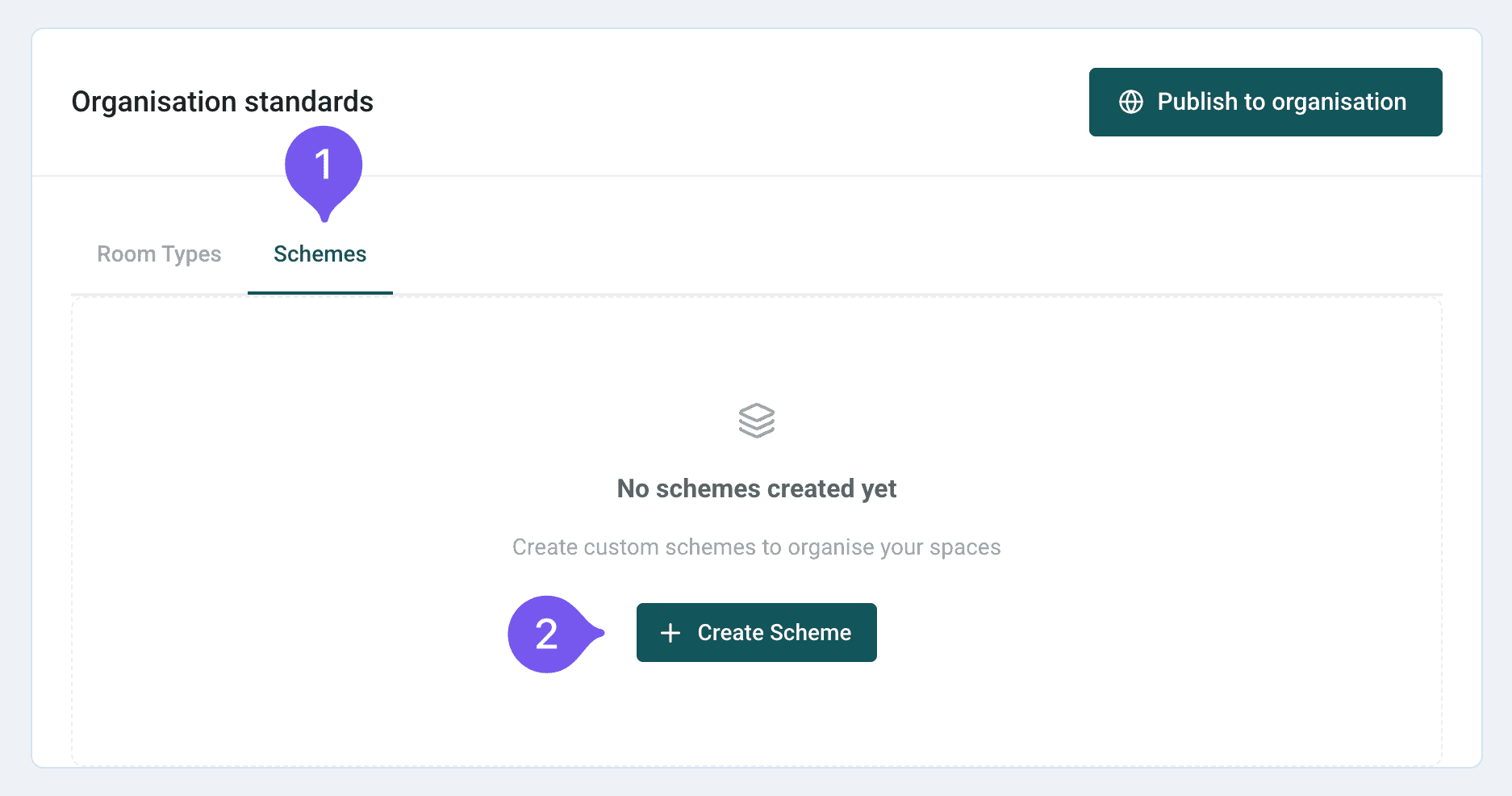
Confirm publish
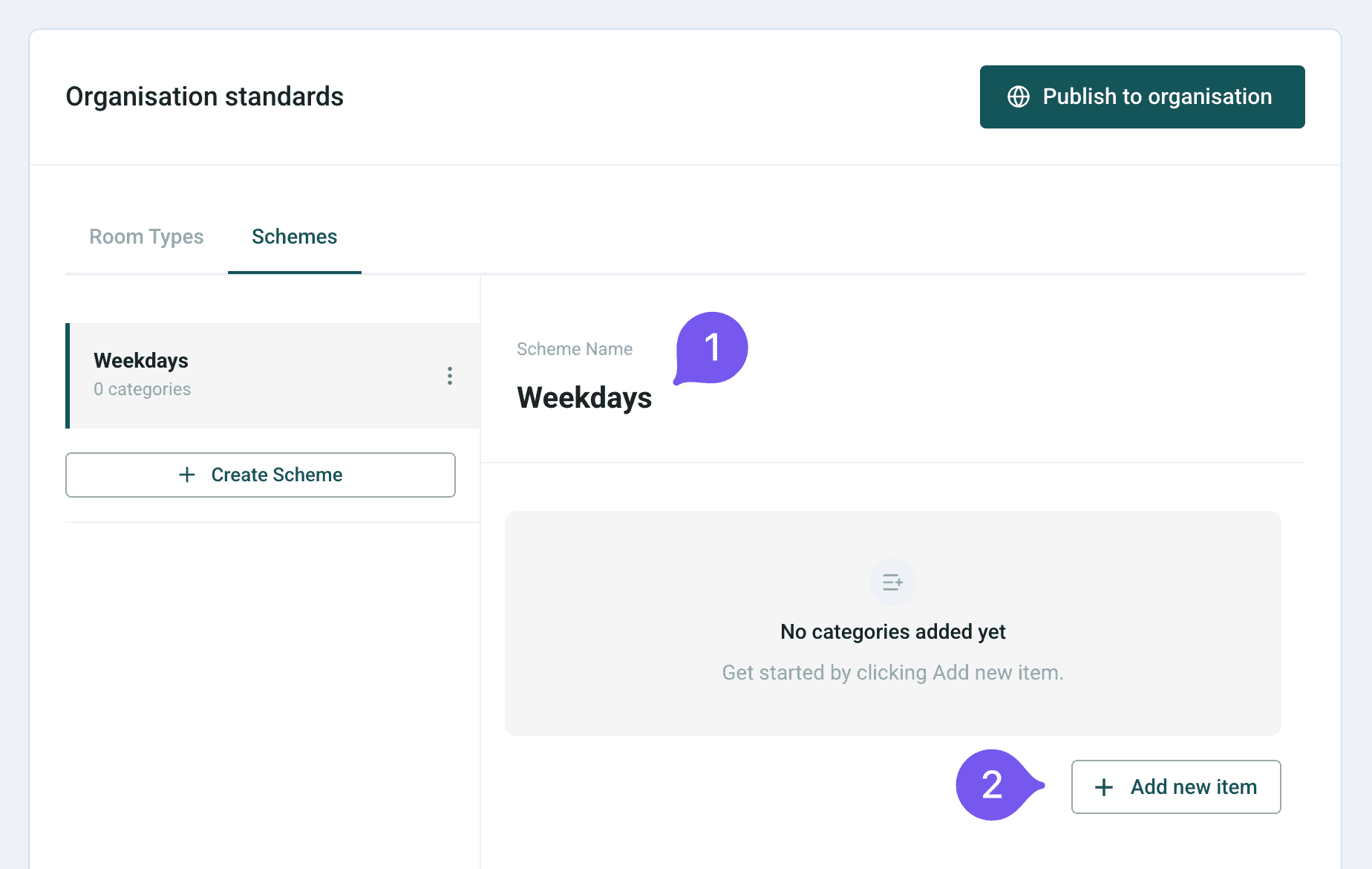
A dialog will appear warning that this will affect all users in the organisation. Click "Publish now" to confirm.