
Generate suggestions
Generate design suggestions for your floor
Steps
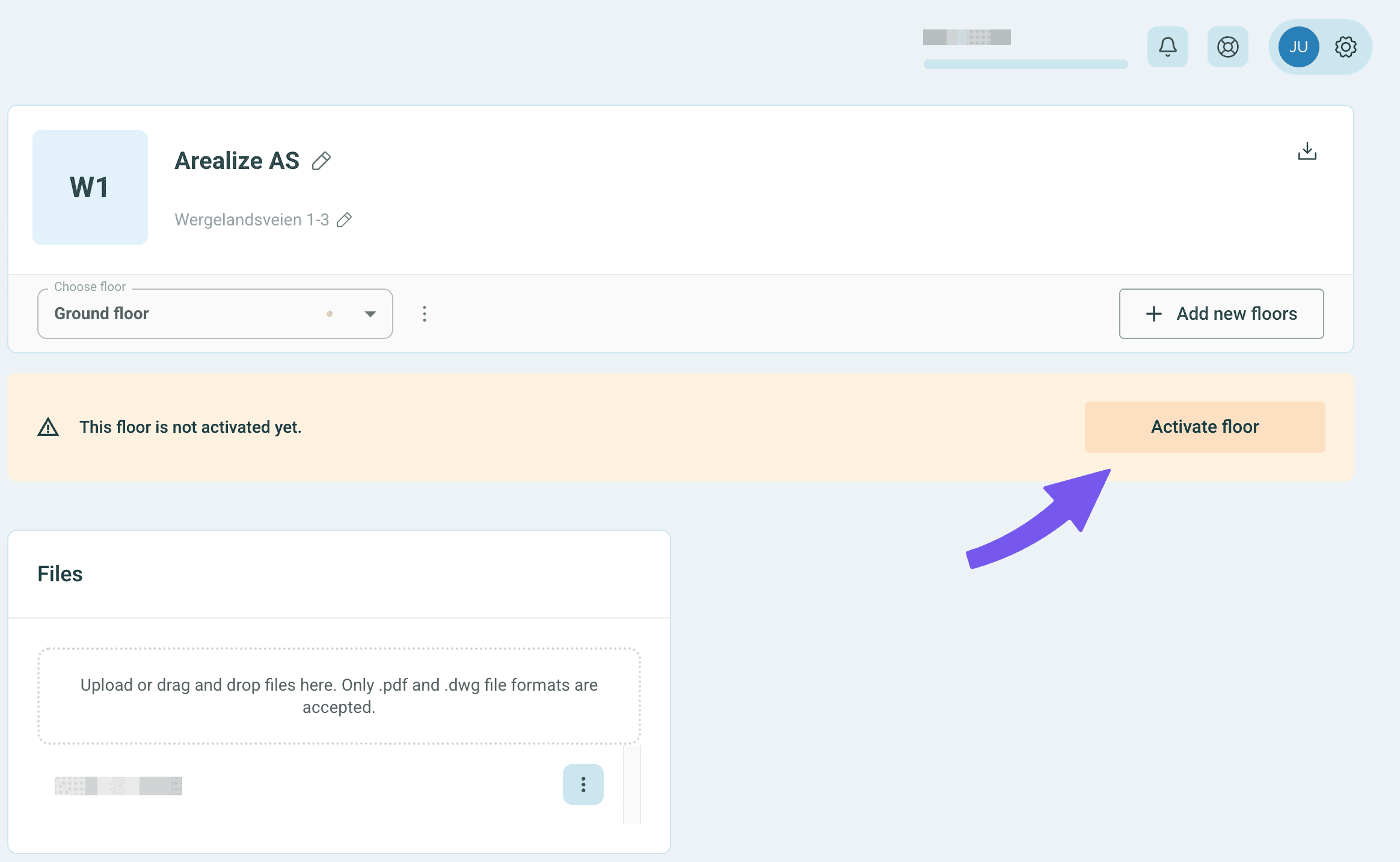
Activate floor
To start generating proposals, you must first activate the floor. Click on "Activate floor".
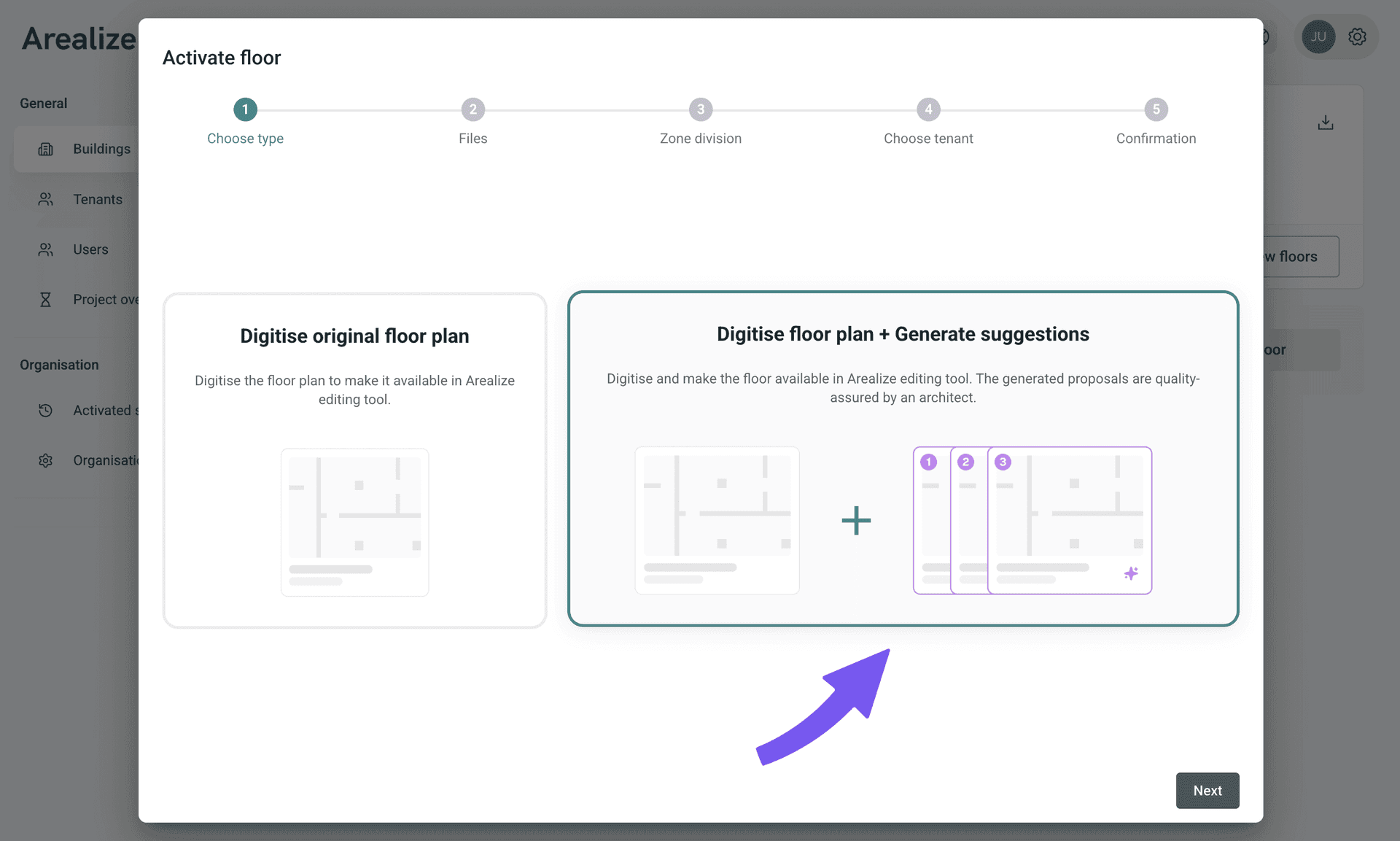
Select 'Digitisation'
Select "Digitise floor plan + Generate 3 design proposals" to obtain an editable version of the original drawing, as well as three unique design proposals. Click "Next".
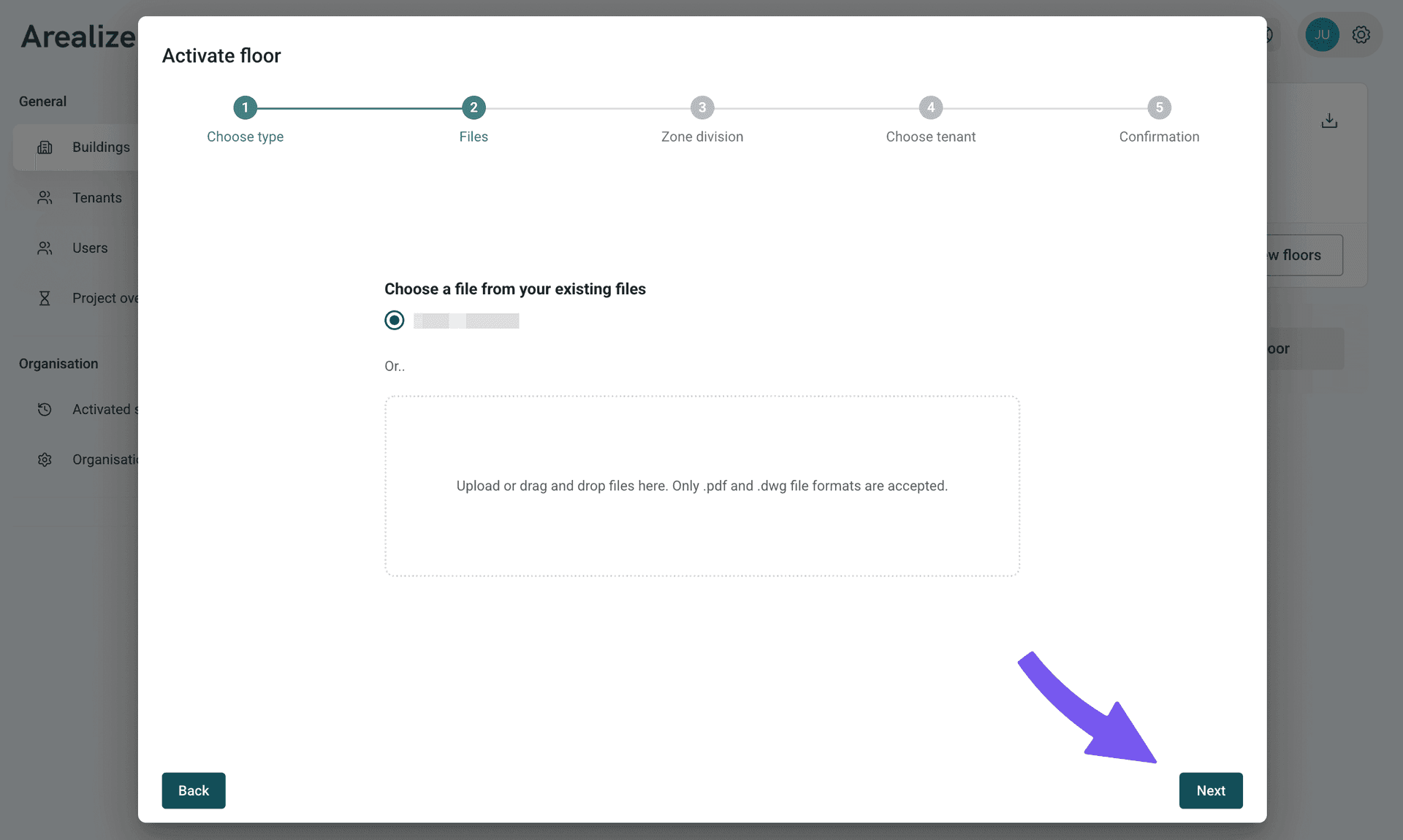
Upload file
Upload a PDF file of the floor, or choose the correct file if you have already uploaded it.
Mark area for generation
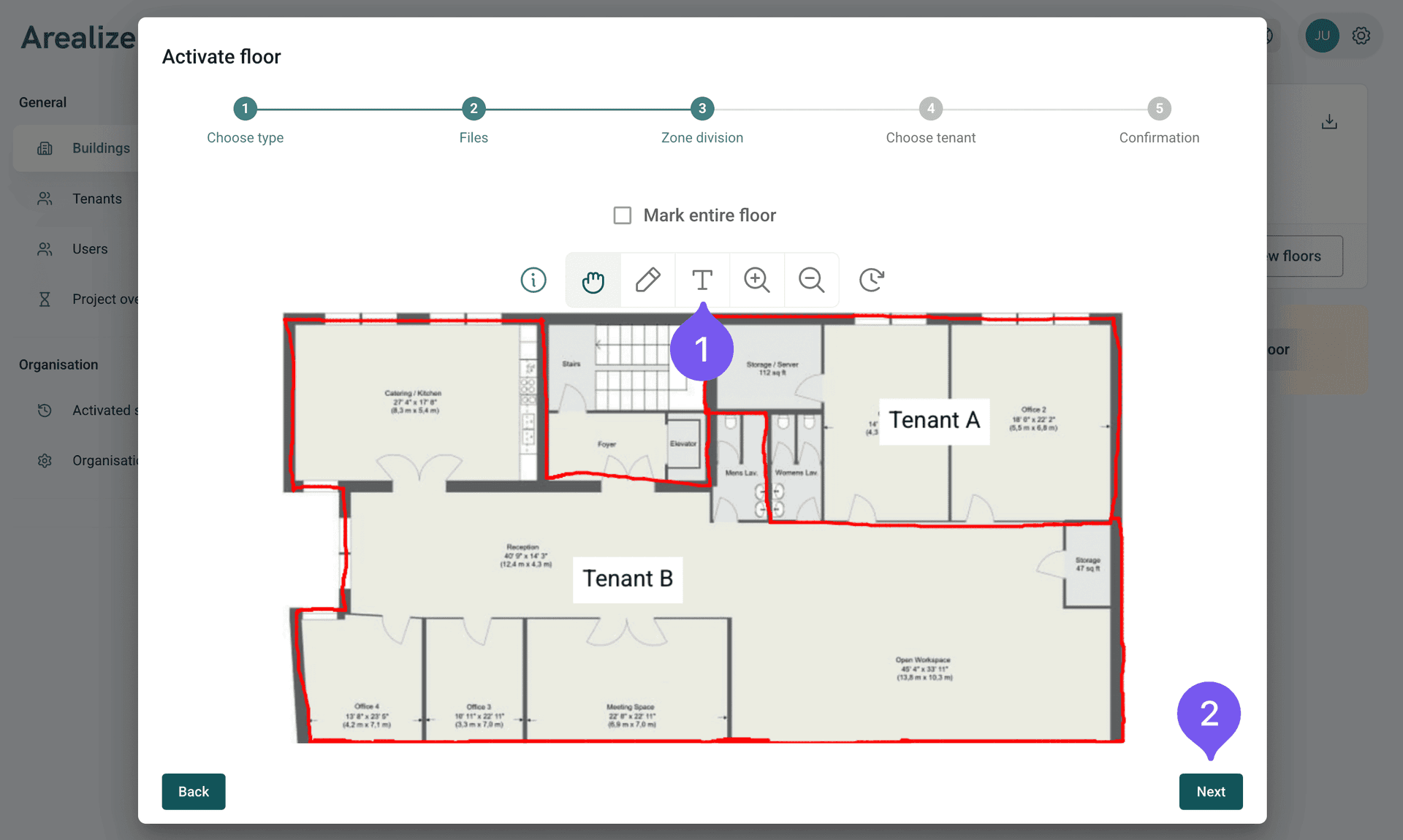
Use the pen tool to mark out an area for generating proposals. If there are specific rooms you wish to keep, we recommend marking them with a cross.
Select tenant
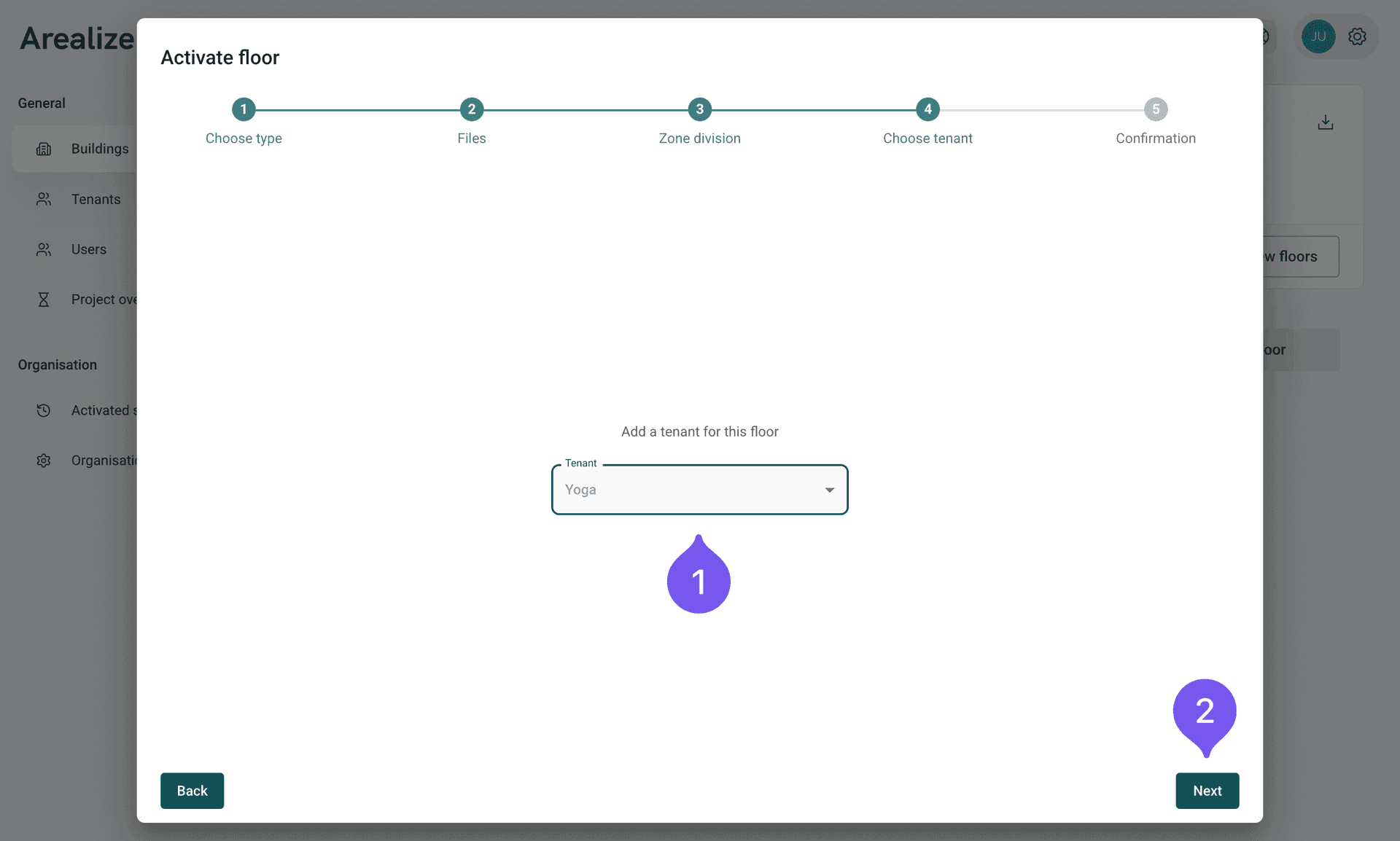
Select a tenant for proposal generation, or click on "generic tenant" to receive general design proposals tailored to the area.
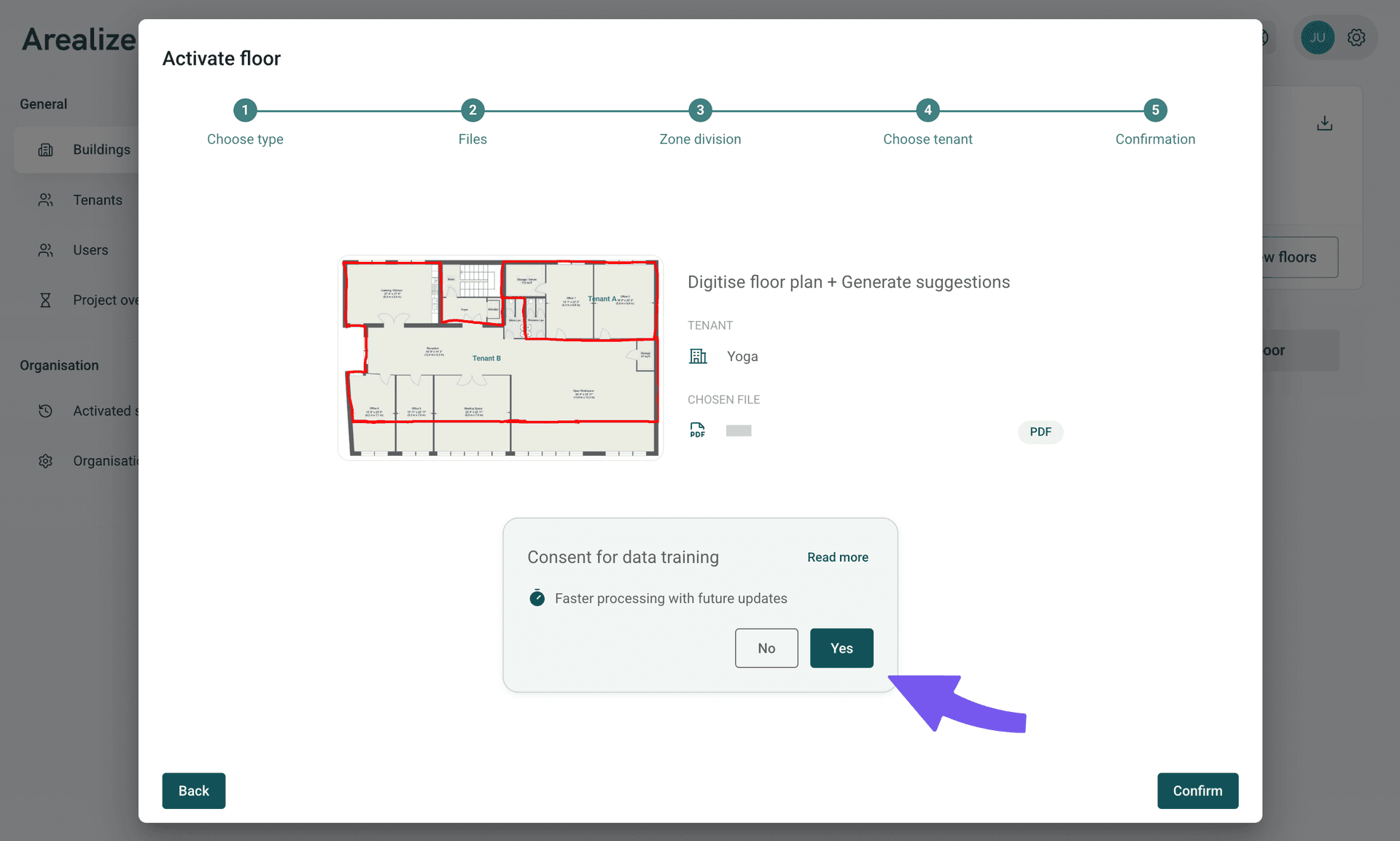
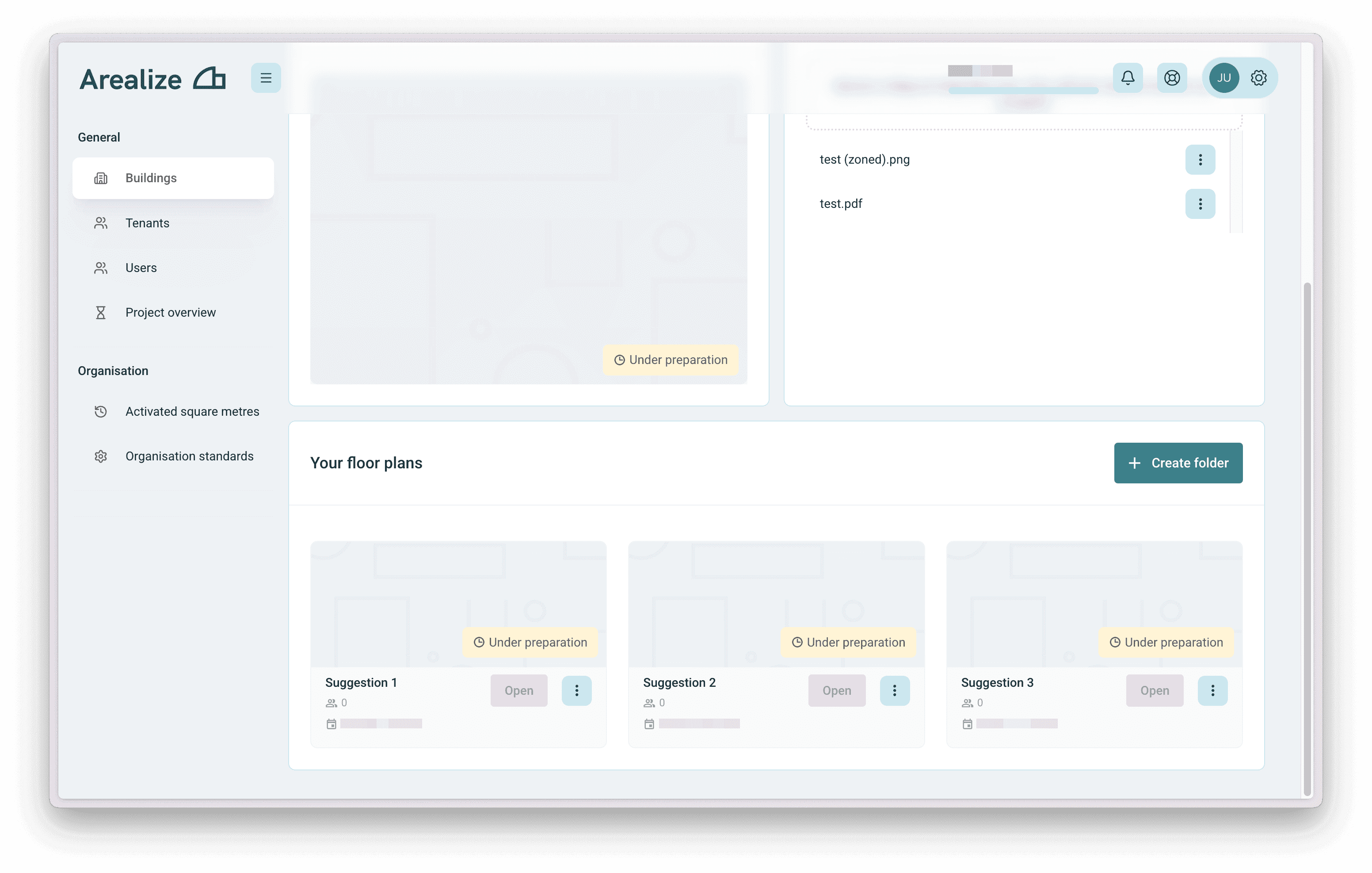
Suggestions being prepared
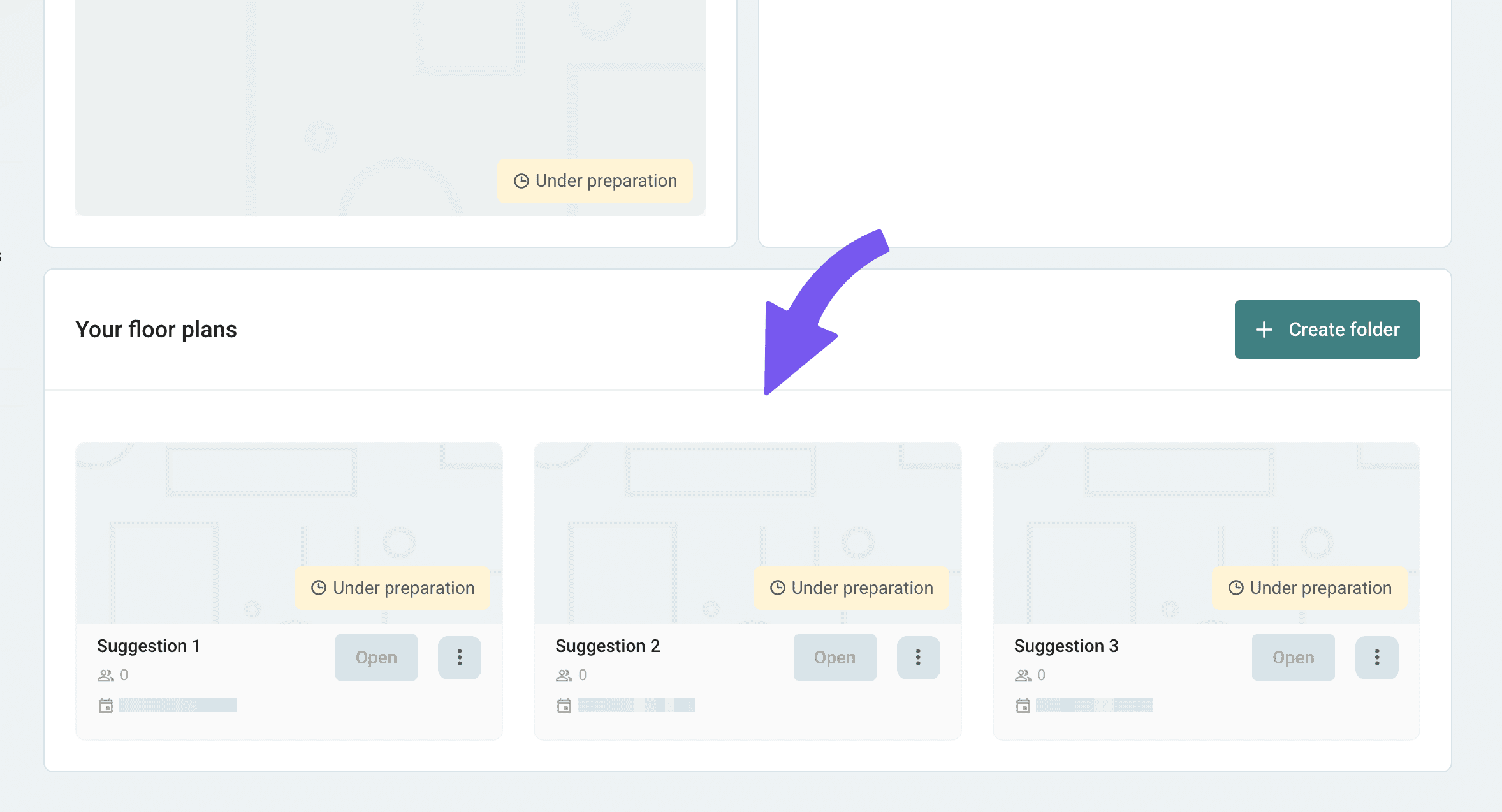
Your floor plan suggestions are now being prepared and should be ready within 24 hours.
Troubleshooting
I didn't receive any design suggestions
The suggestions will normally be ready in 24 hours, but can take up to 4 days to complete depending on complexity. You should see an indication on the building page that the floor plan suggestions are being prepared.