
Tools
Window
Insert windows in your floor plan
Steps
Select the window tool
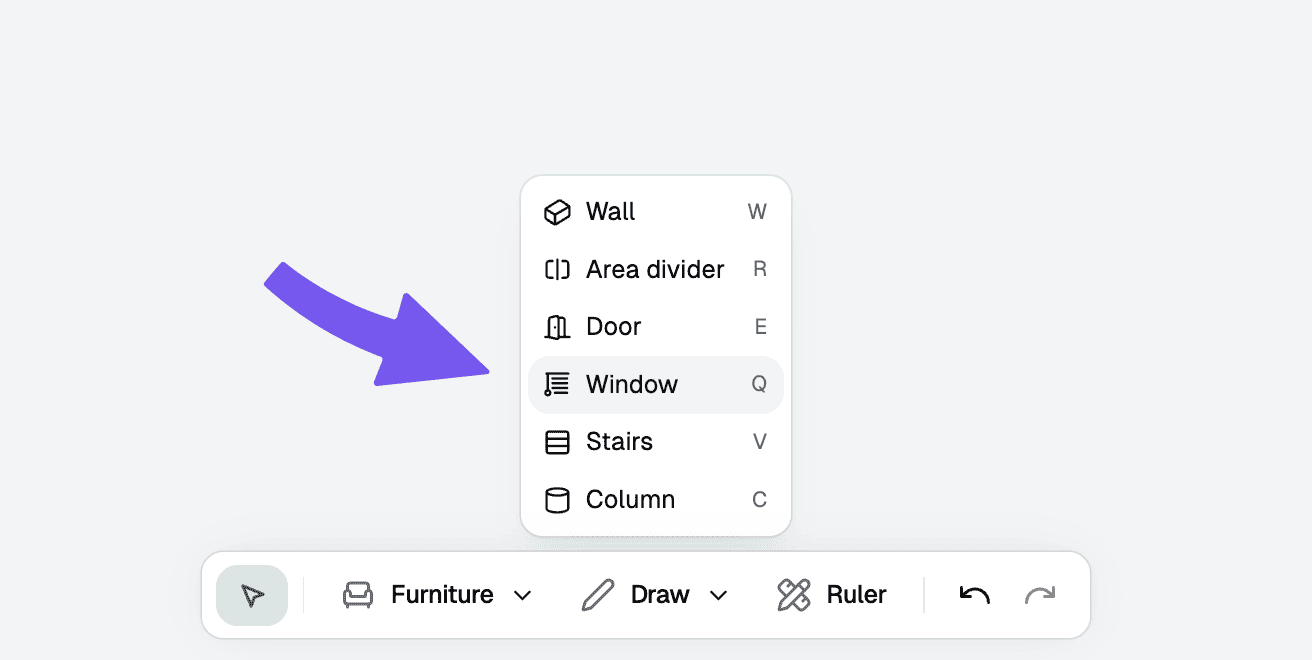
From the toolbar at the top, choose the "Window" tool. You can also use the shortcut key "Q".
Troubleshooting
How do I delete a window?
Click on a window, or hold down [Shift] and click to select multiple windows. Then press [Delete] or [Backspace] to delete them.