Areas
Furniture count
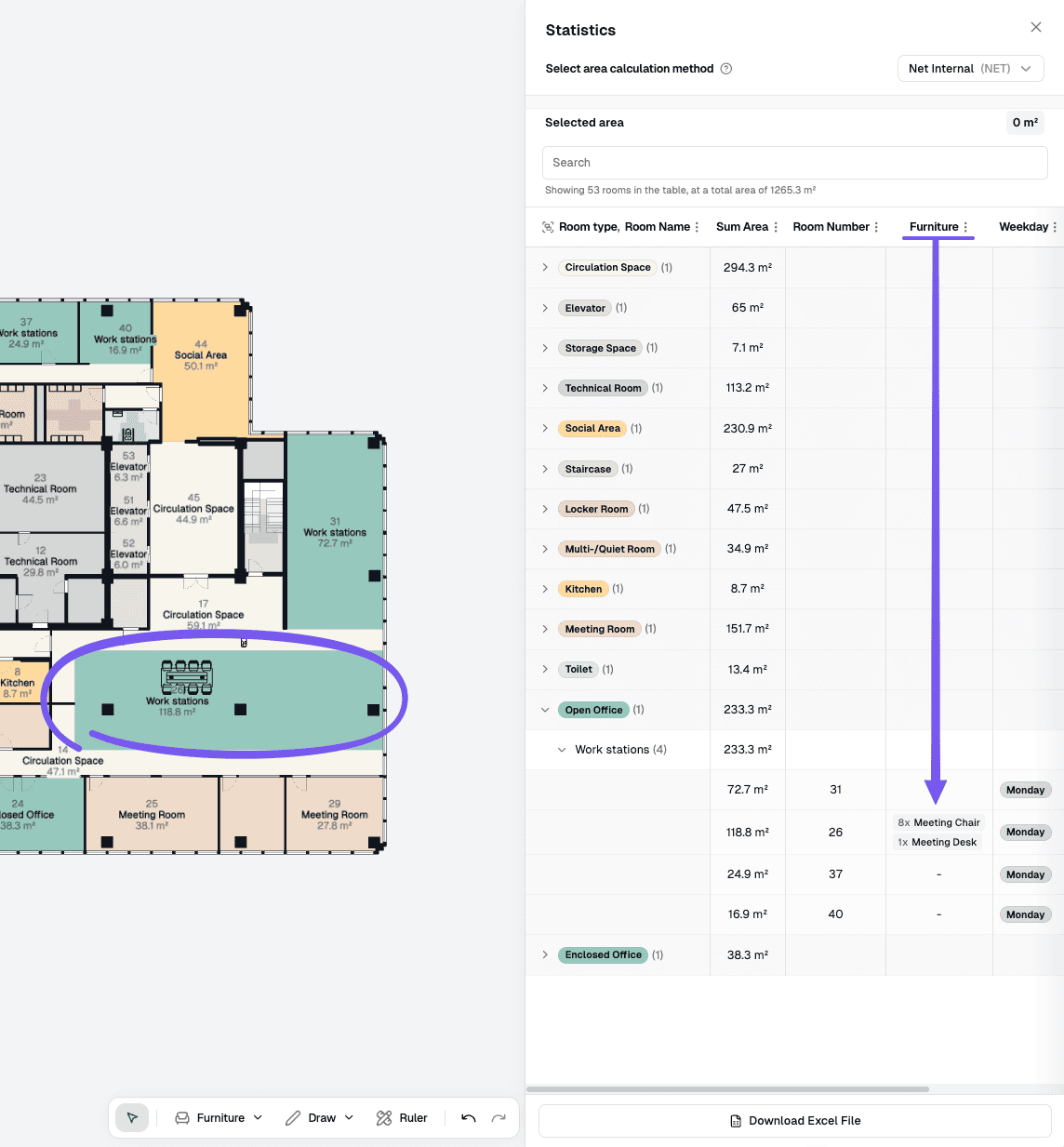
View furniture counts by room type from the statistics panel in Studio
Steps
Open the statistics panel
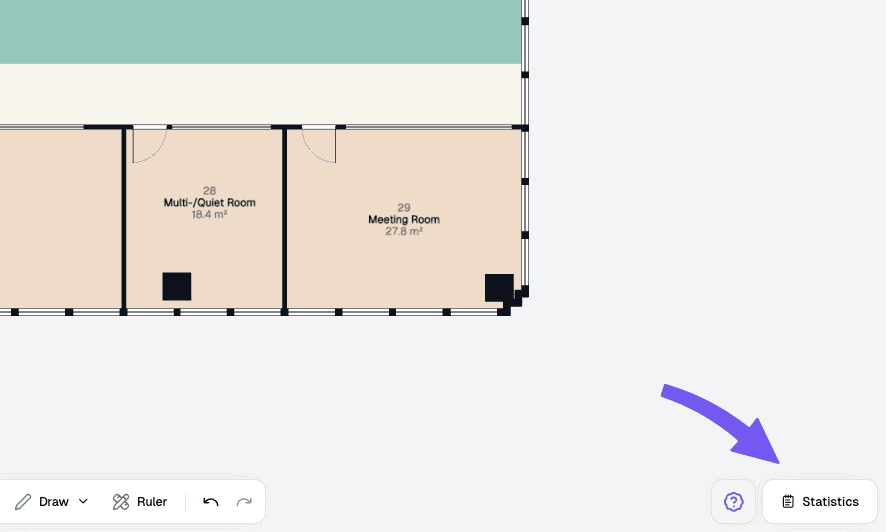
In the bottom-right corner of the screen, click Statistics to open the statistics panel. For a full walkthrough of the panel (tabs, area totals, and room lists), see Statistics.
Open the Furniture tab
In the statistics panel, switch to the Furniture tab. Every room type that has furniture in the floor plan is listed there with a count. Room types with no furniture do not appear in this list.