Areas
Statistics
Customise areas and view floor plan statistics
Steps
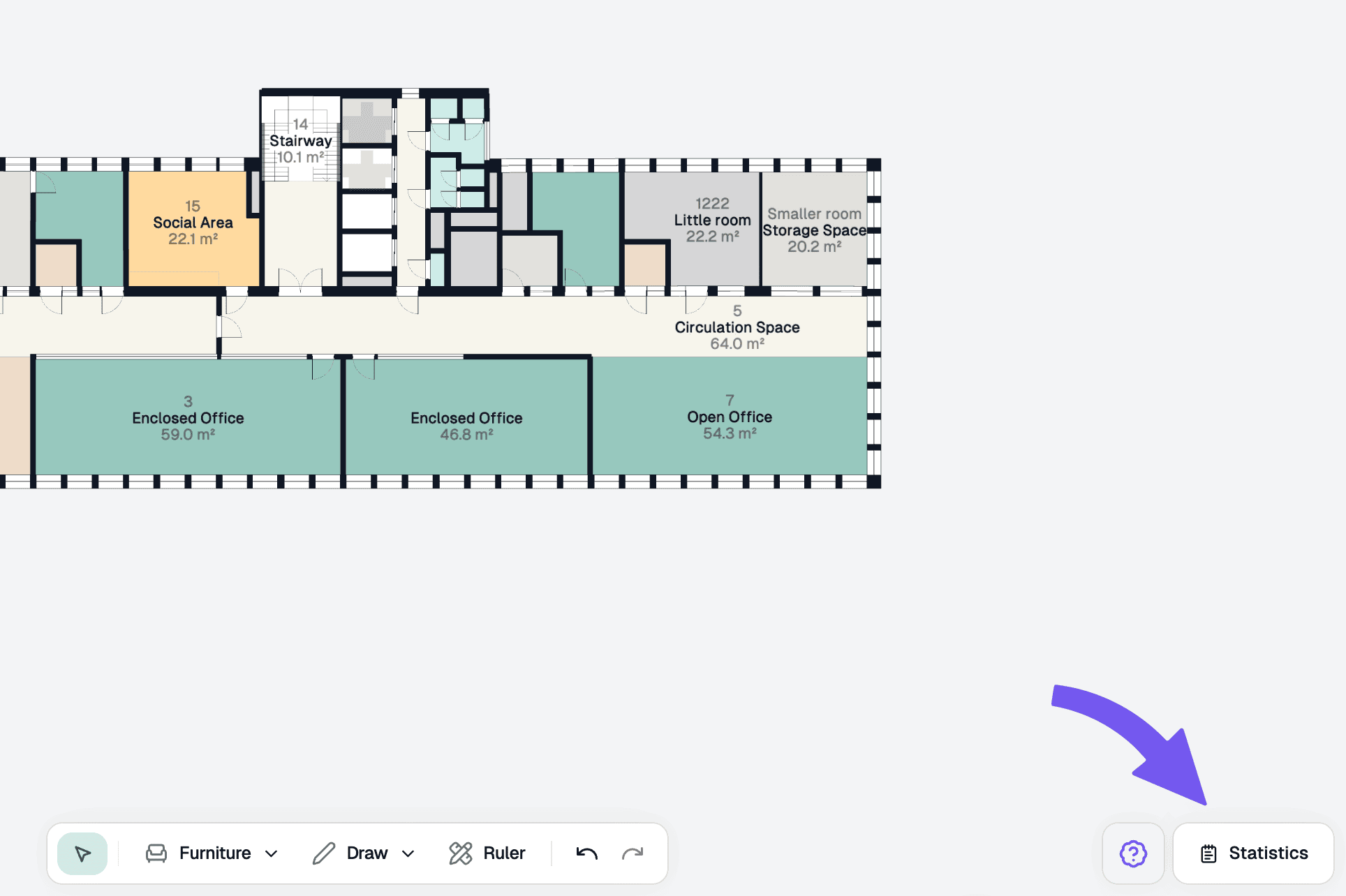
Statistics overview
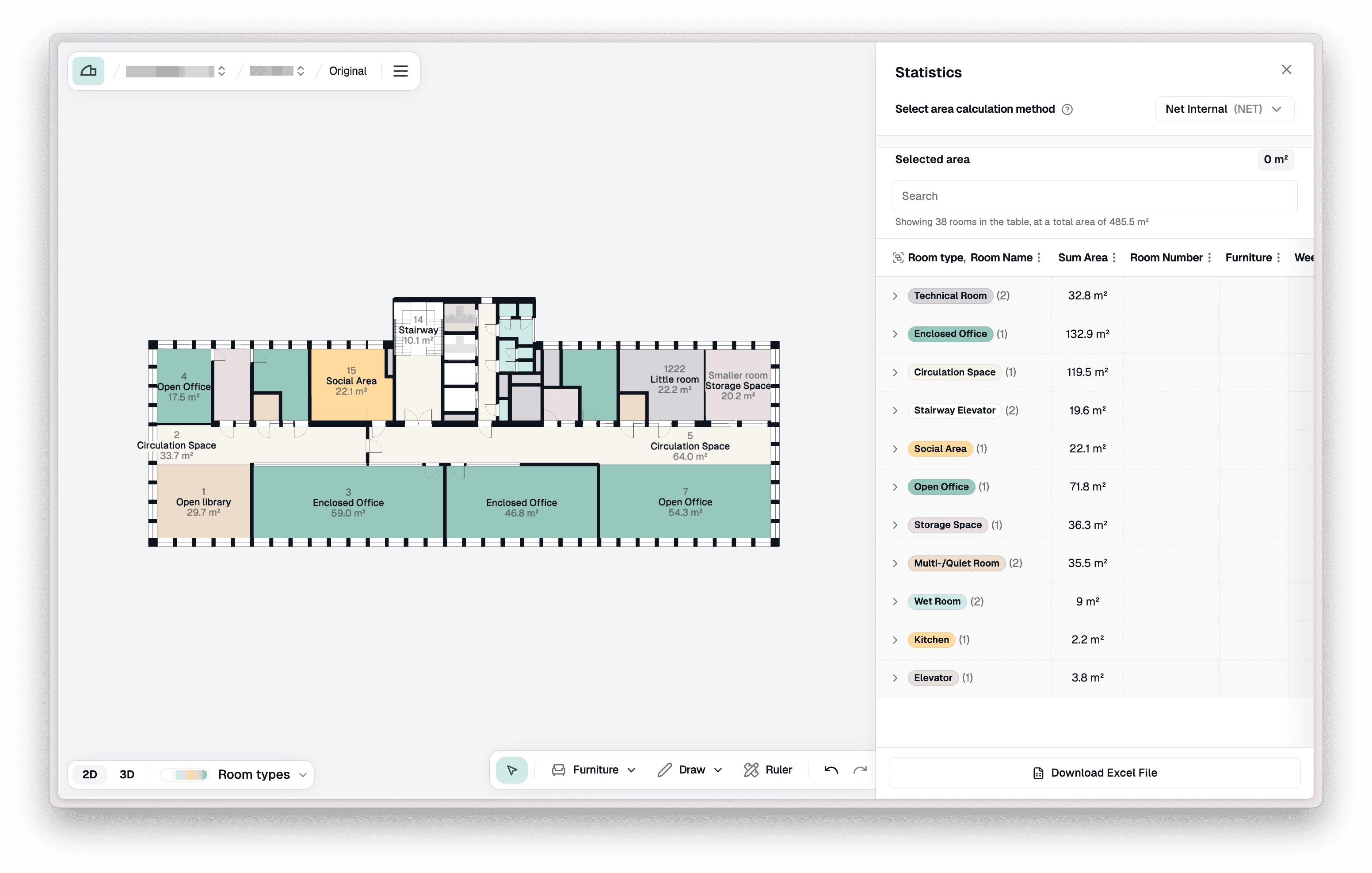
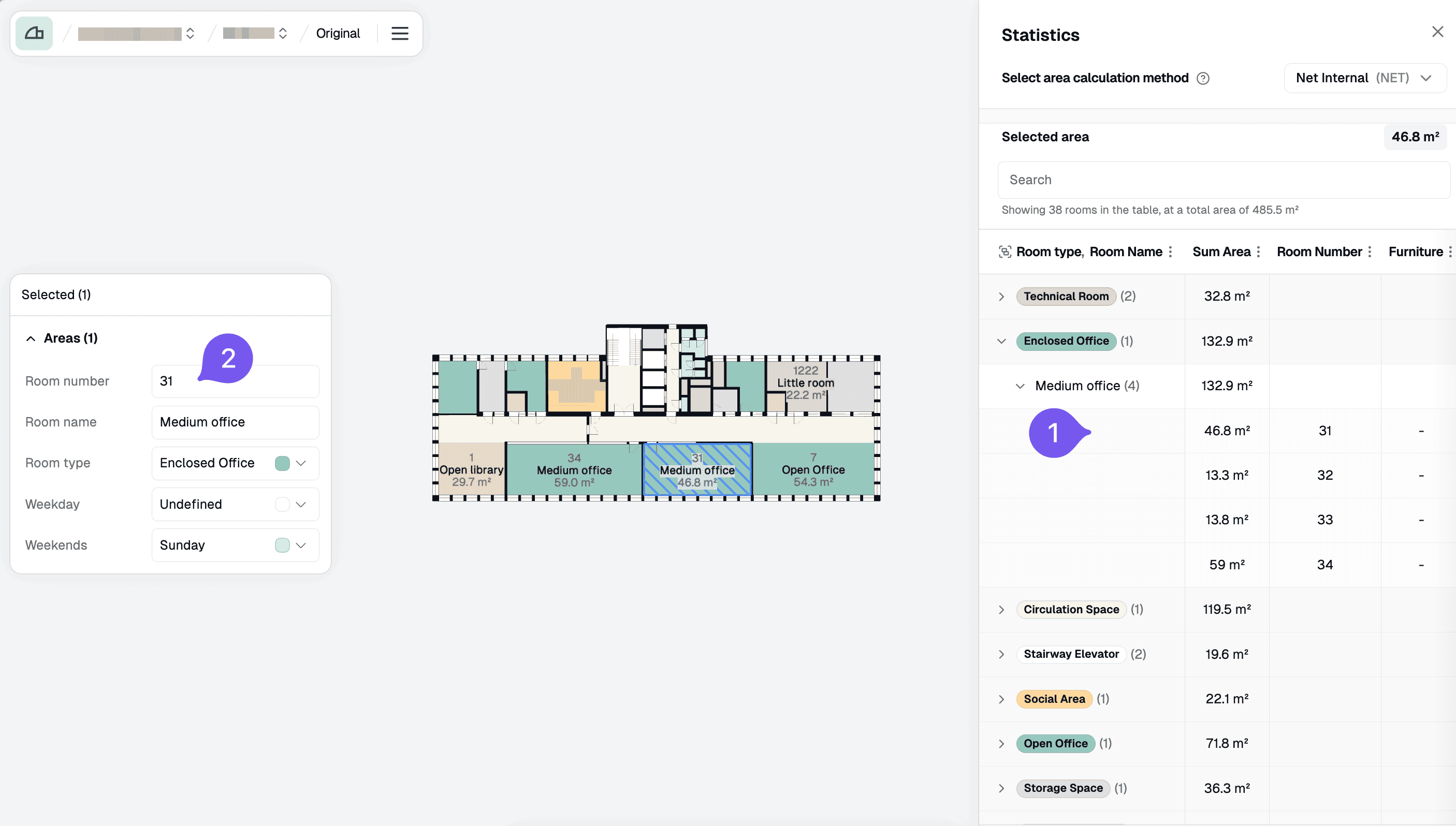
The statistics panel organises rooms by room type and displays the number of rooms and total area for each type.
Inspect areas
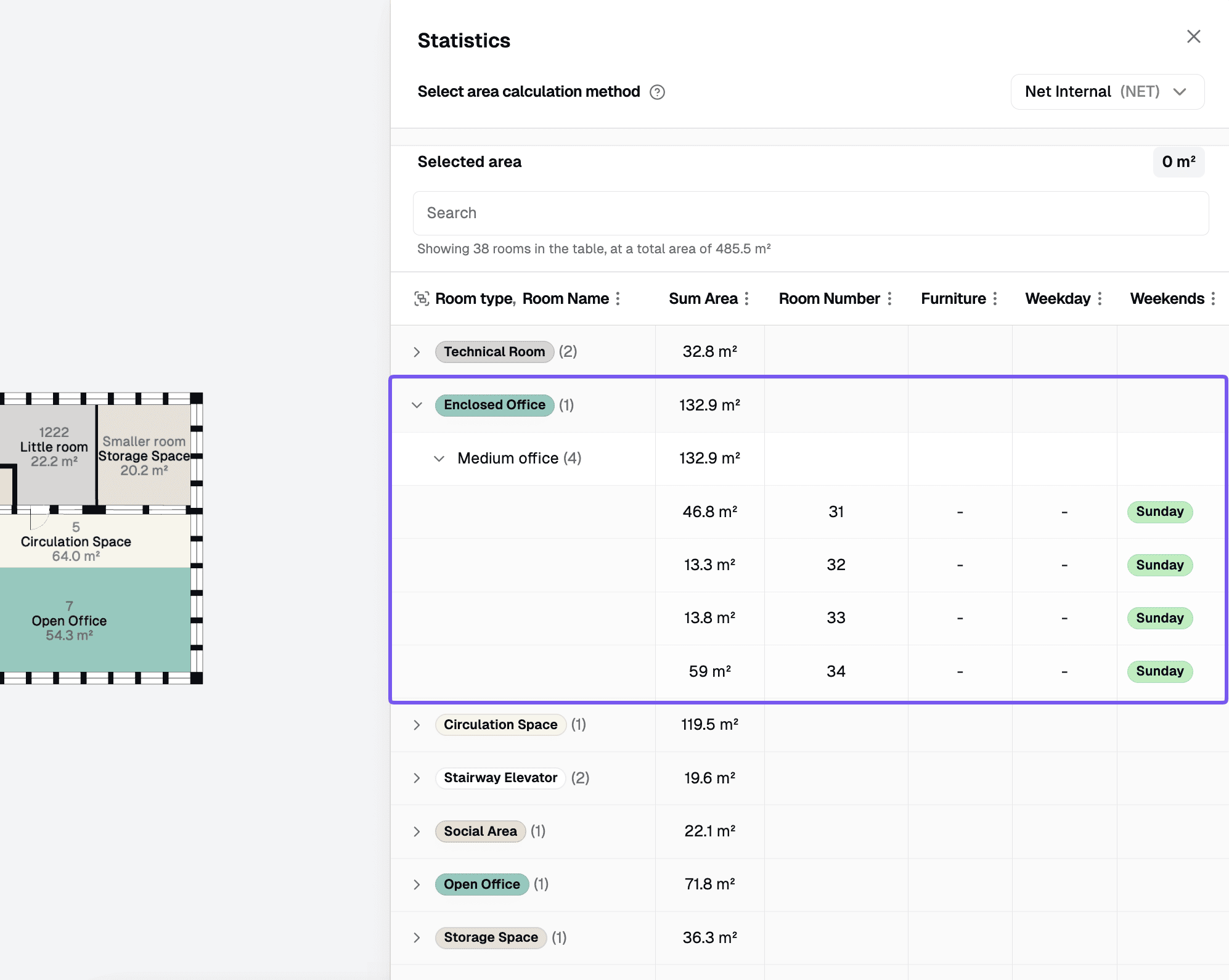
Select an area type or a specific area by clicking on a row in the statistics panel. This will open up the properties panel for your selection.
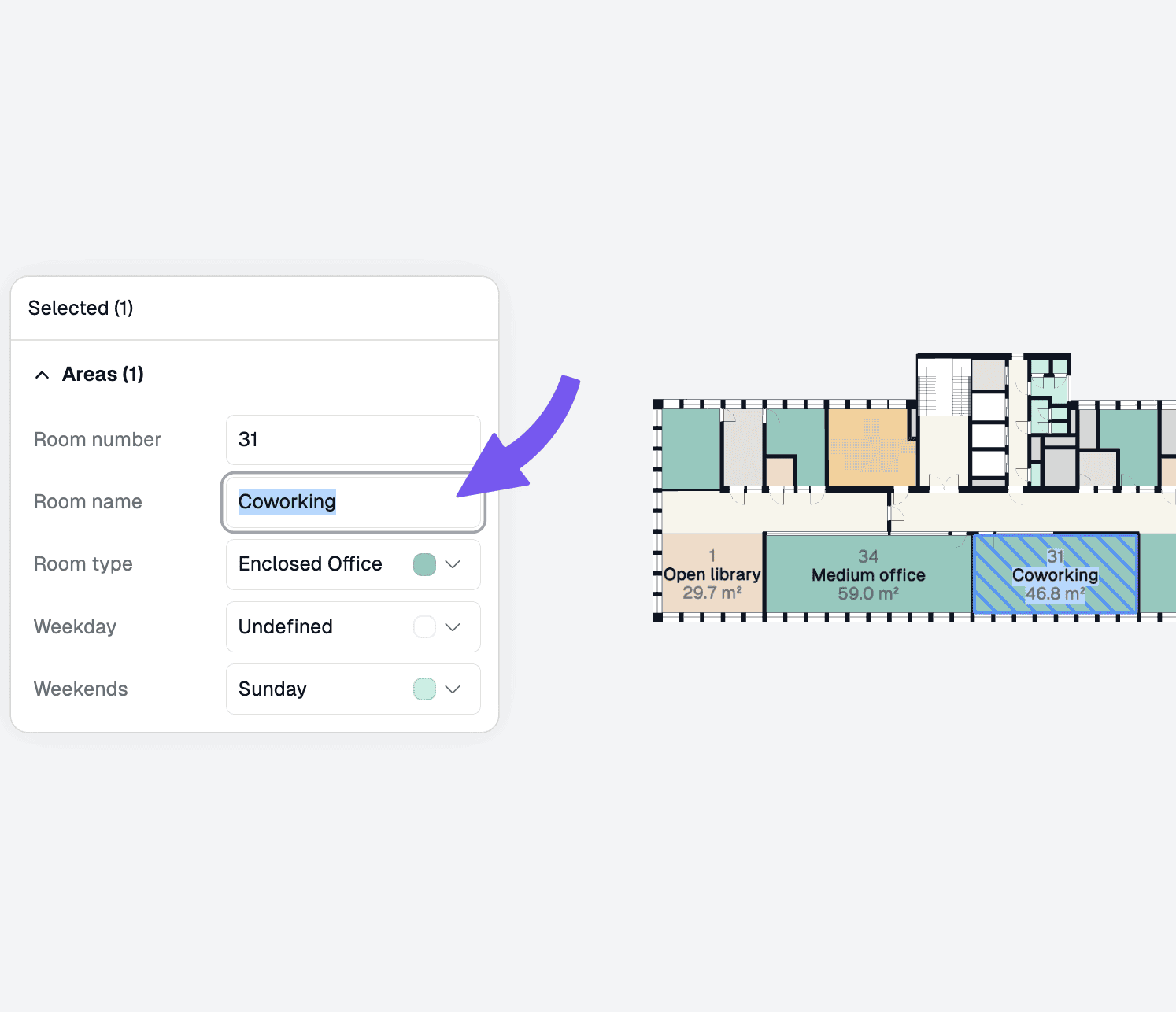
Change properties
Edit the room type, name, area type, and more. Your changes will be saved automatically.