Settings
Create tags
How to create tags in Arealize Dashboard
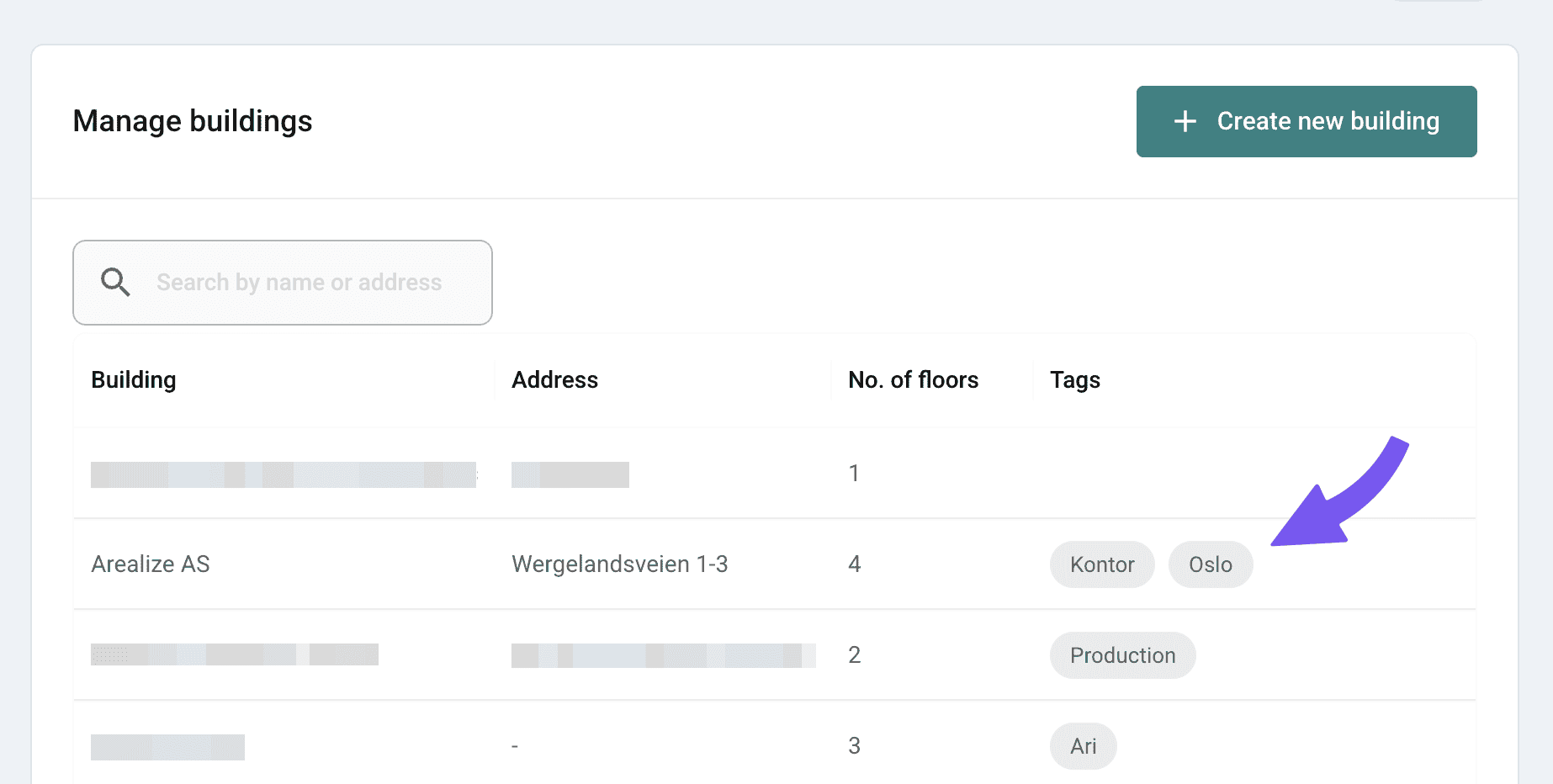
Tags help you organise your buildings. They can be reused on multiple buildings and used to group buildings by responsible person ('Ada'), location ('Bergen'), or other criteria. You decide what the tags should be called.
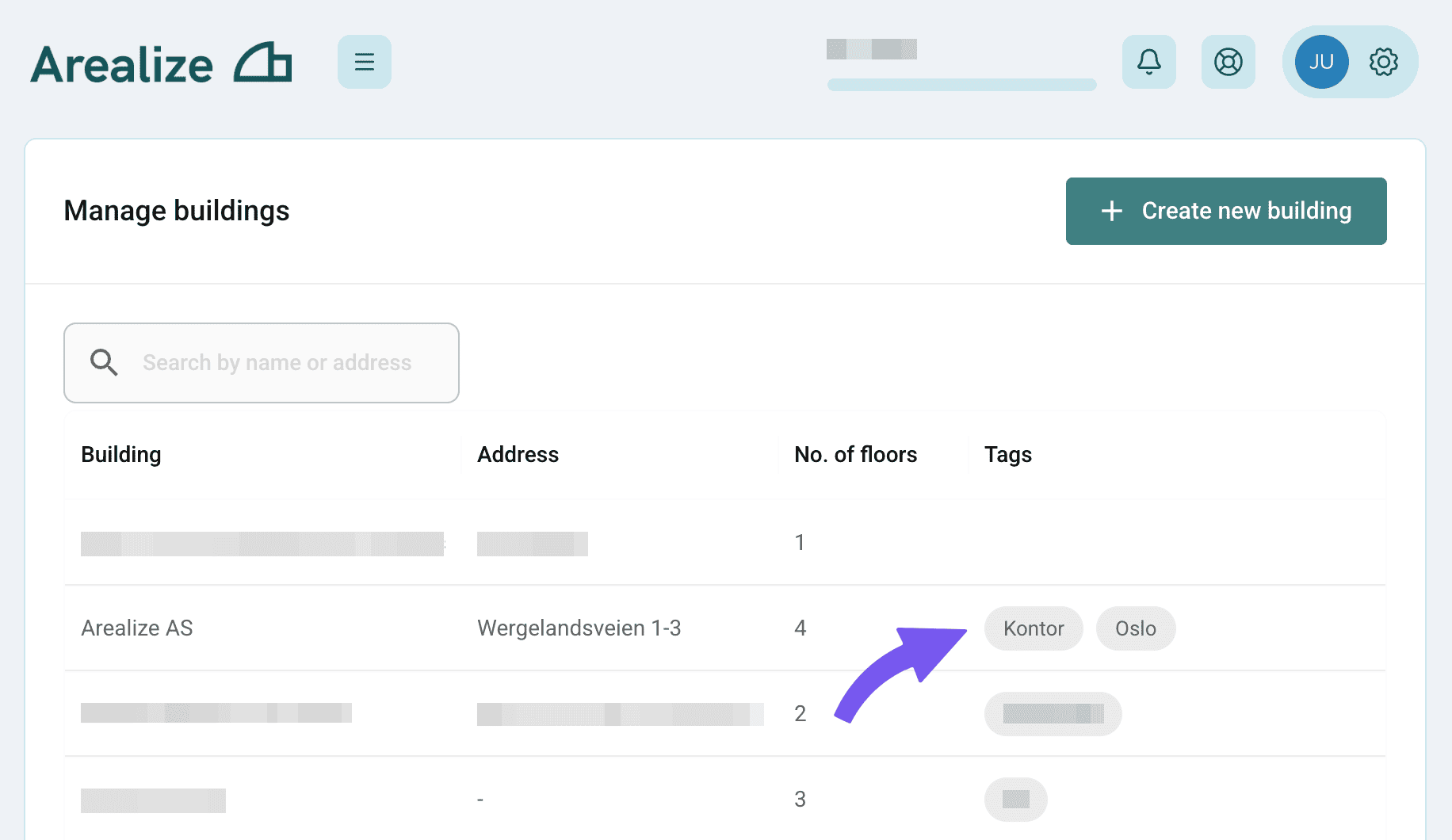
Steps
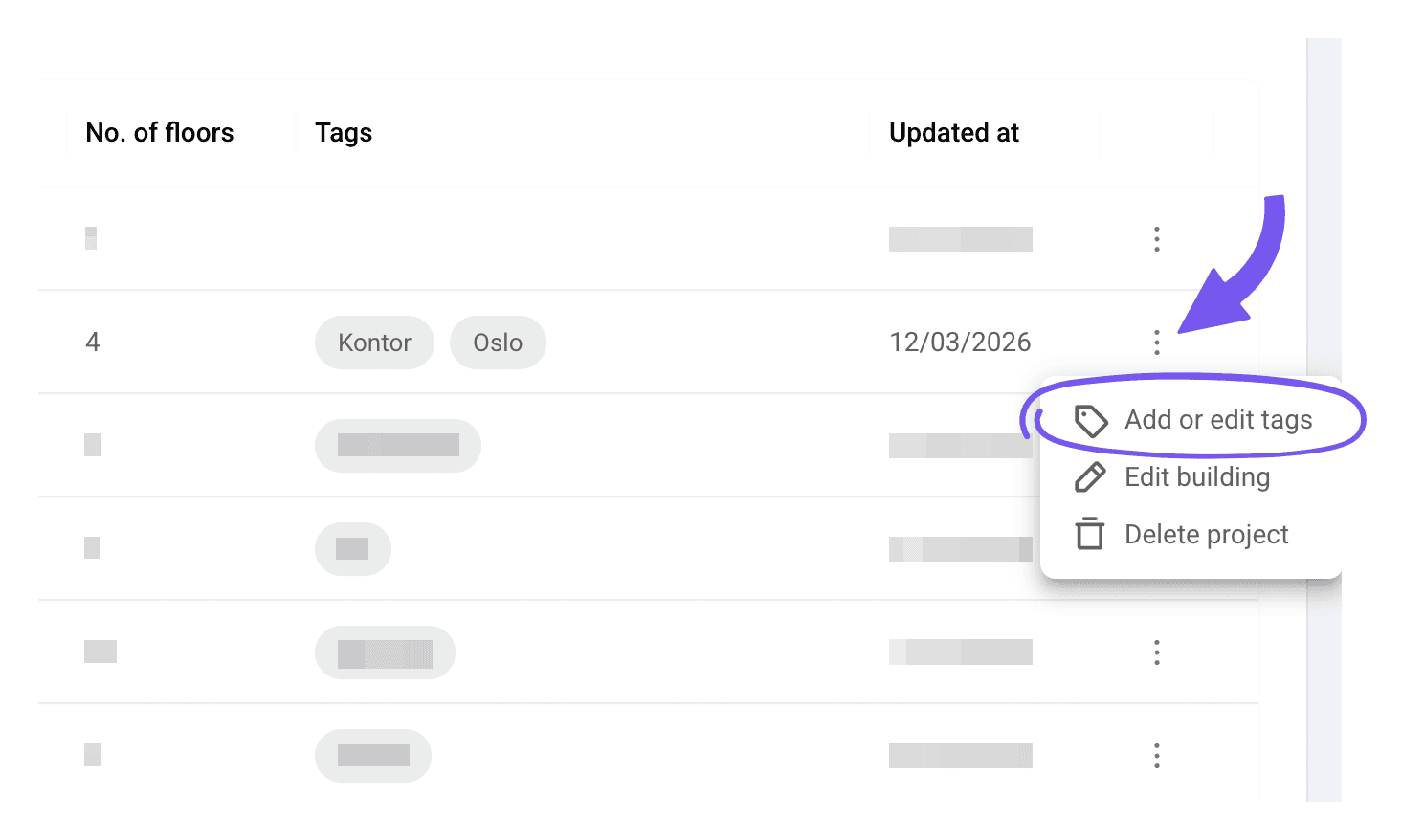
Manage tags
Select one or more tags from the list, or add a new one. Click outside the menu to confirm the changes.
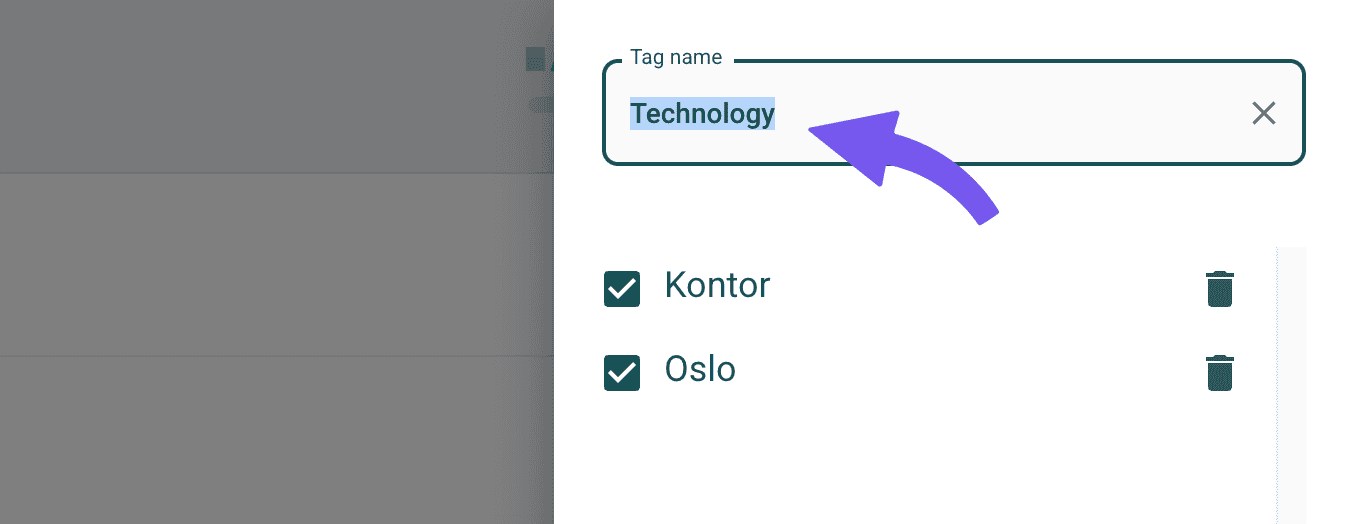
Selected tags will be displayed in the list of buildings.