
Set the scale
Make every measurement on the plan correct
Scale your floor plan
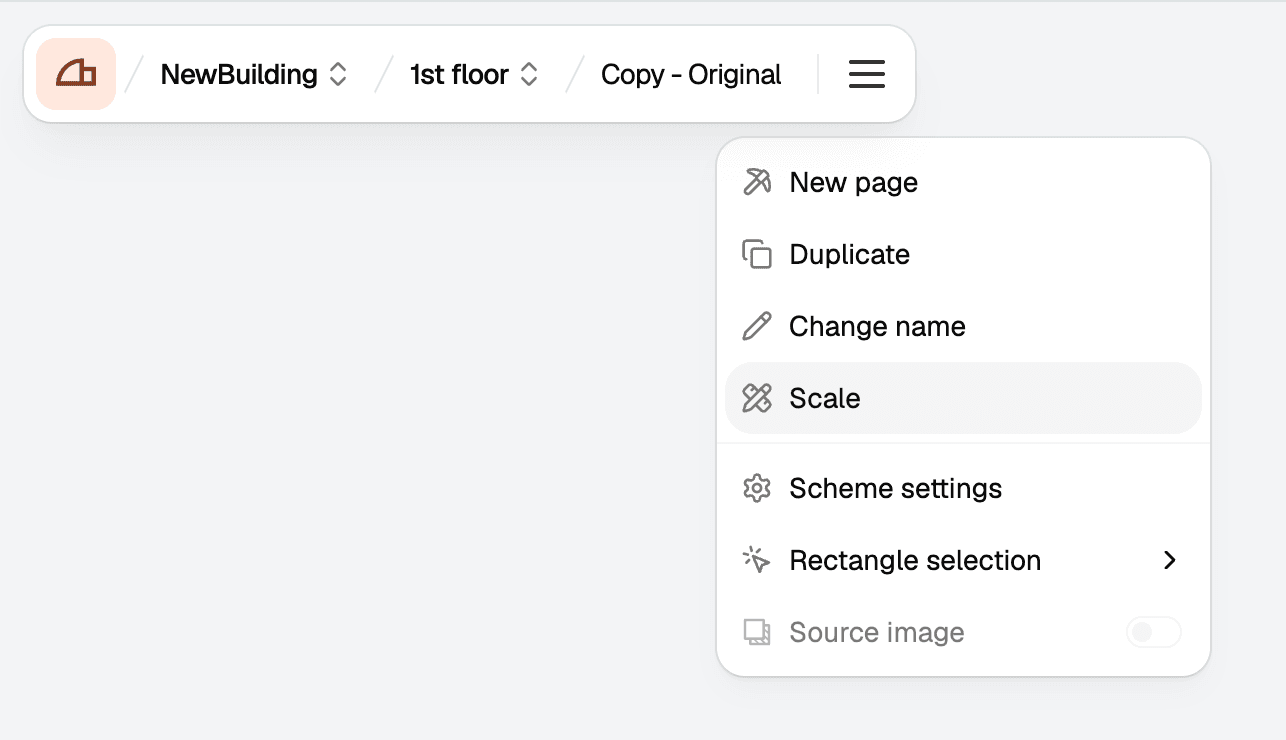
Choose scaling method
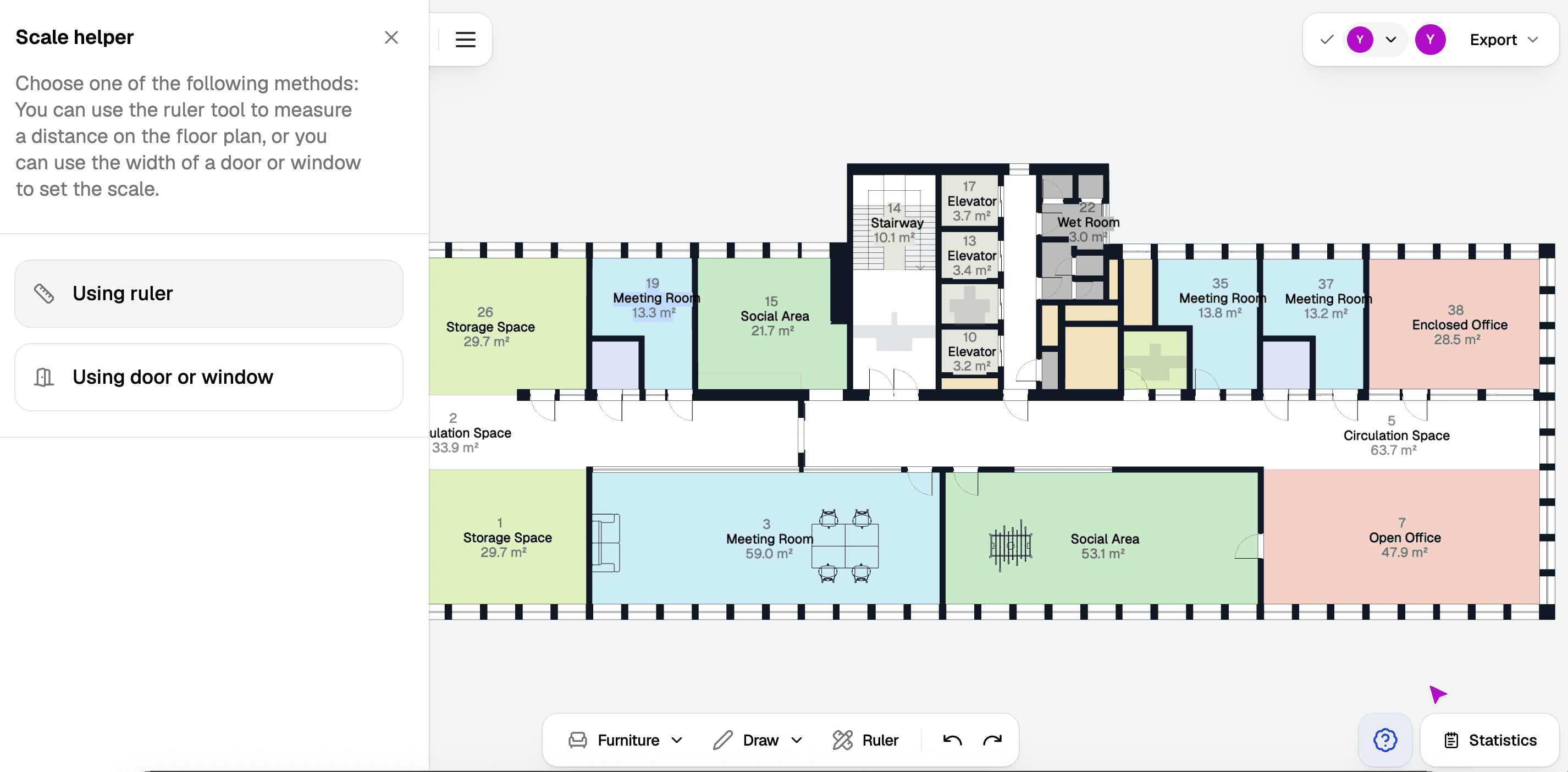
You'll be presented with two options: Using ruler and Using door or window. The recommended method is using a ruler to define a specific length for scaling.
Measure distance
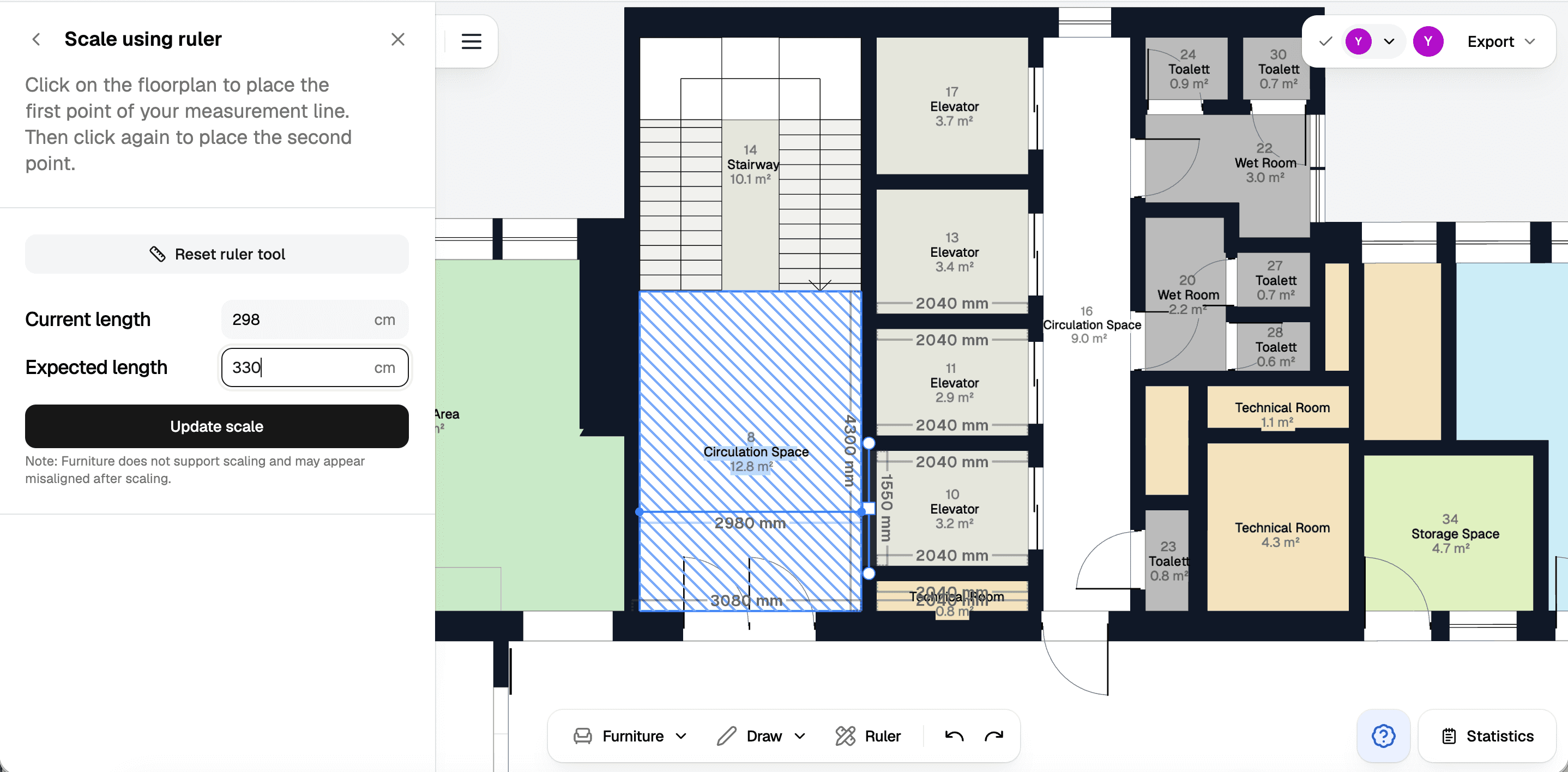
Click once to start the ruler, and again to end the ruler, measuring the distance.
Press Ctrl to enable/disable automatic snapping.
Update scale
Input the correct length in centimetres and click Update scale to scale the floor to match the new measurement.
Furniture does not scale
Furniture is not scaled with the rest of the plan and may appear misaligned after you update the scale.