Arealize

Statistics

Customise areas and view floor plan statistics
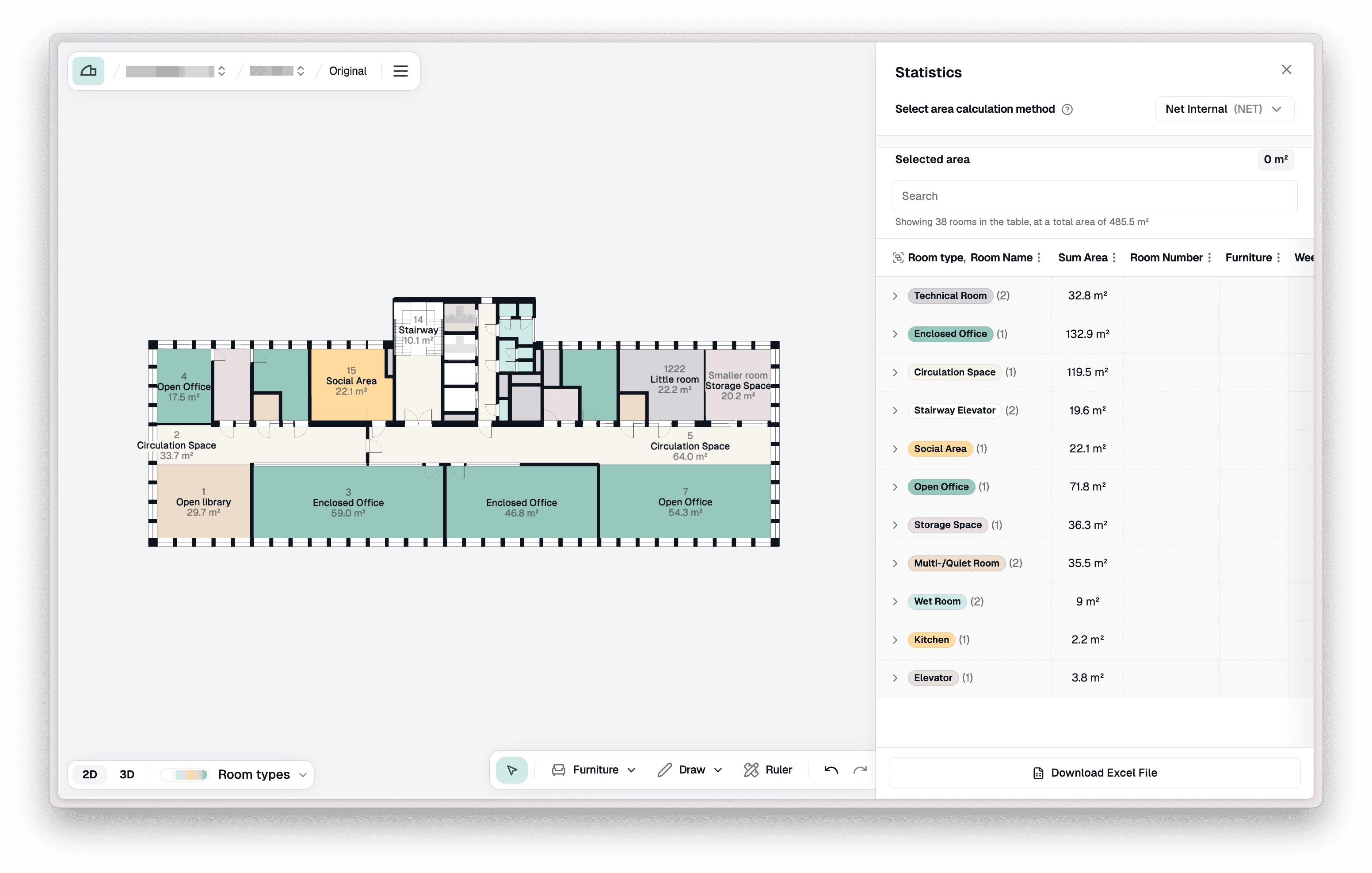
The Statistics panel open beside the plan, listing every room type with its area

Steps

Open statistics panel

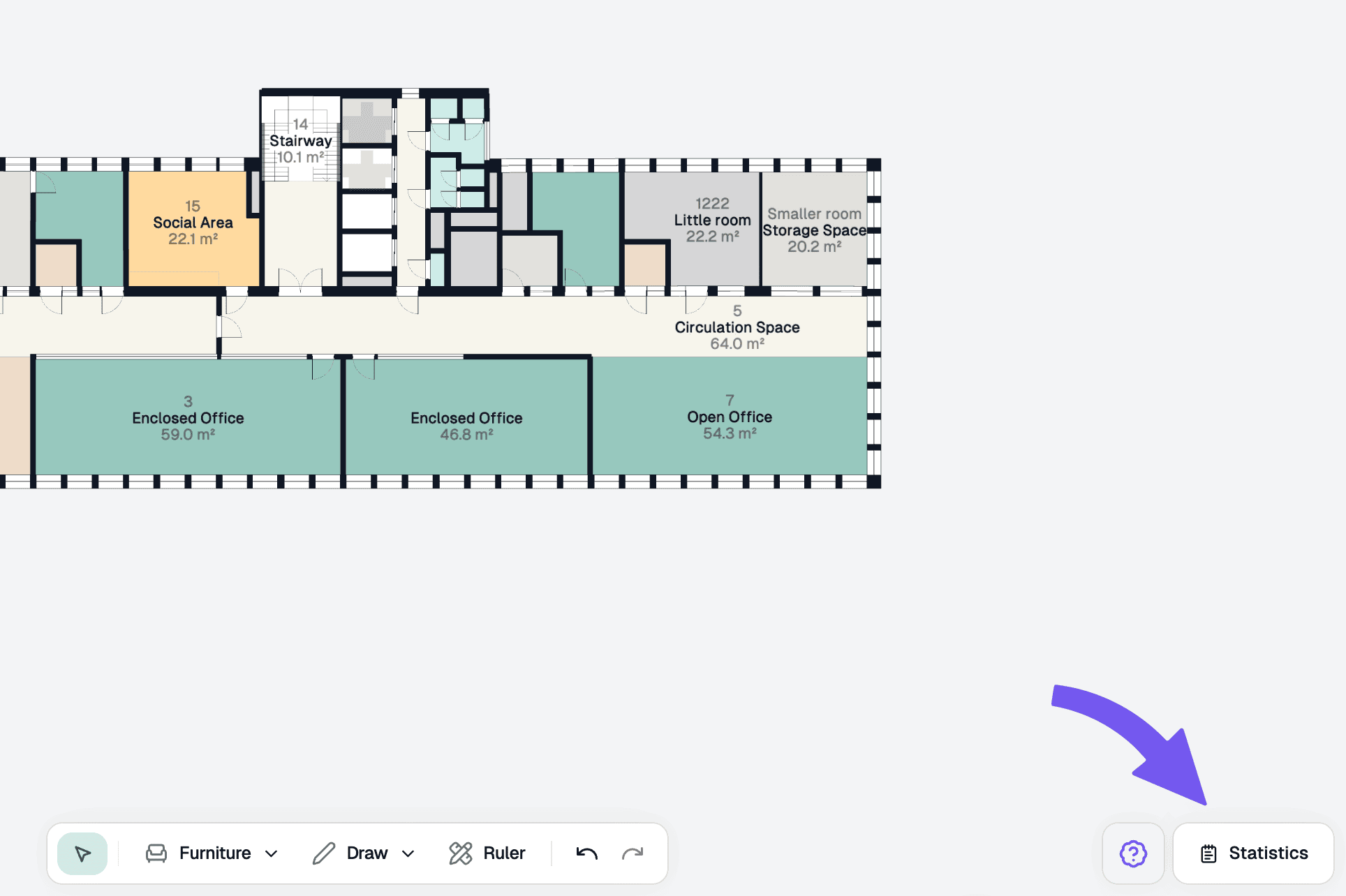
At the bottom right of Studio, open the Statistics tab.

The Statistics button at the bottom right of Studio, highlighted

Statistics overview

The statistics panel organises rooms by room type and displays the number of rooms and total area for each type.
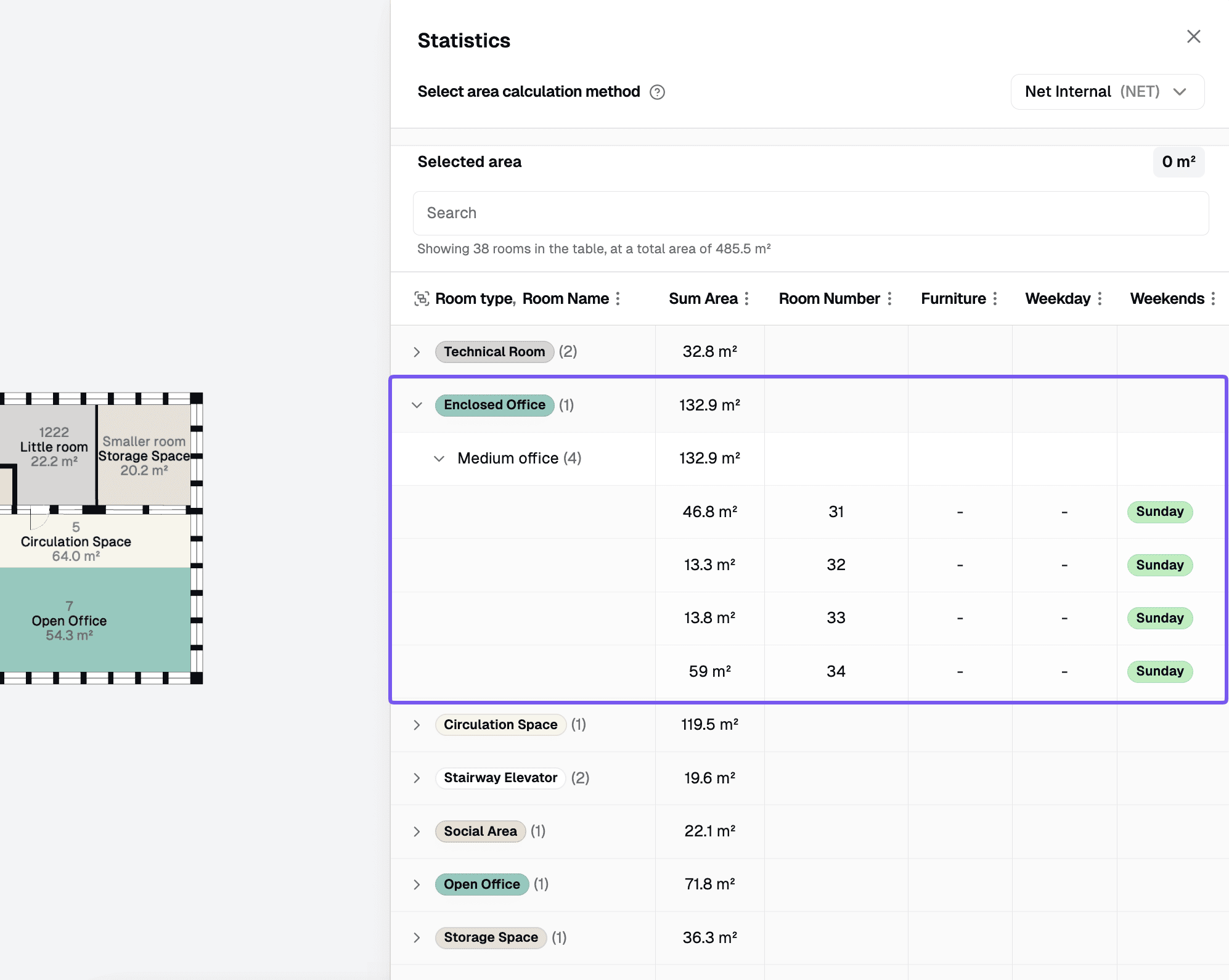
The Statistics table grouped by room type, with columns for area, room number, furniture, and schemes

Inspect areas

Select a room type or a specific area by clicking on a row in the statistics panel. This will open up the properties panel for your selection.
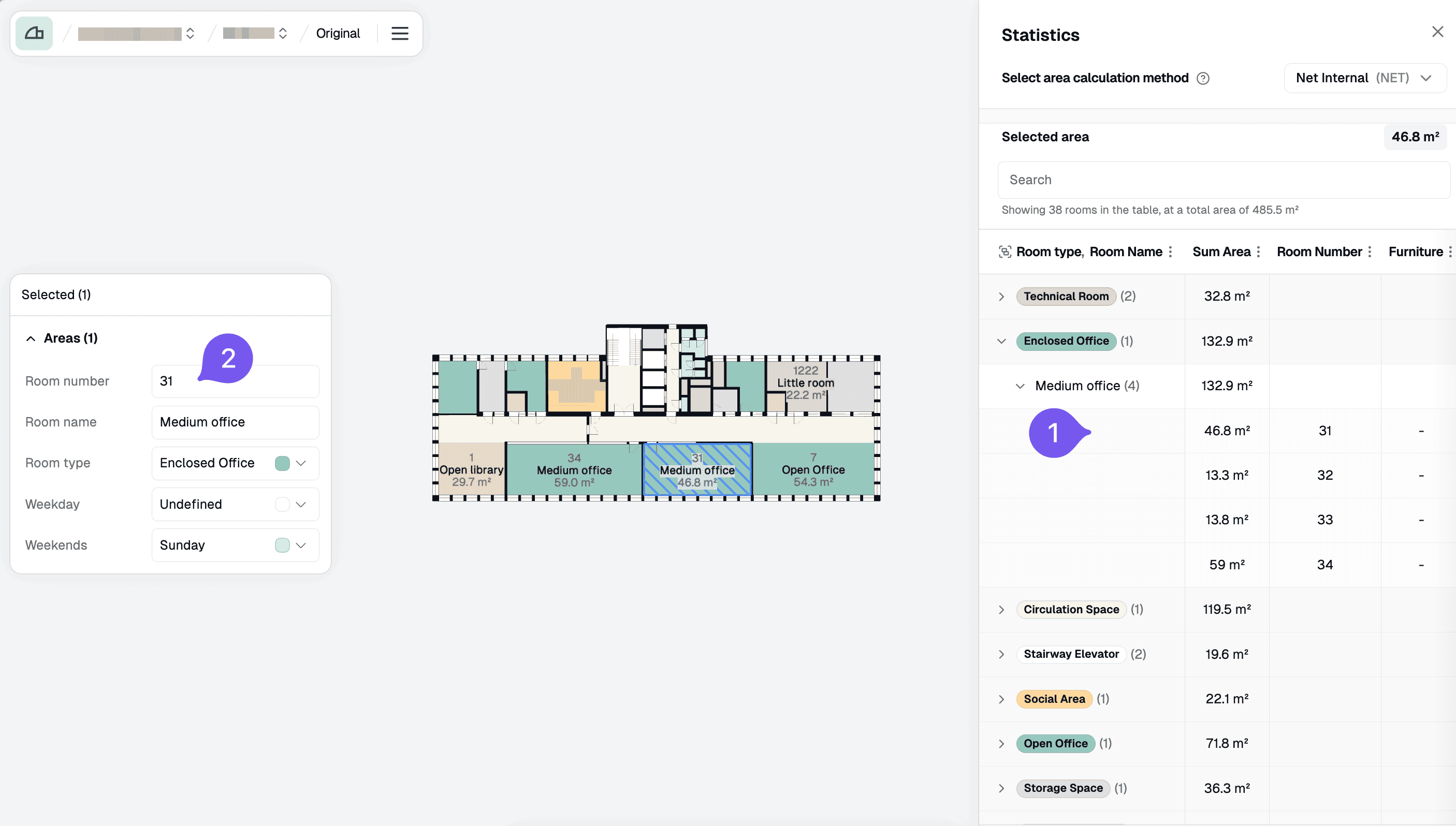
The 27-GEN row highlighted in the Statistics table, with that area selected on the plan and its properties panel open

Change properties

Edit the room type, room name, scheme values, and more. Your changes will be saved automatically.
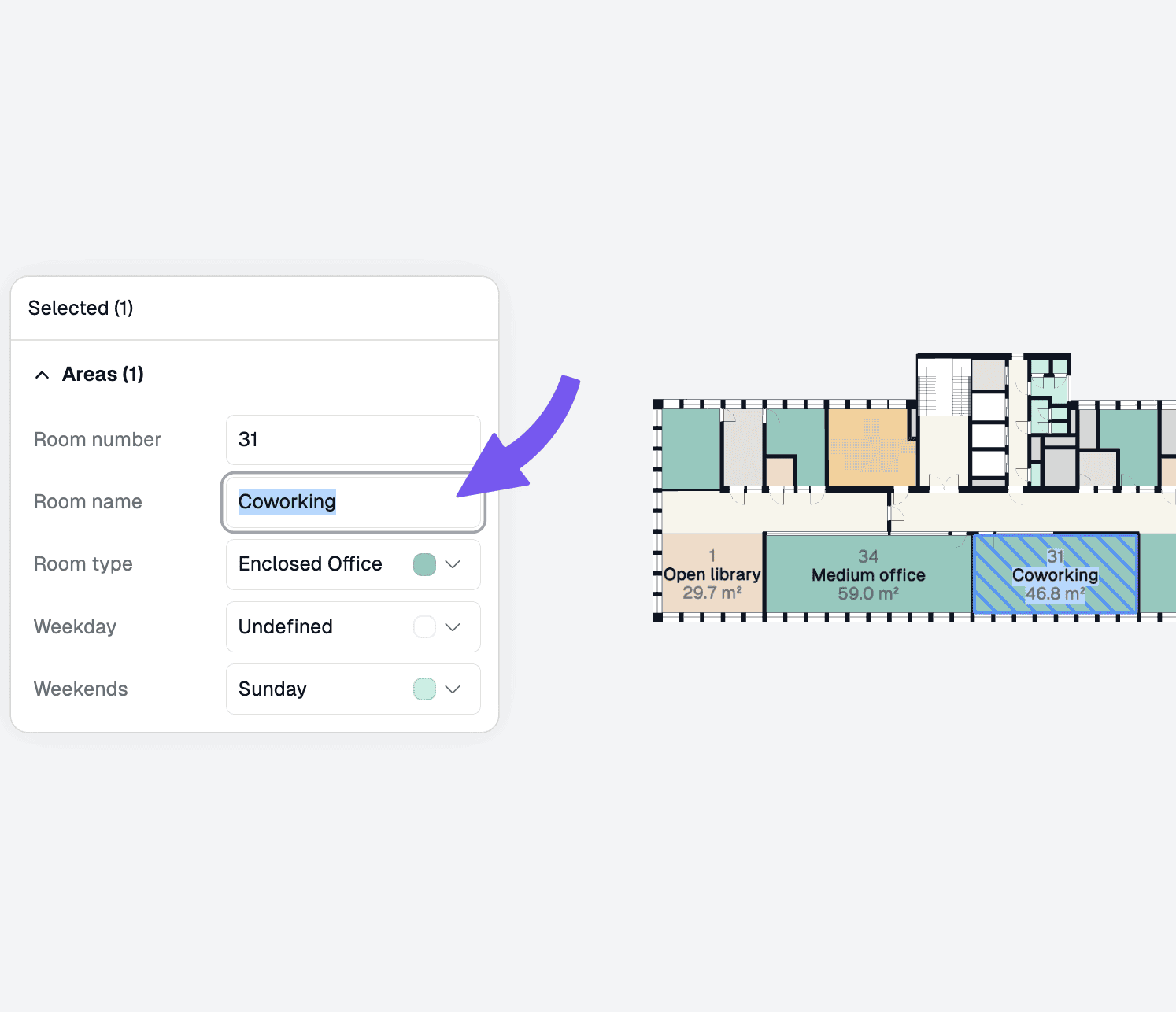
Editing the room name of the selected area to Co-working in the properties panel

On this page