
Schemes and publishing
Classify the same areas more than one way, and publish changes to your organisation
A scheme is a second way of classifying the same areas, layered over room types. Where room type answers what is this space, a scheme answers a question specific to how you work — which tenant occupies it, what the floor is made of, how often it is cleaned.
Each scheme holds a list of items, and every area can carry one item per scheme. That is what lets one floor plan be exported as a zone map, a flooring map, or a cleaning map without ever redrawing it.
Schemes live under Settings → Organisation → Schemes.
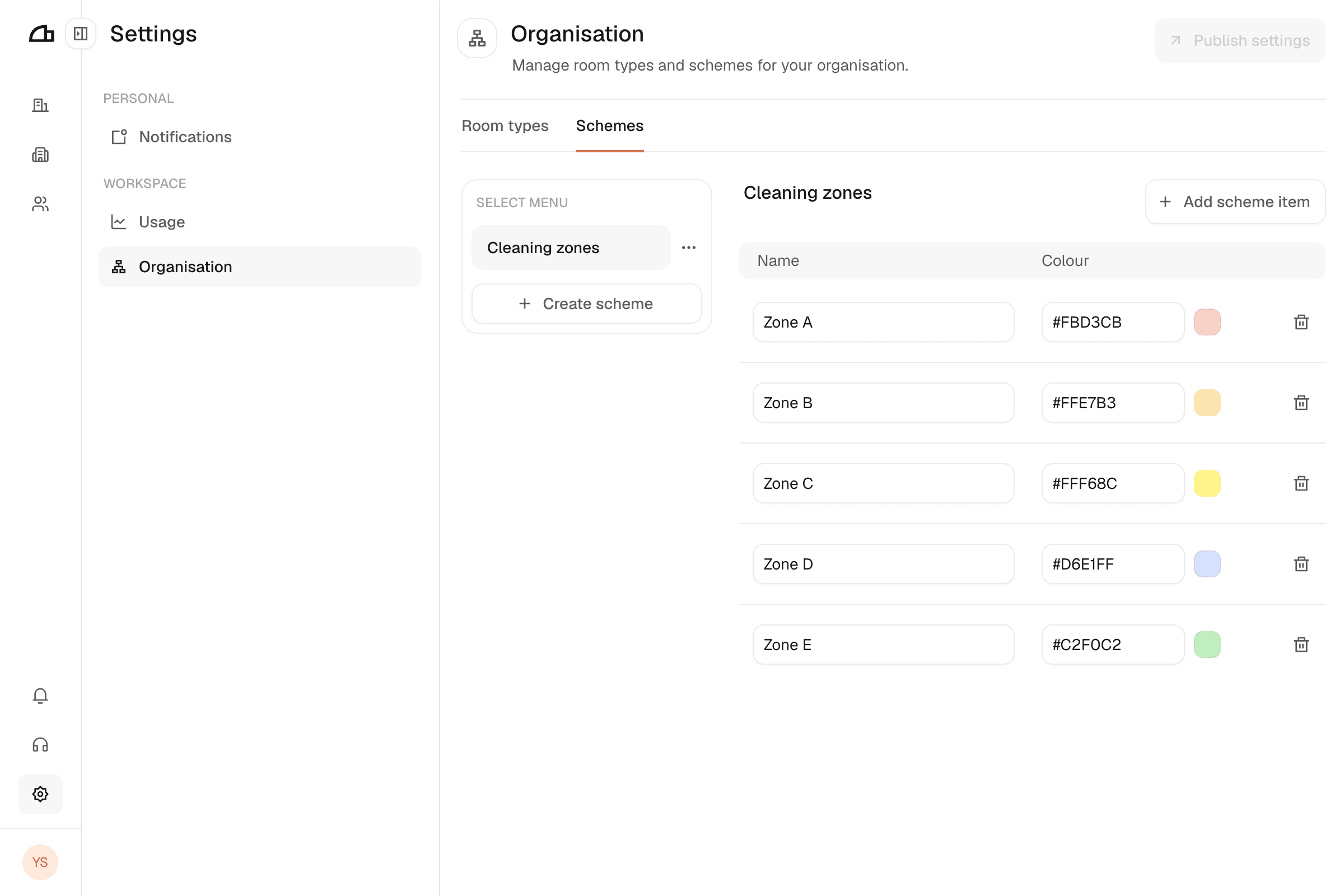
Create a scheme
Create the scheme
If you don't have any schemes yet, click Create scheme in the empty state. This creates one immediately with a default name.
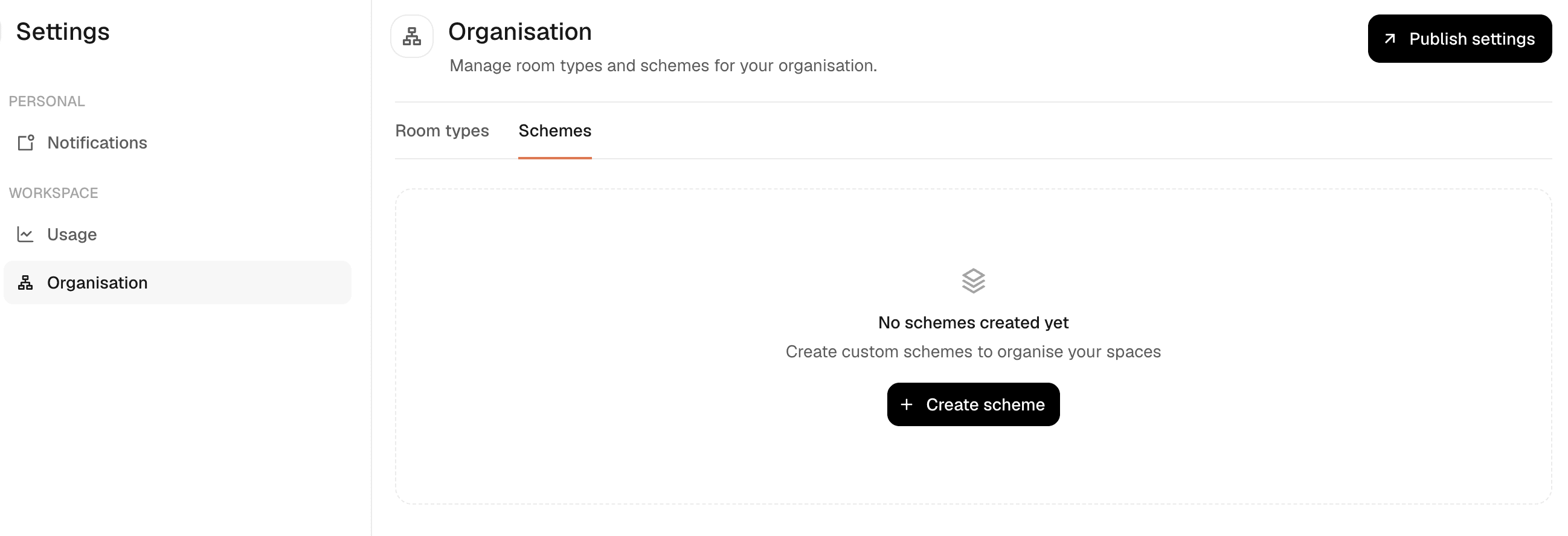
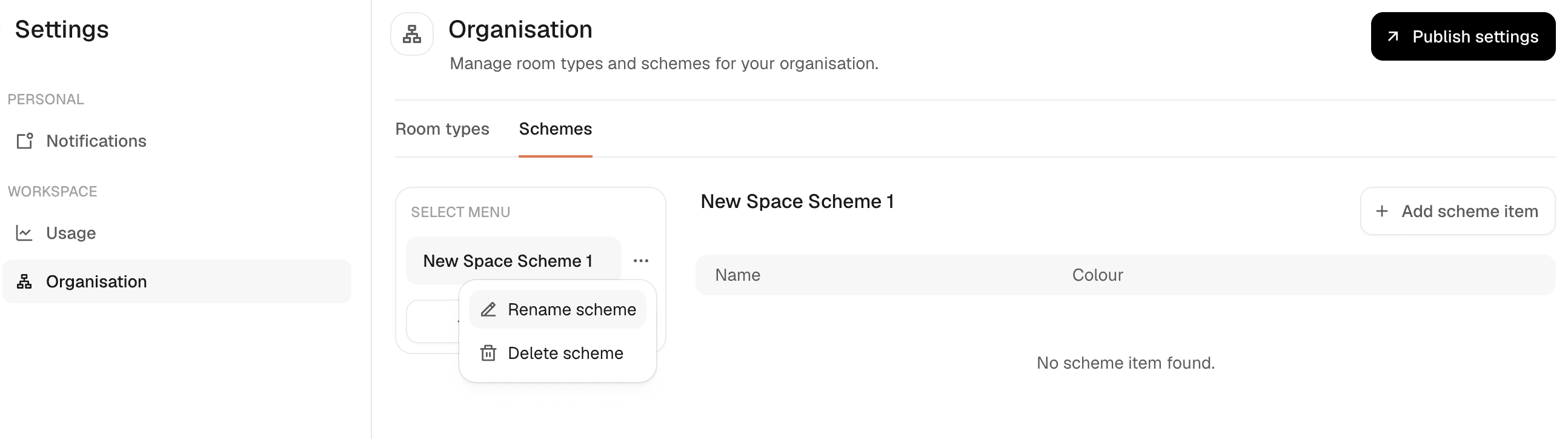
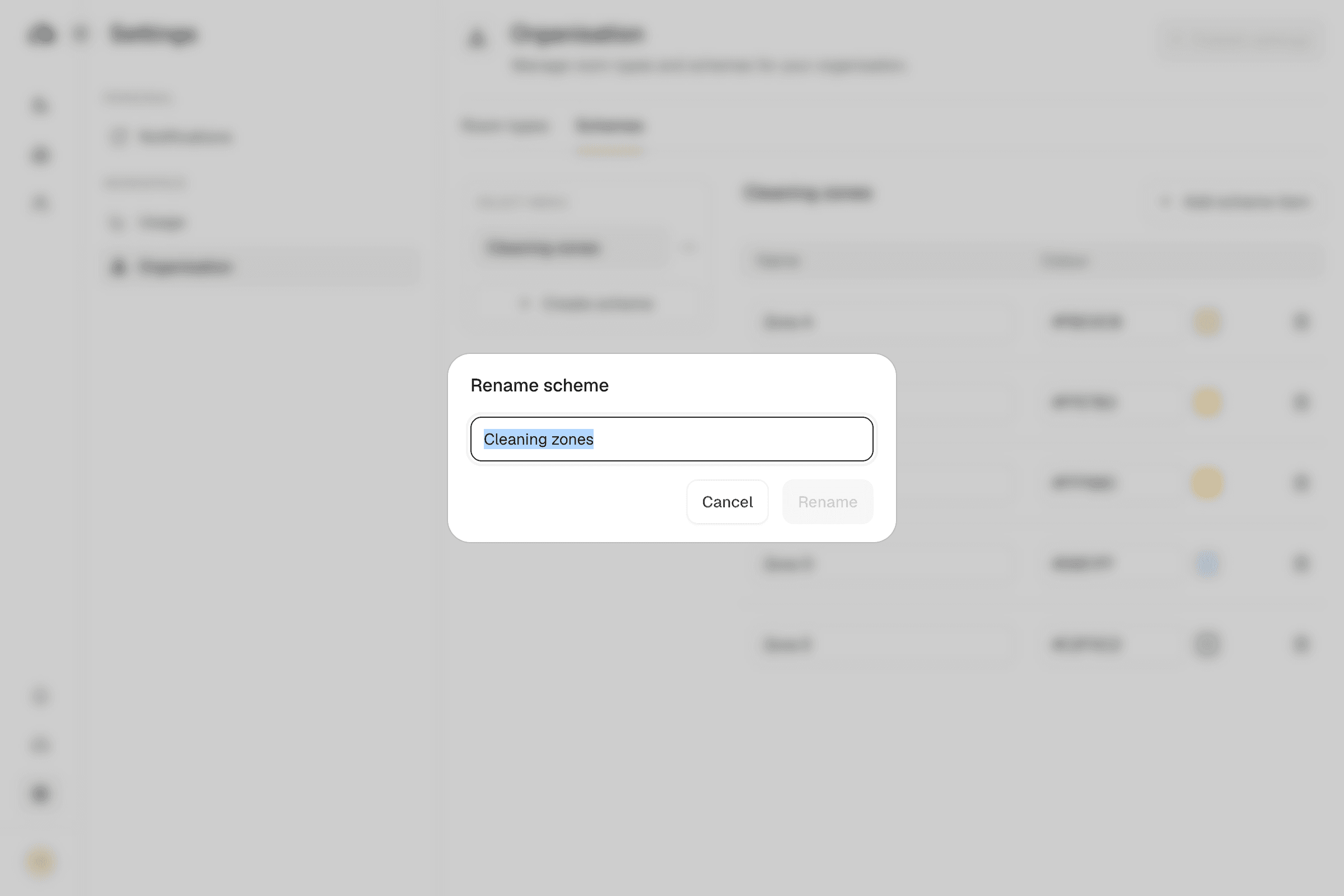
Add items
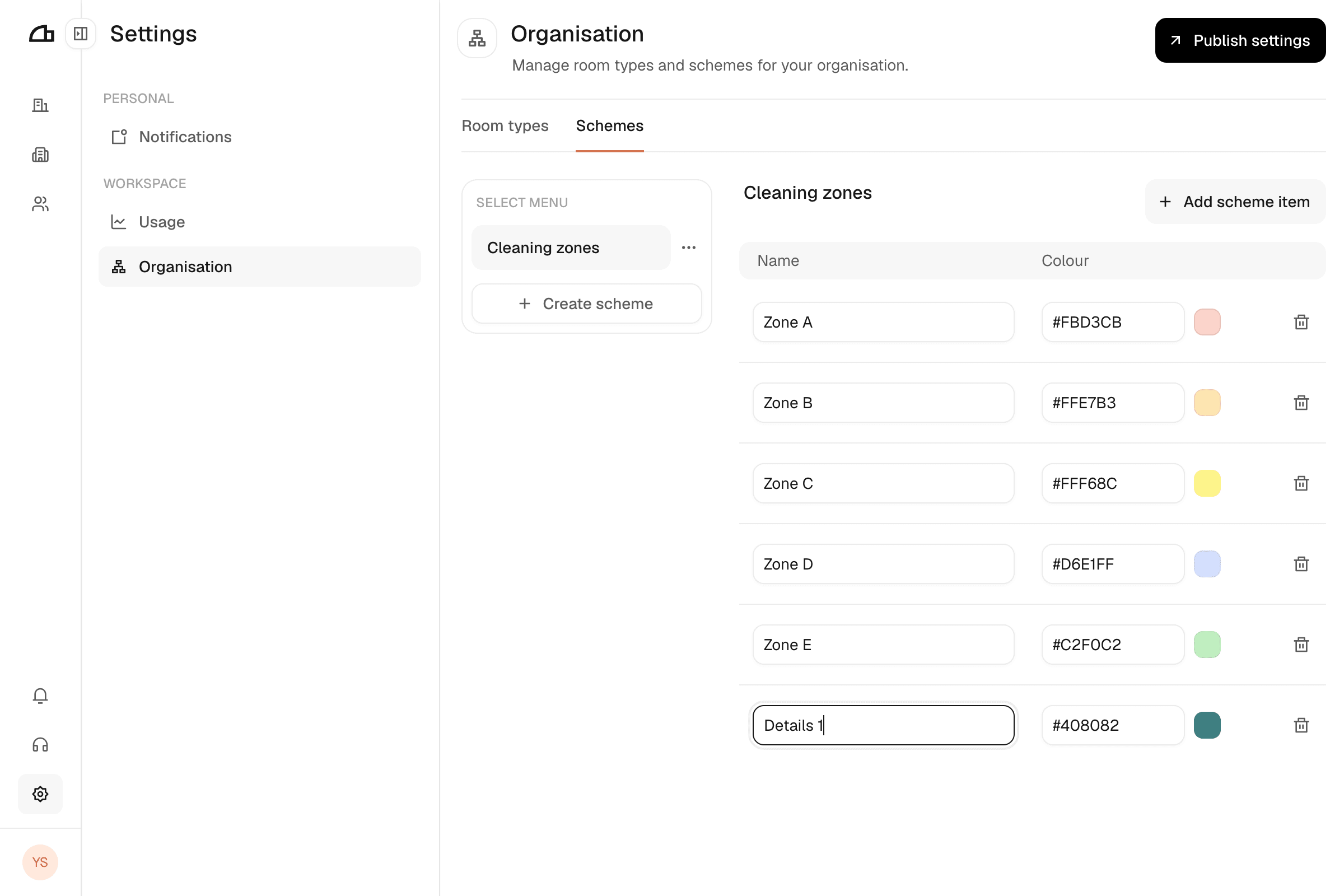
Click Add scheme item once for each value the scheme should offer. Each item has a name and a colour.
Publish
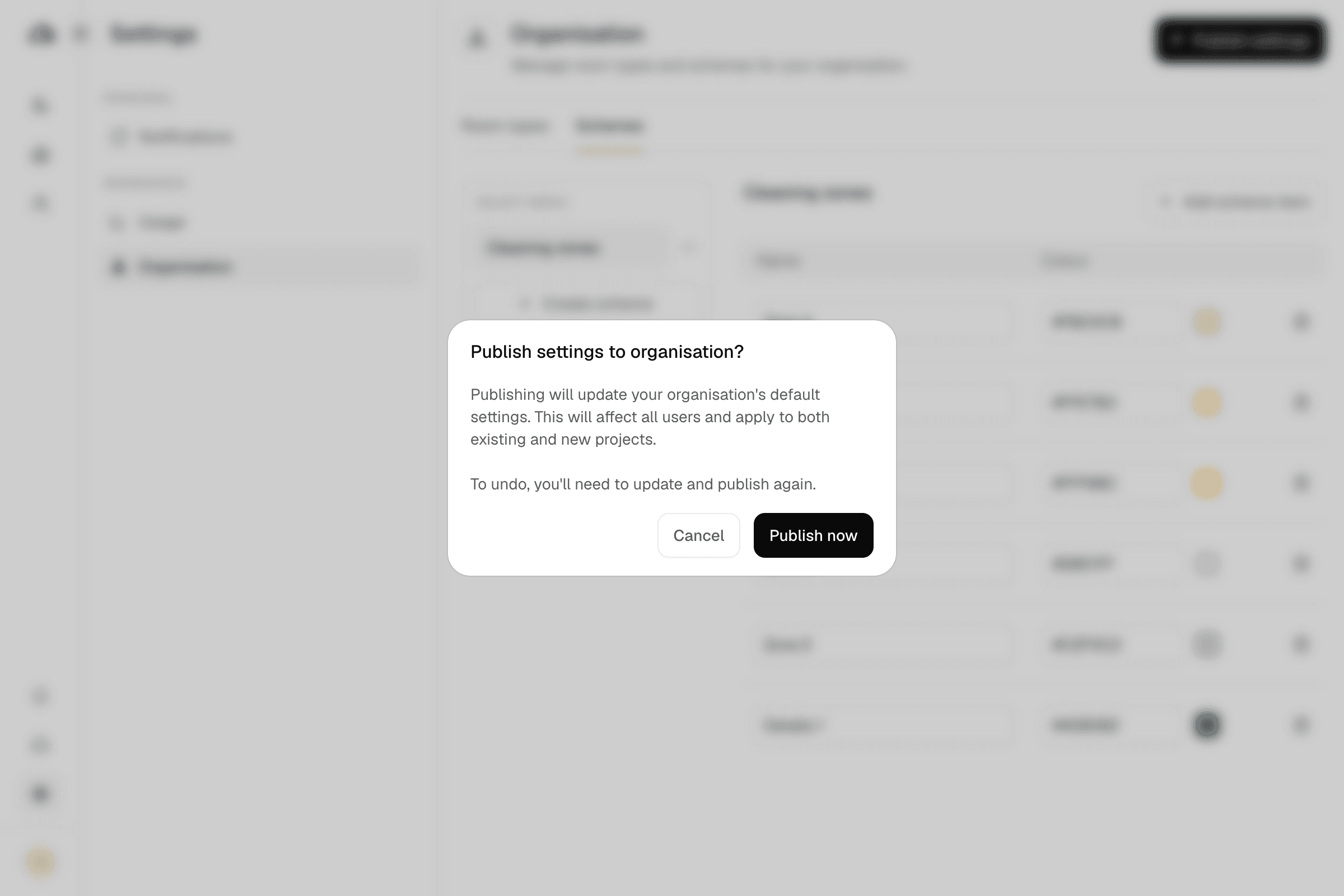
Click Publish settings, then Publish now. Until you do, the scheme does not exist for anyone else.
Delete
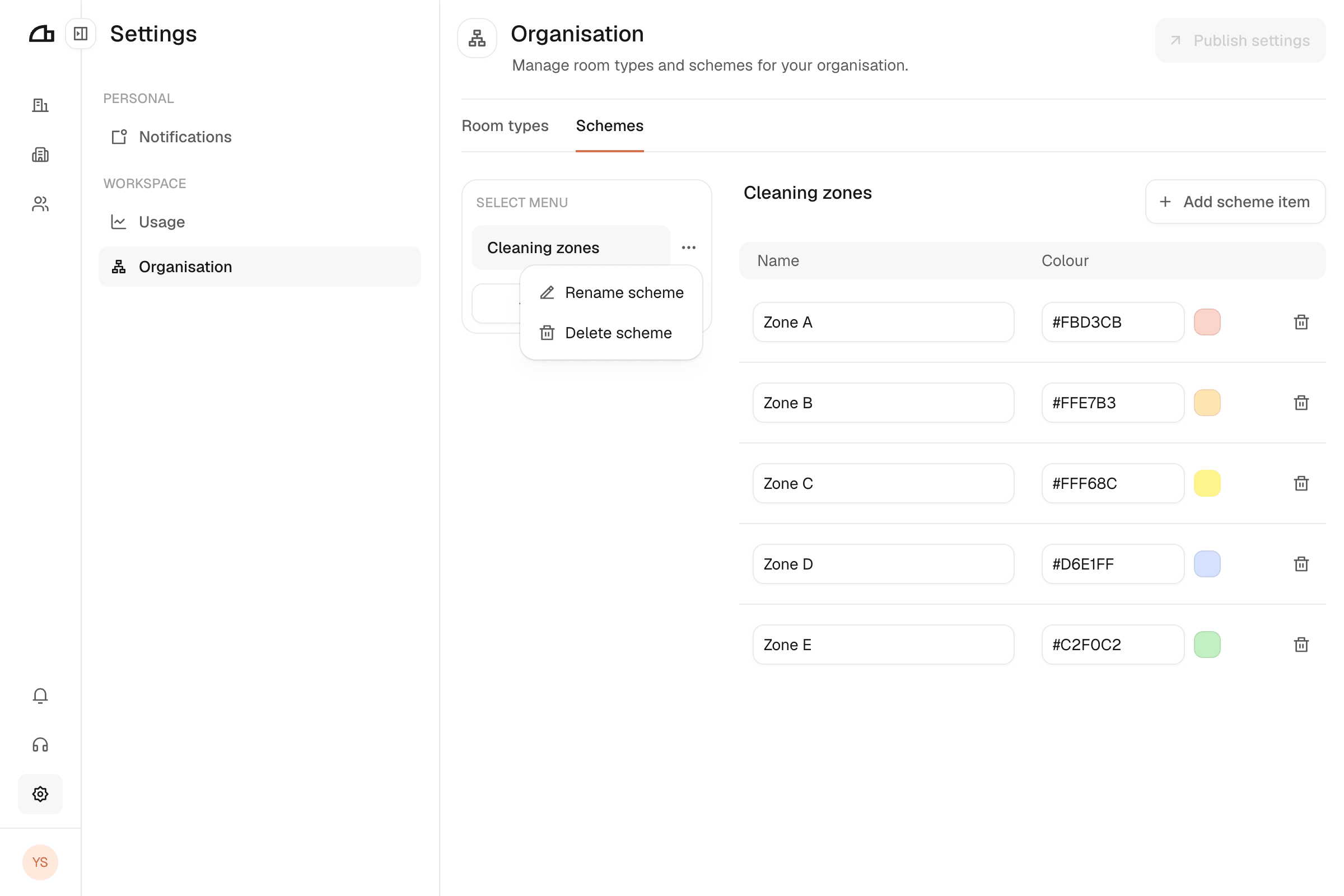
To delete a scheme, click the ⋯ beside it, then Delete scheme. To delete a single item, click the bin icon at the end of its row.
Publishing
Publishing is organisation-wide, for both schemes and room types. Publish settings stays disabled until something changes.
- Unpublished edits are lost if you navigate away.
- Changes reach existing plans, not only new ones. Renaming an item relabels it everywhere it is already in use.
If the dialog refuses to publish, a field has a validation error — close it, fix the highlighted row, and publish again.
Deleting is irreversible
A deleted scheme removes its classification from every area using it, and a deleted item disappears from every area carrying it.
Schemes on a single plan
Everything here defines the organisation-wide set. Individual plans can also carry their own scheme values in Studio, for cases that do not warrant an organisation standard. Organisation-level schemes are read-only in Studio.
See Local schemes for how scheme values are set on a single plan.