Export
Export an area list
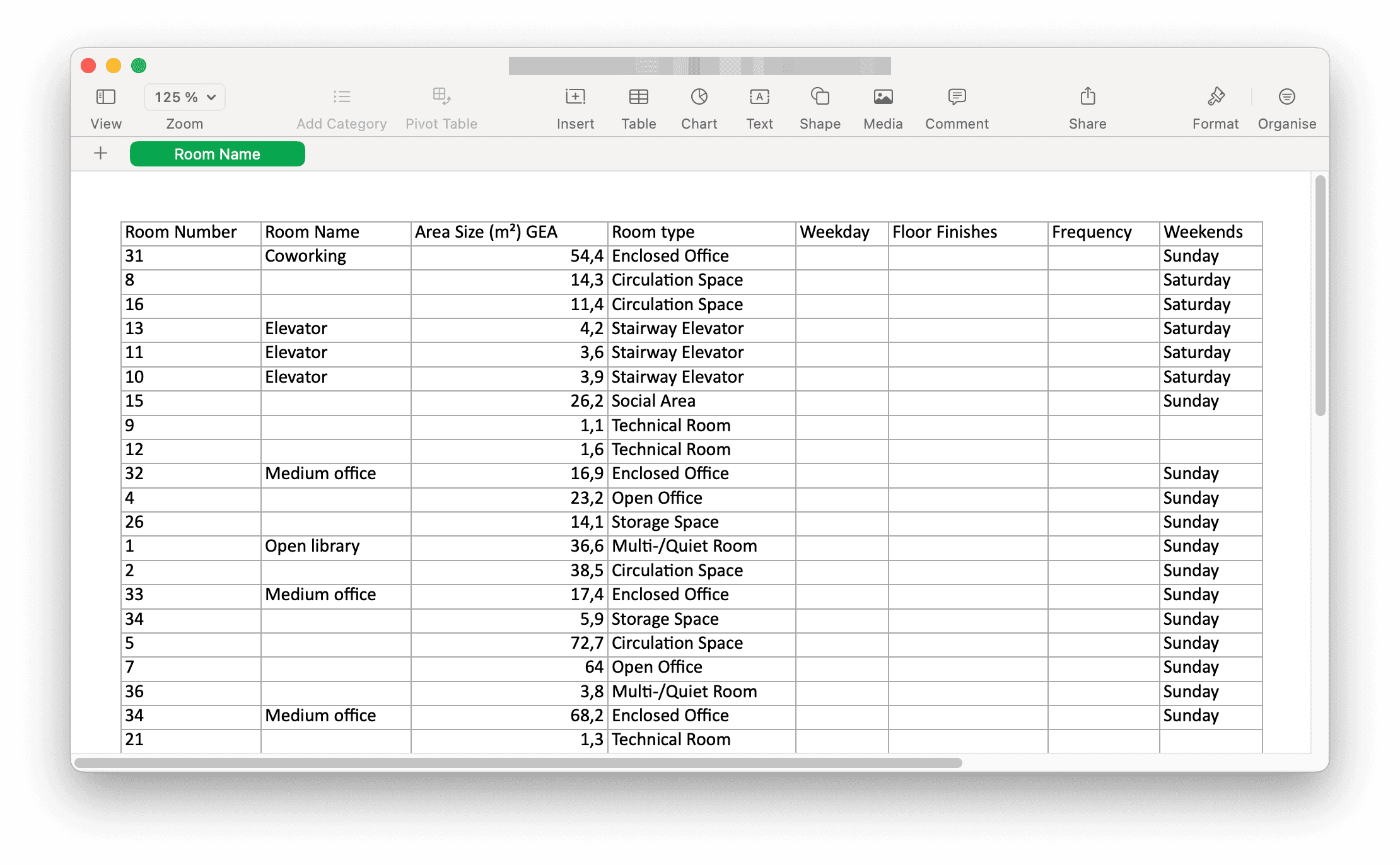
Download floor plan statistics as Excel
Studio exports the plan you have open. To export one or more plans at once, use Export an area list from the dashboard instead.
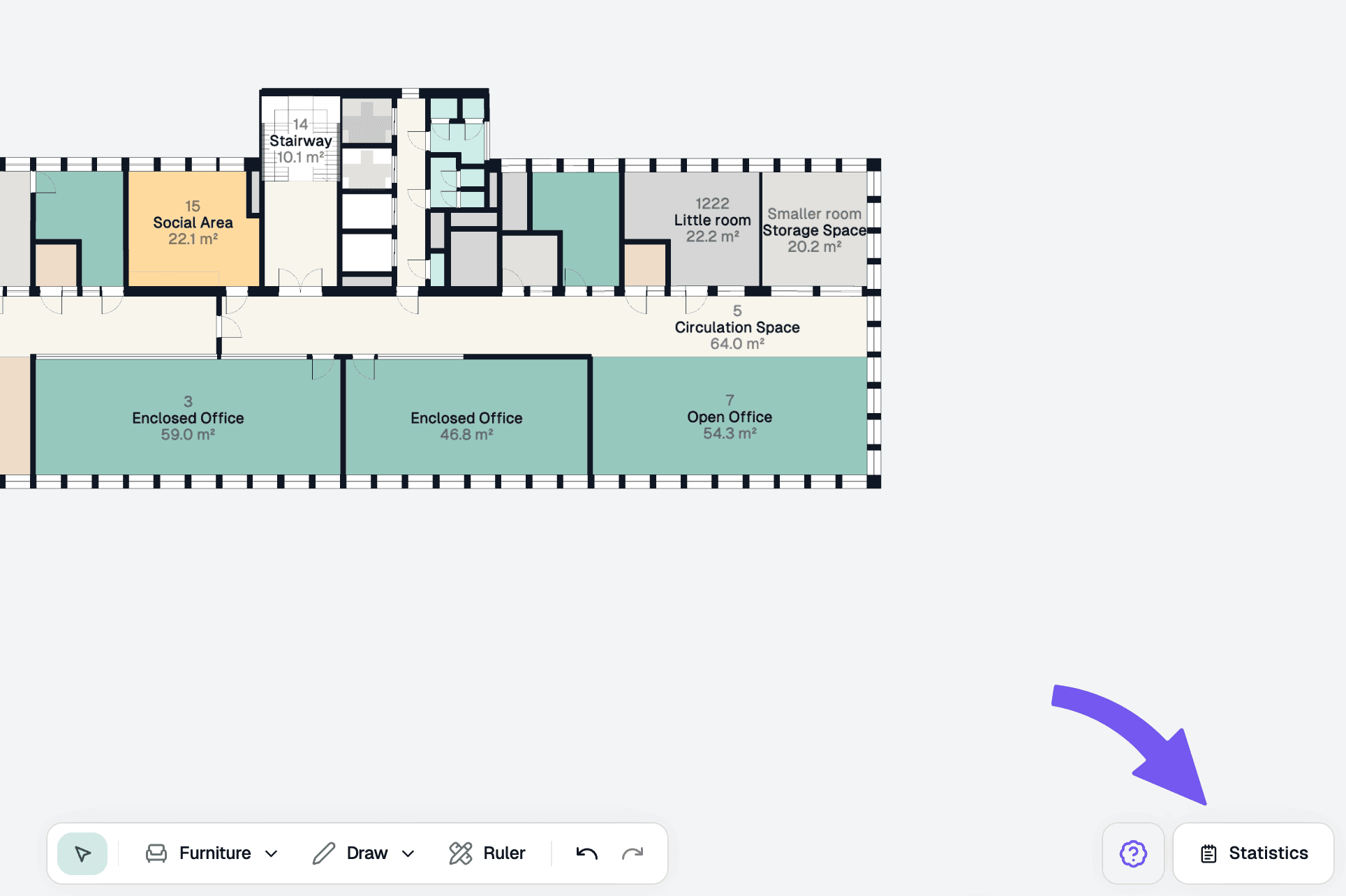
Steps
Set the area calculation method
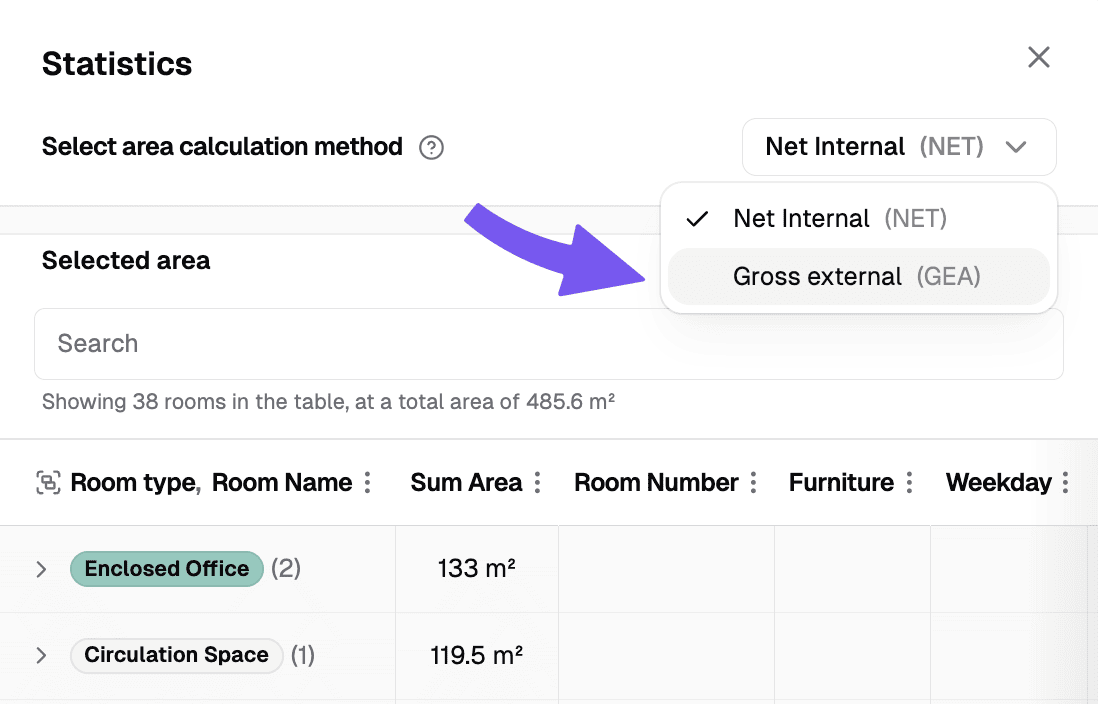
Use the dropdown menu at the top of the panel to set your preferred area calculation method.
- Net Internal (NET) measures to the inside of the enclosing walls, so it is the usable floor area of each room.
- Gross external (GEA) measures to the outside of the external walls, or to the centre of walls shared between units, so it includes the wall structure.
Download Excel file
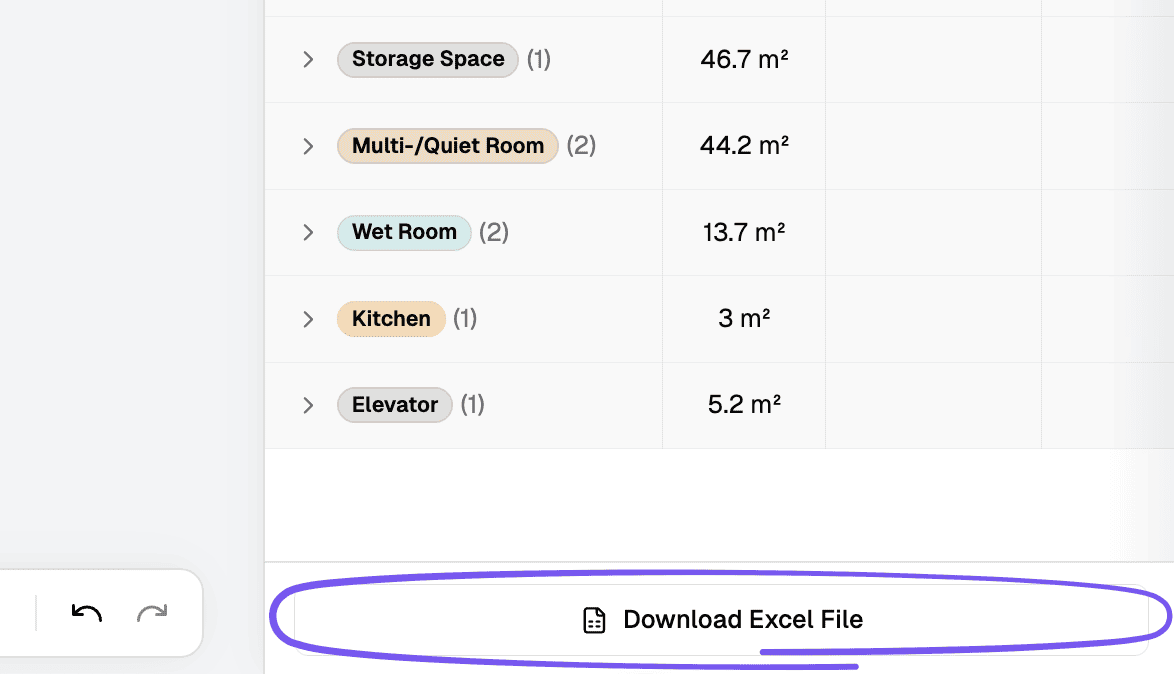
In the bottom of the panel, click the "Download Excel File" button to save the Excel file locally on your computer.