Export
Export floor plans
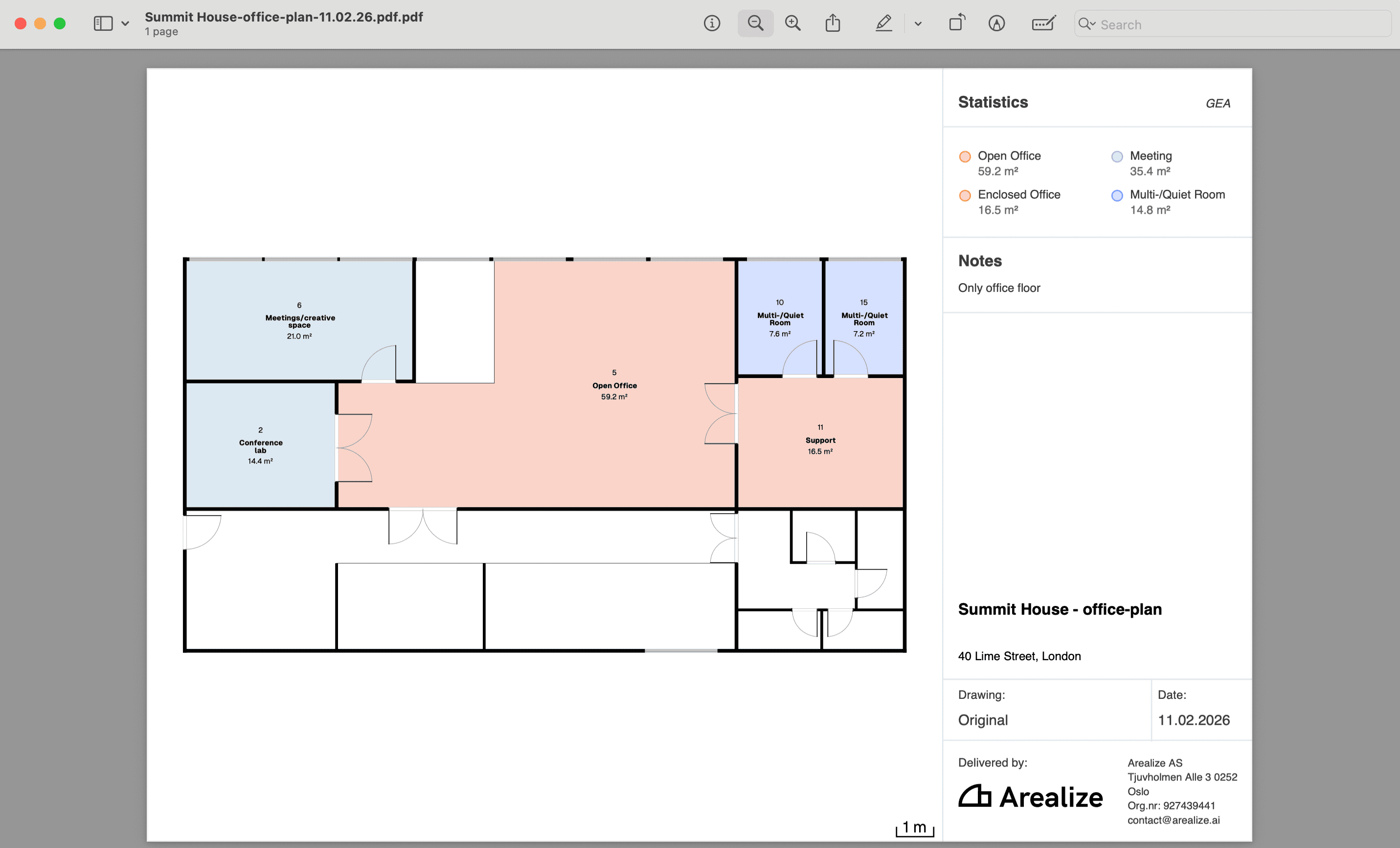
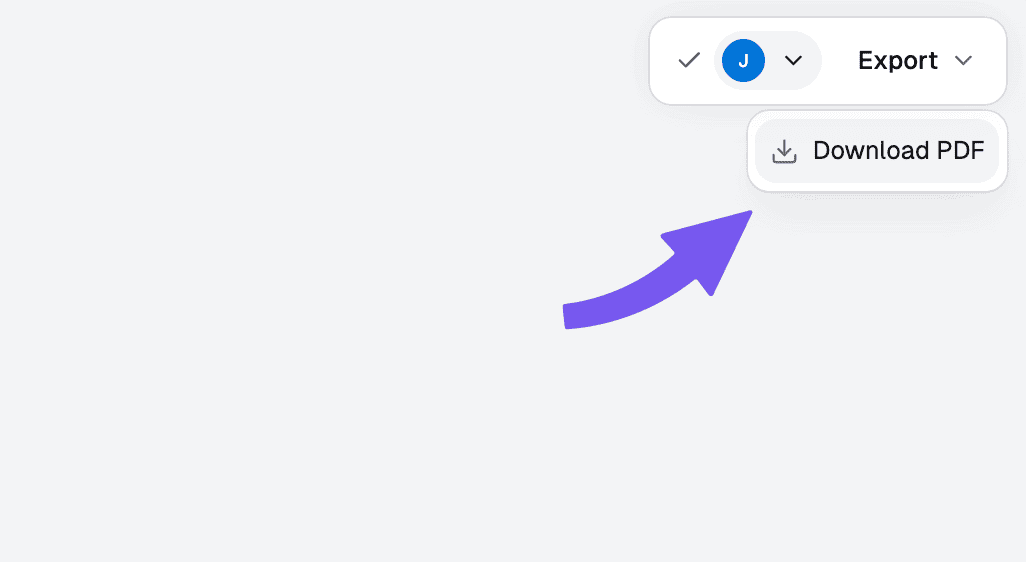
Download a PDF of your floor plan
Studio exports the plan you have open. To export one or more plans at once, use Export floor plans from the dashboard instead.
Steps
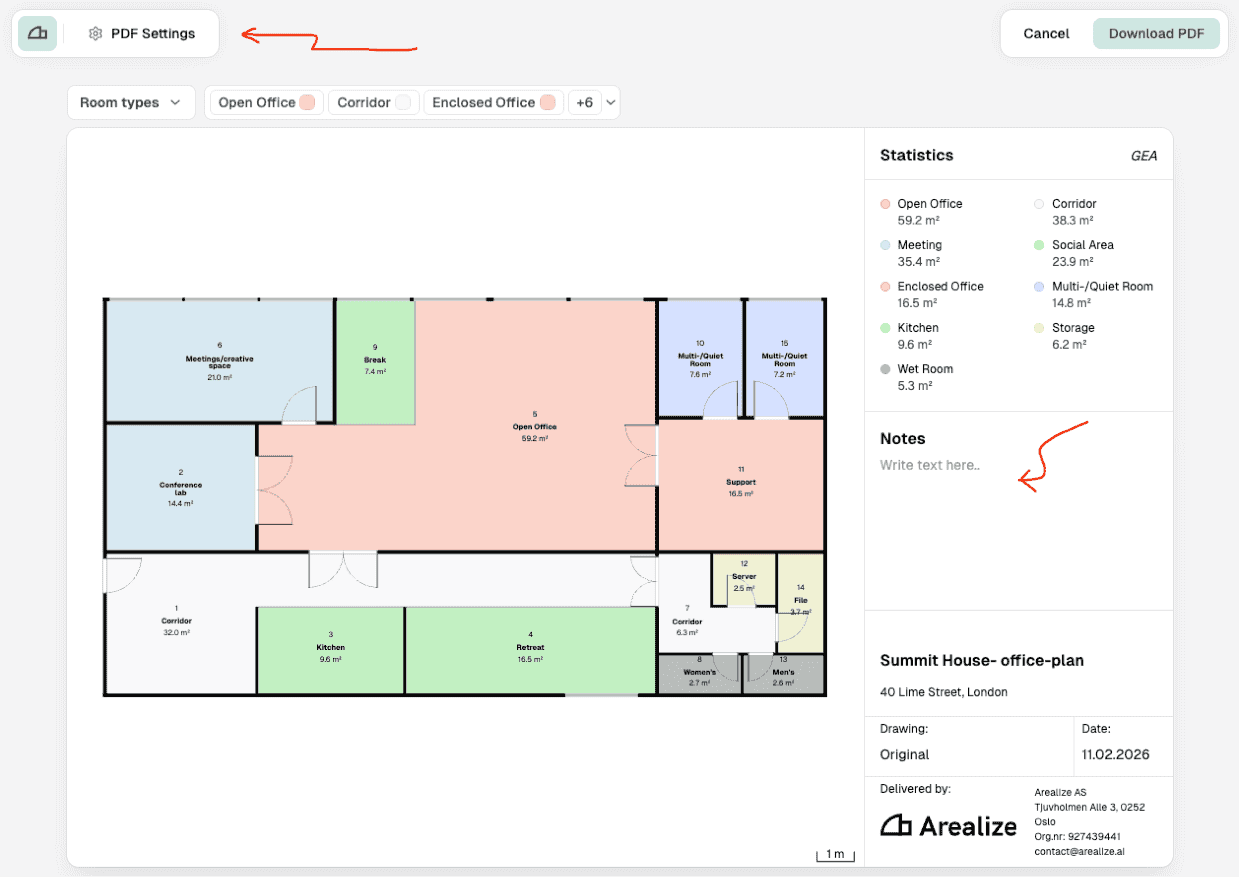
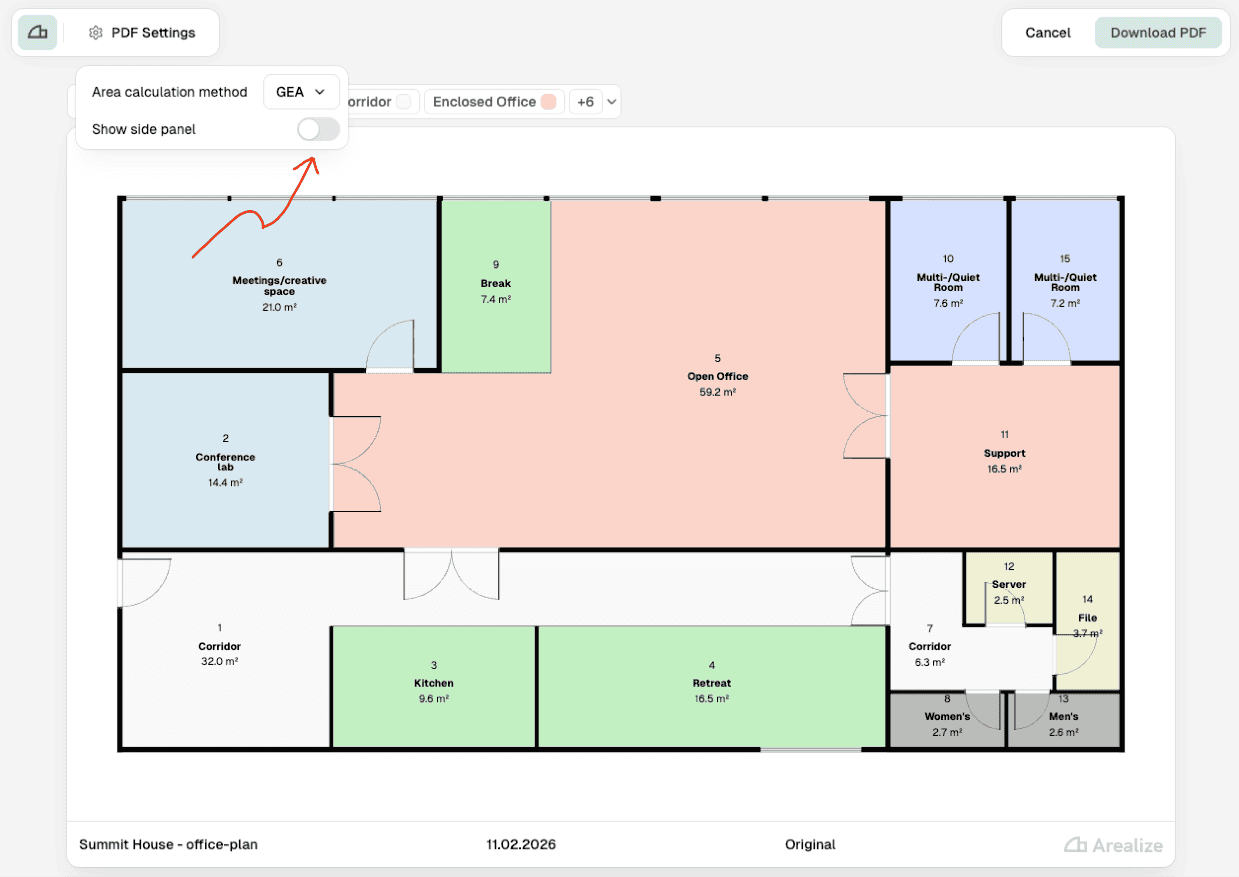
Change the area calculation method and hide the side panel
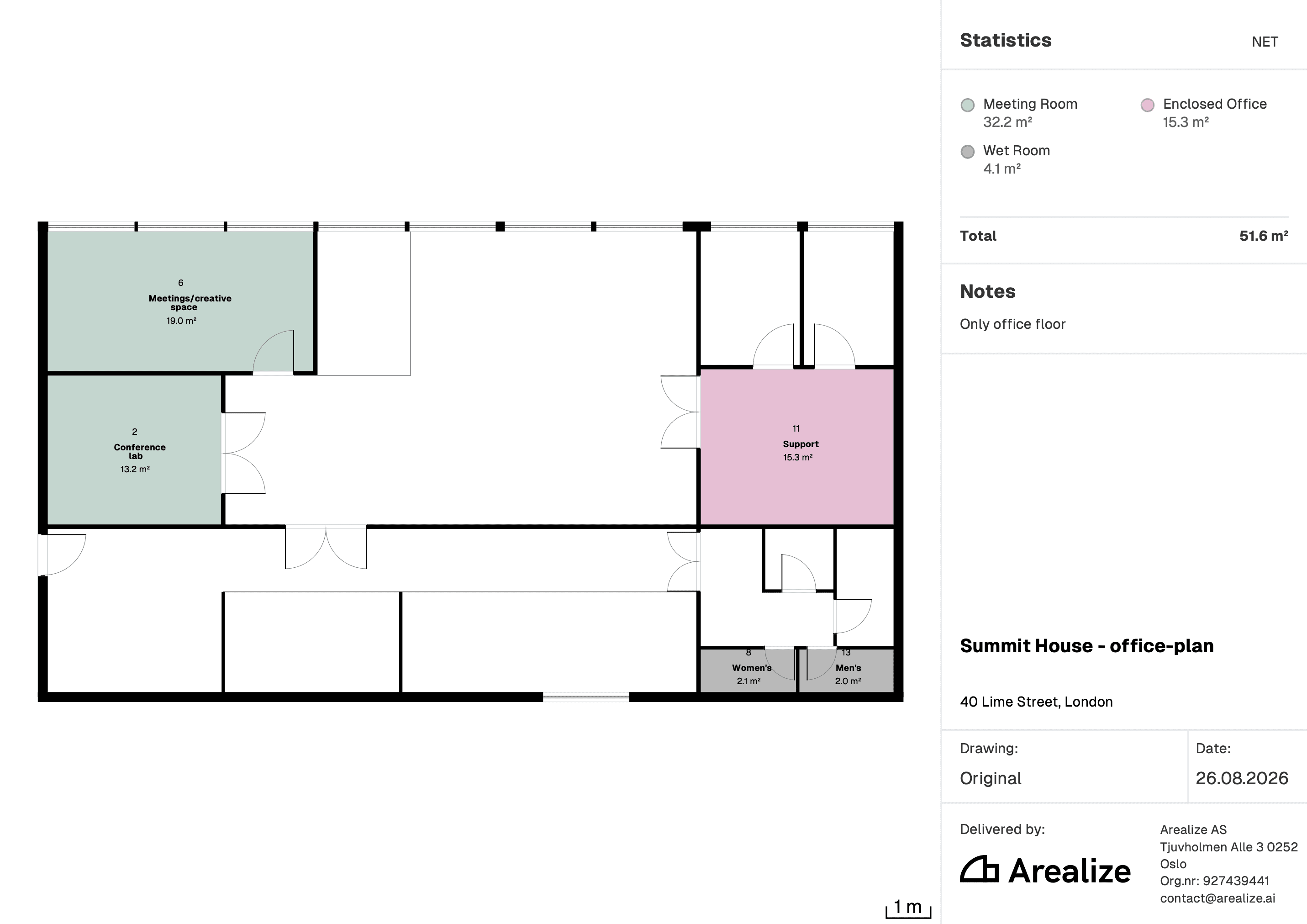
In PDF Settings, select your preferred area calculation method (NET/GEA) from the dropdown. You can hide or show the side panel using the Show side panel toggle.
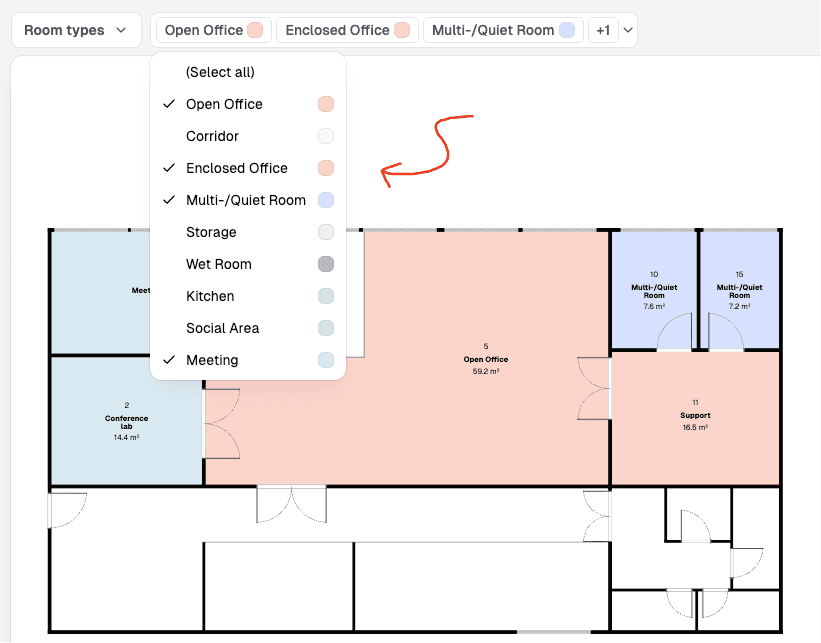
Filter floor plan by room type
In the filter dropdown, click to hide/show specific areas on the floor plan. The statistics in the side panel will update accordingly.
Download PDF
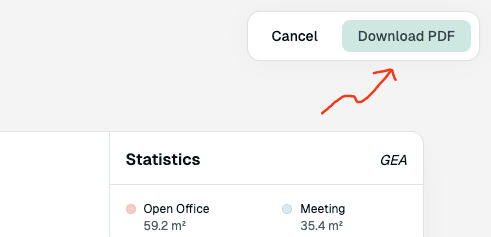
Click the "Download PDF" button in the top right corner. The file will download to your local downloads folder.