Tools
Ruler
Measure distances on your floor plan
Use the ruler tool
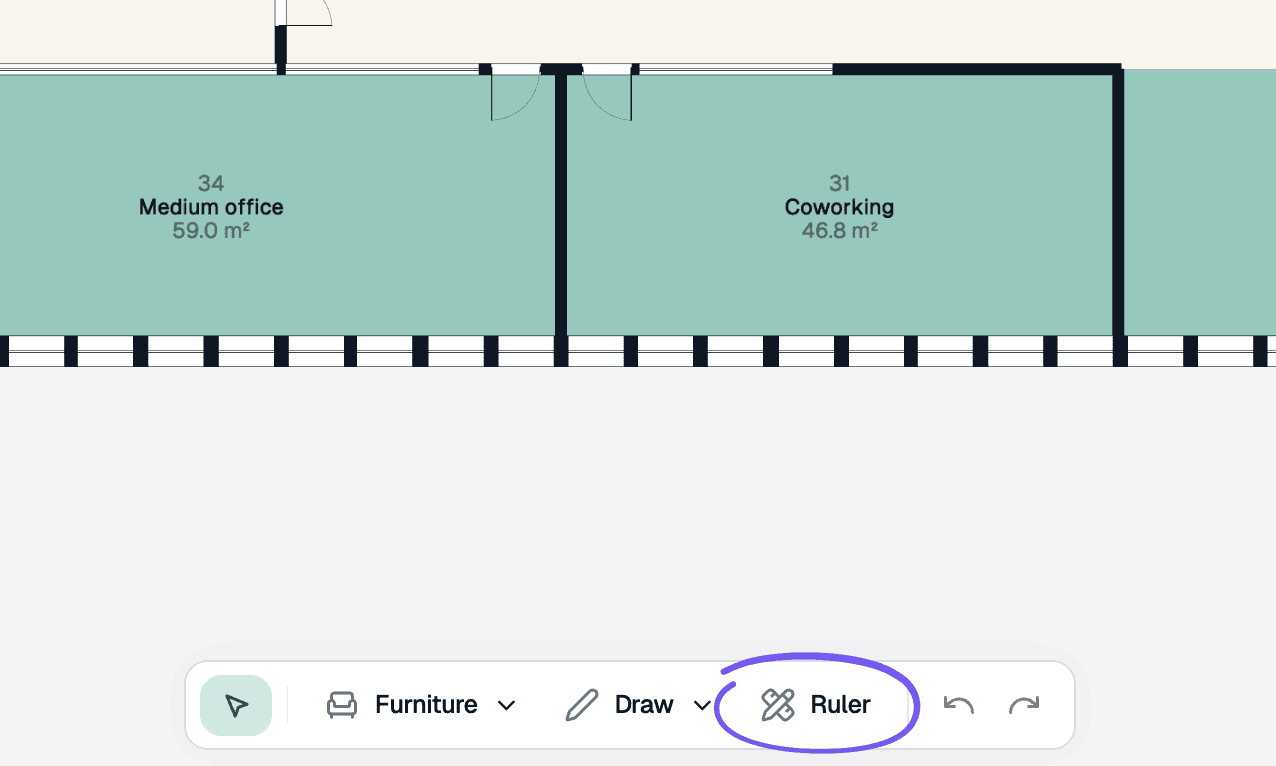
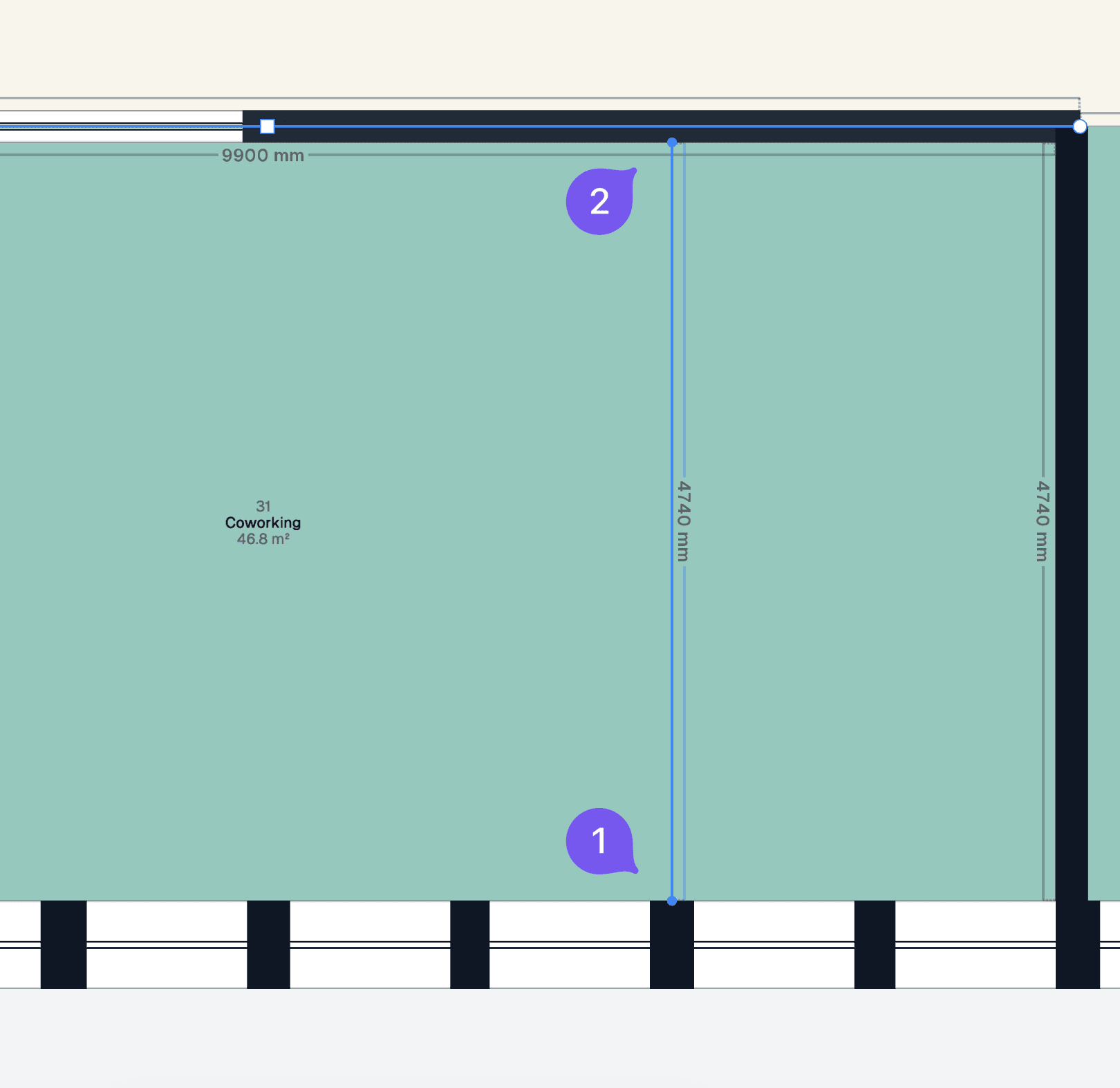
Create a measurement
Click once to anchor the ruler, click again to complete the measurement. The distance will be displayed temporarily on the floor plan.
Press Ctrl to enable/disable automatic snapping.