
Browse your portfolio
Original PDF floor plans
Get back the files an asset was digitised from
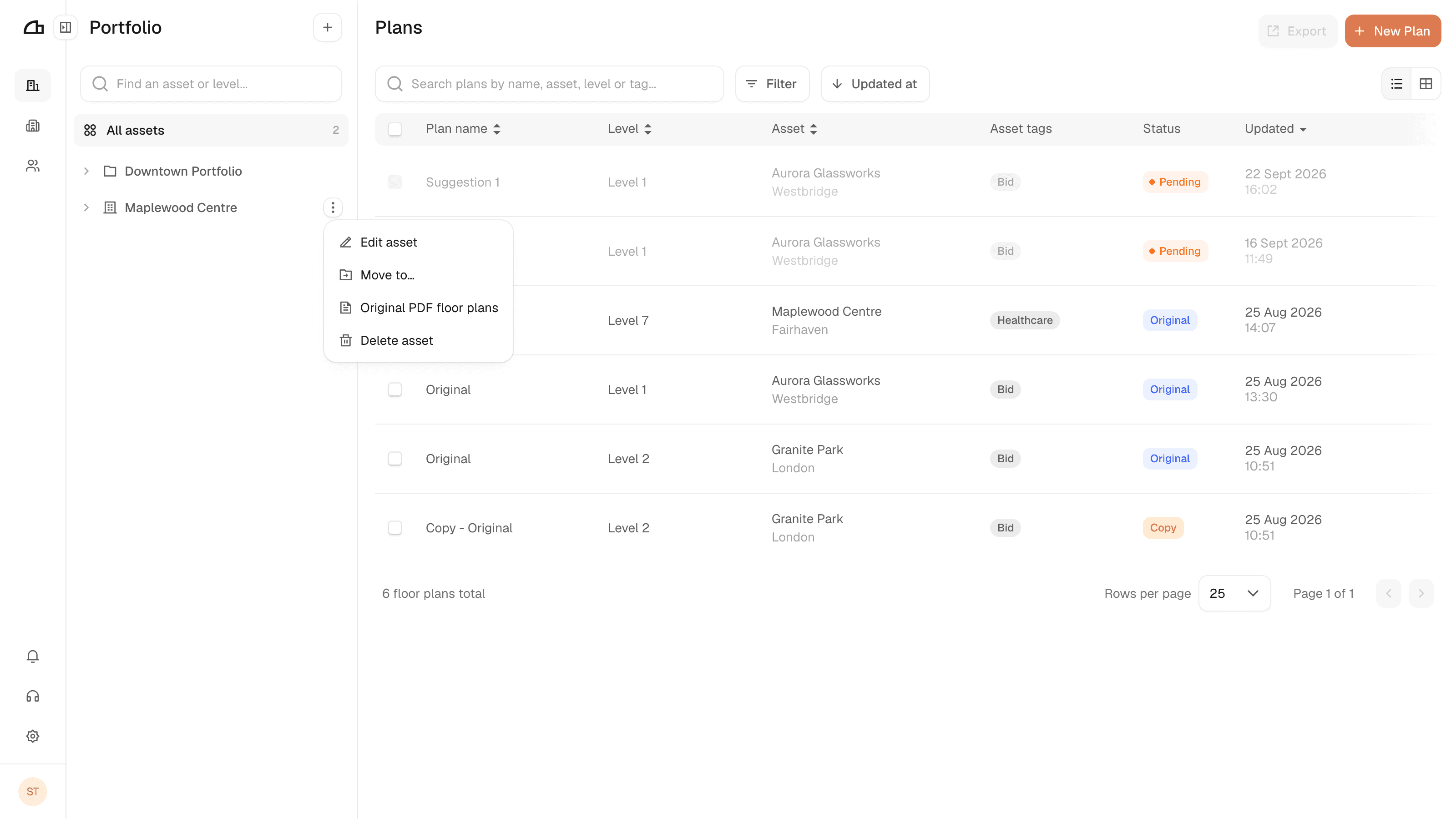
When a plan is digitised, Arealize keeps the PDF it came from. Original PDF floor plans, on an asset's more options menu, is where you get those files back.
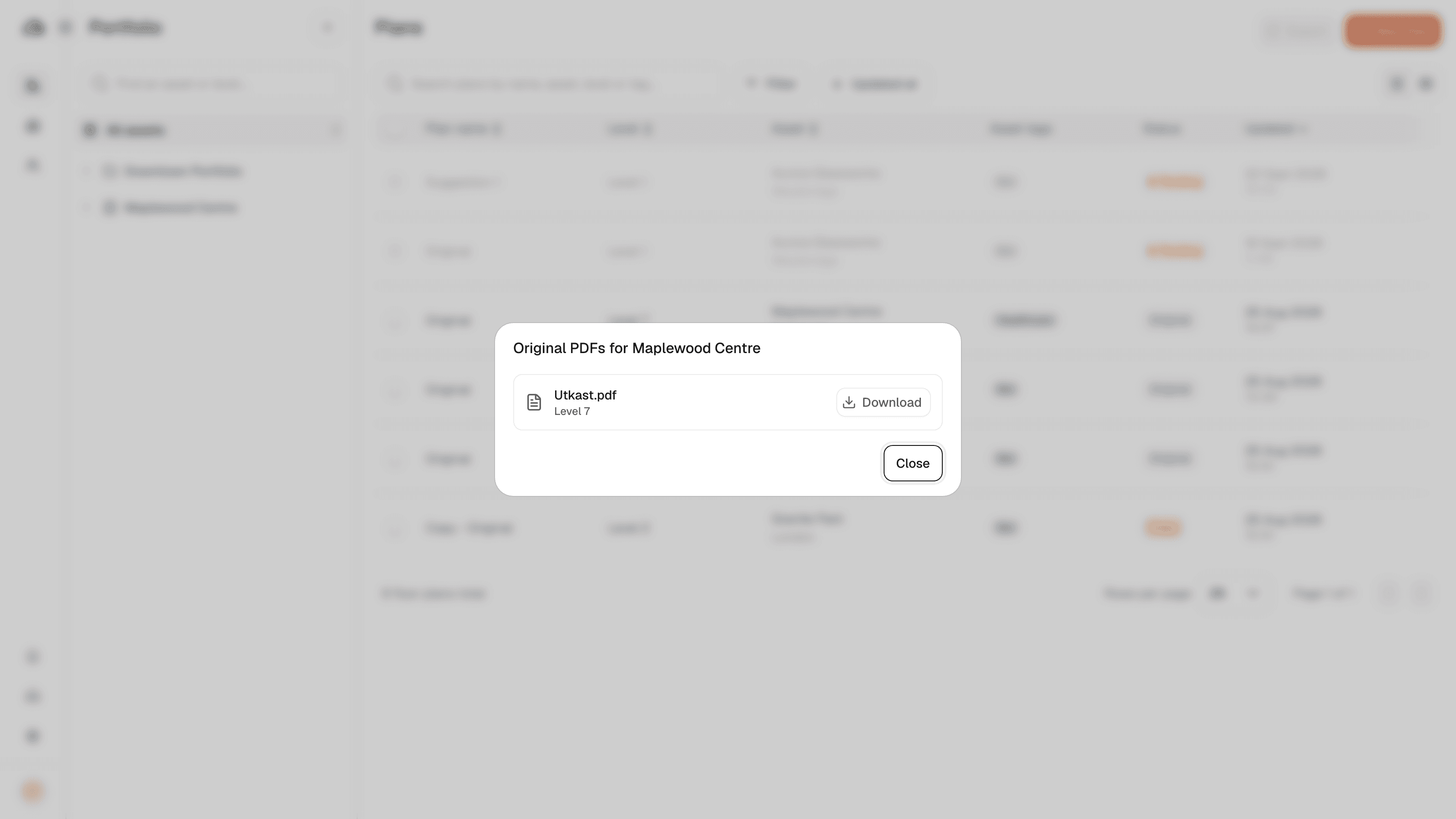
Every original uploaded for the asset is listed with the level it belongs to. Download gives you the file exactly as it was uploaded — not an export of the digitised plan.
Assets added without an upload have nothing to show here, and levels drawn from scratch in Studio never had a source file.