
Search, filters and sorting
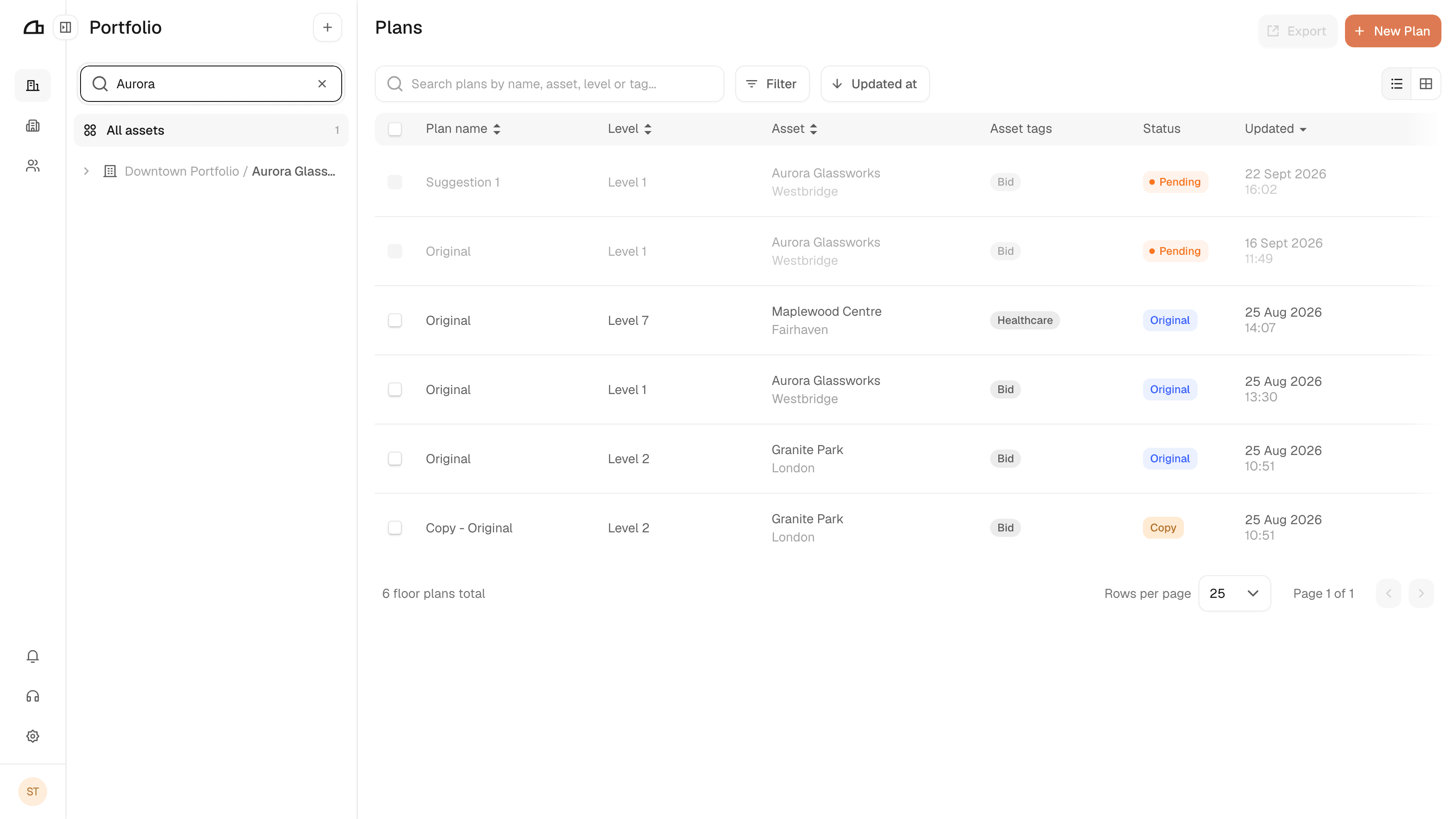
Find an asset in the tree with Find an asset or level.... The plans list does not change until you select one of the matches.
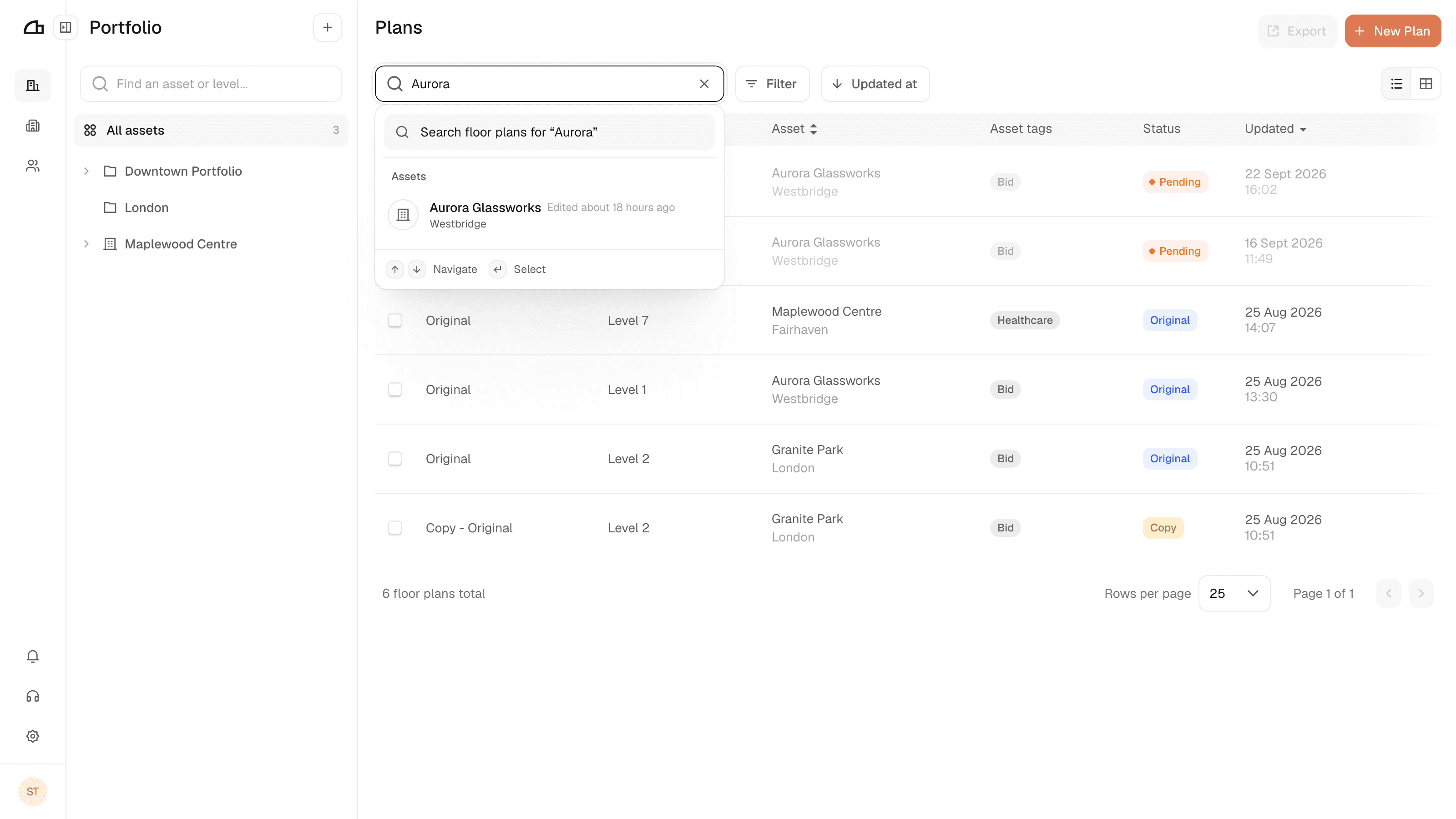
Search plans by name, asset, level or tag... searches everything and takes you straight to what you pick.
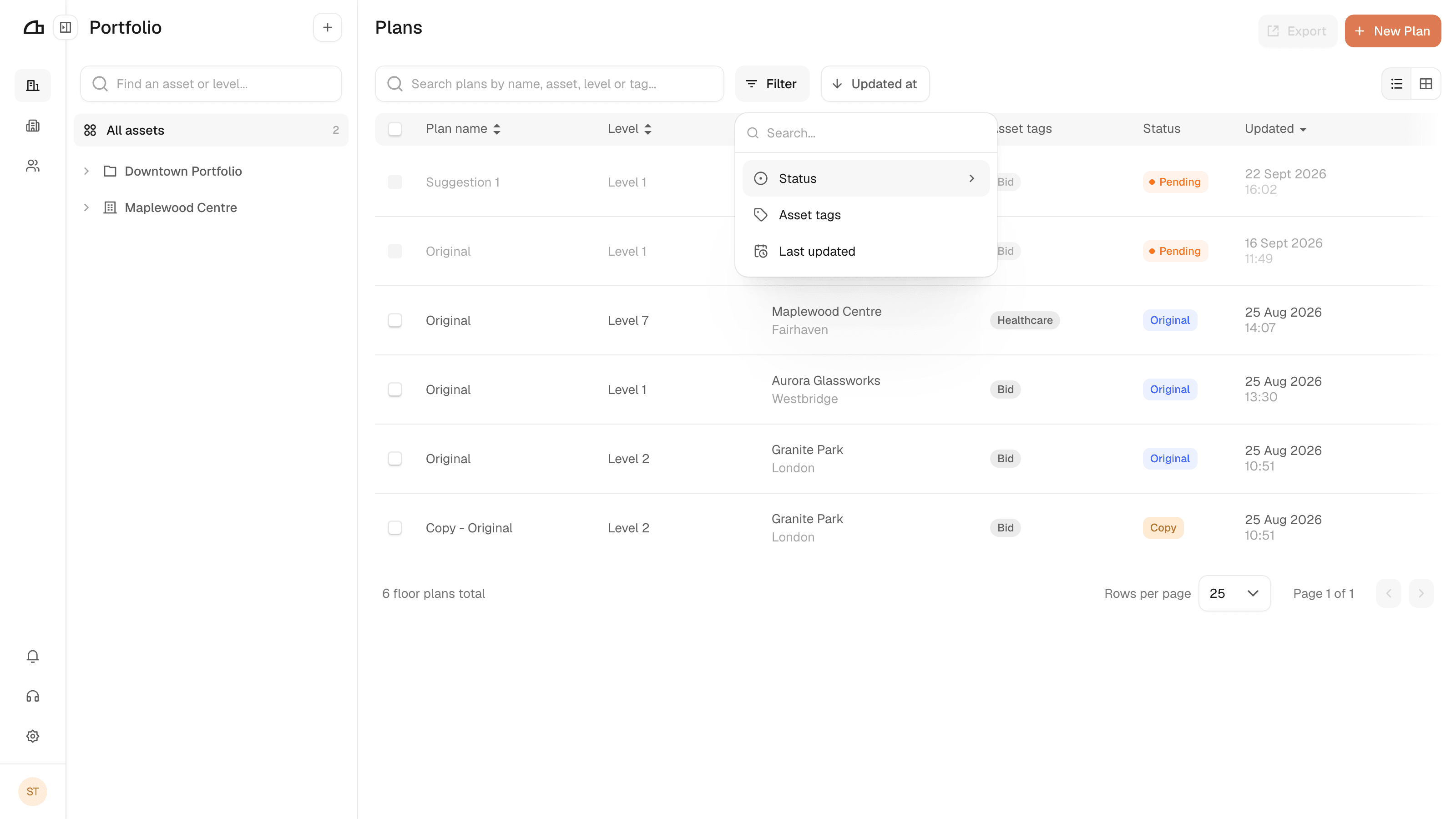
Filter
Filter narrows the plans list by Status, Asset tags or Last updated.
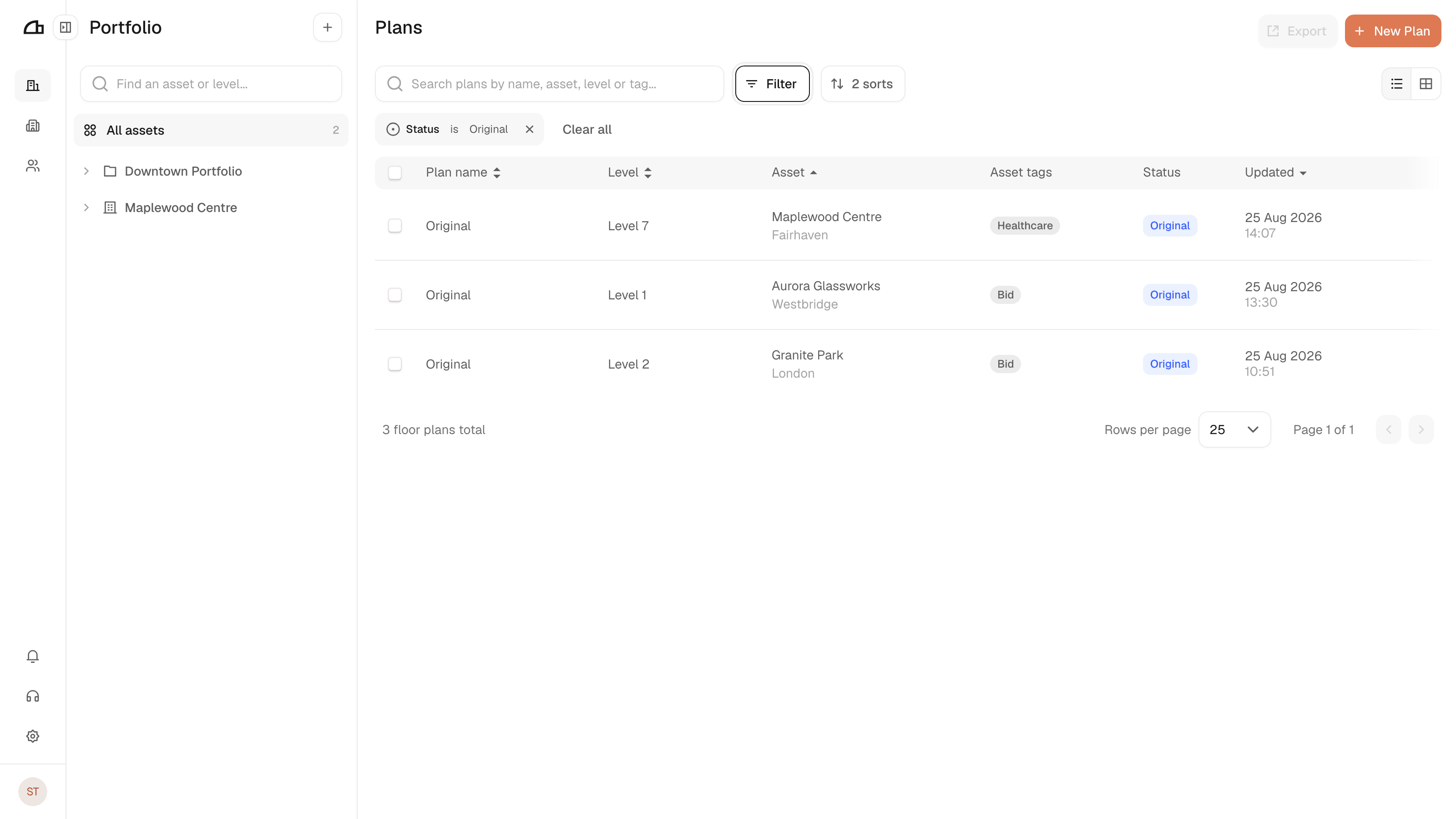
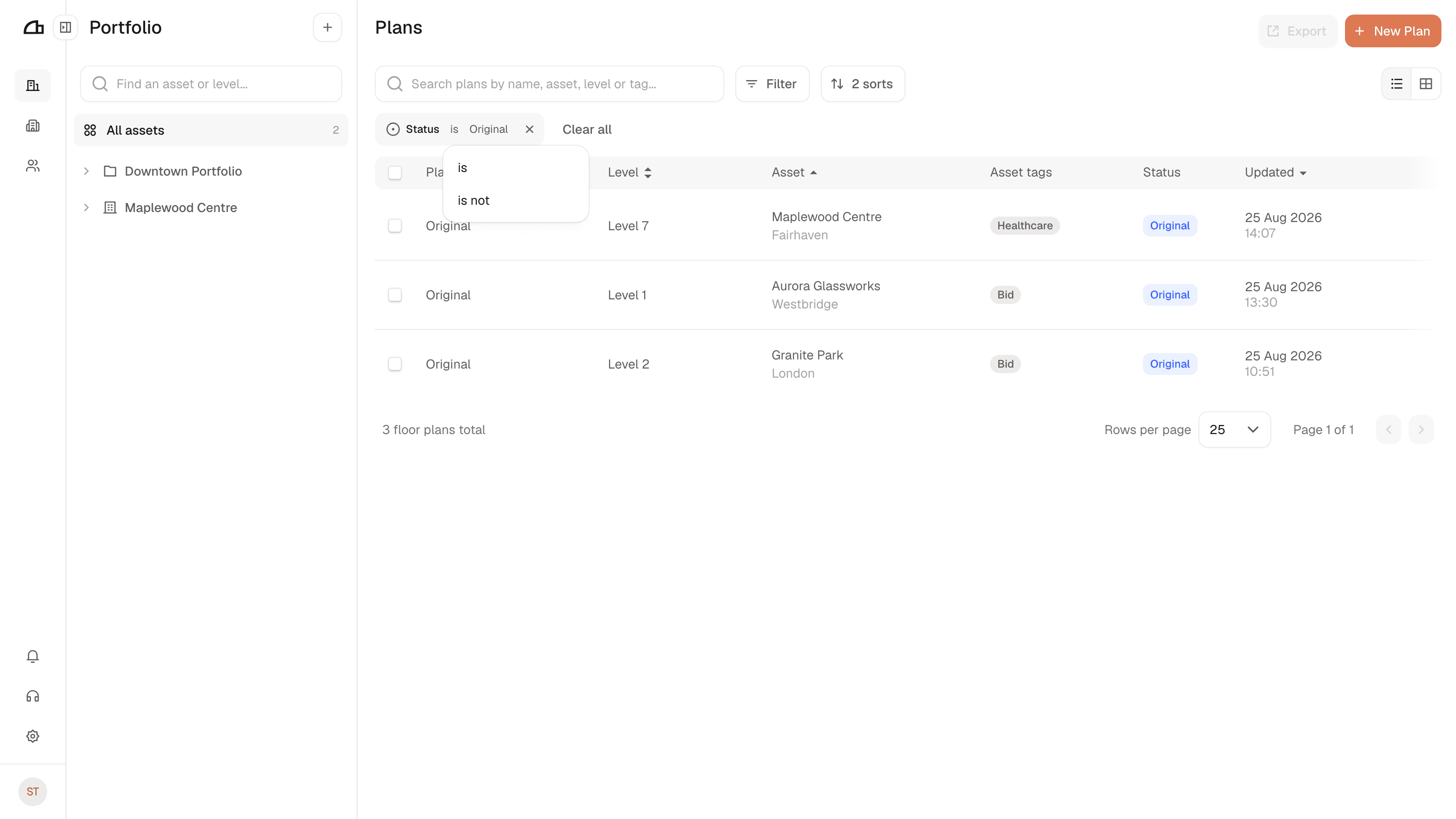
The is in a chip is a control. Switch it to is not to invert the filter — every plan except the ones you picked.
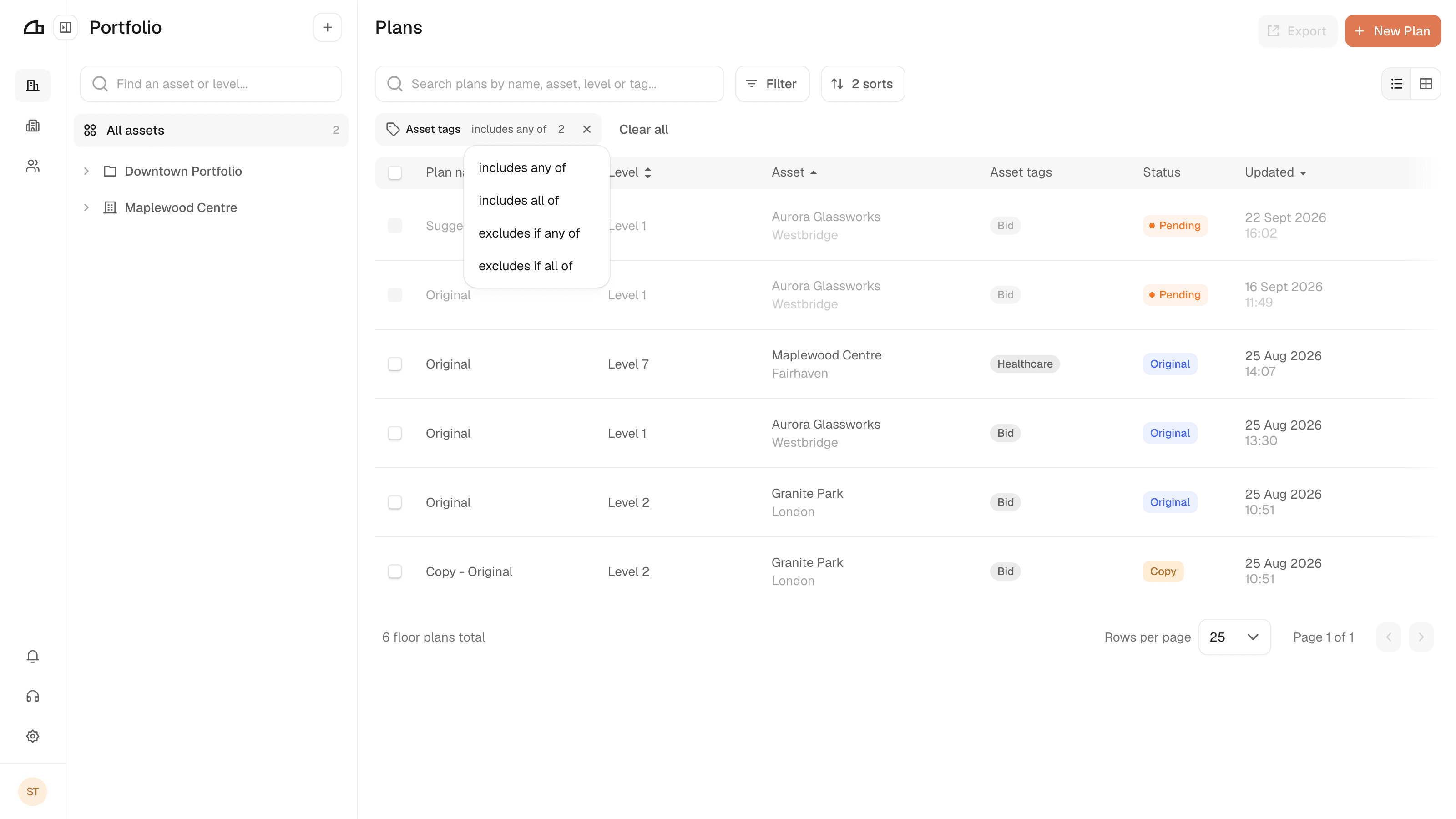
Asset tags start at includes or excludes. Pick a second tag and the operator grows to cover how they combine — includes any of matches a plan carrying either tag, includes all of only one carrying both.
To narrow by asset, select it in the tree rather than in Filter. Selecting a collection covers everything inside it.
Sort
The button beside Filter opens the sort rules. Tick a field to sort by it, then pick its direction.
Tick more than one and the order of the rules decides which wins: the top rule sorts the list, the next one only breaks ties. Drag a rule by its handle to change that priority.
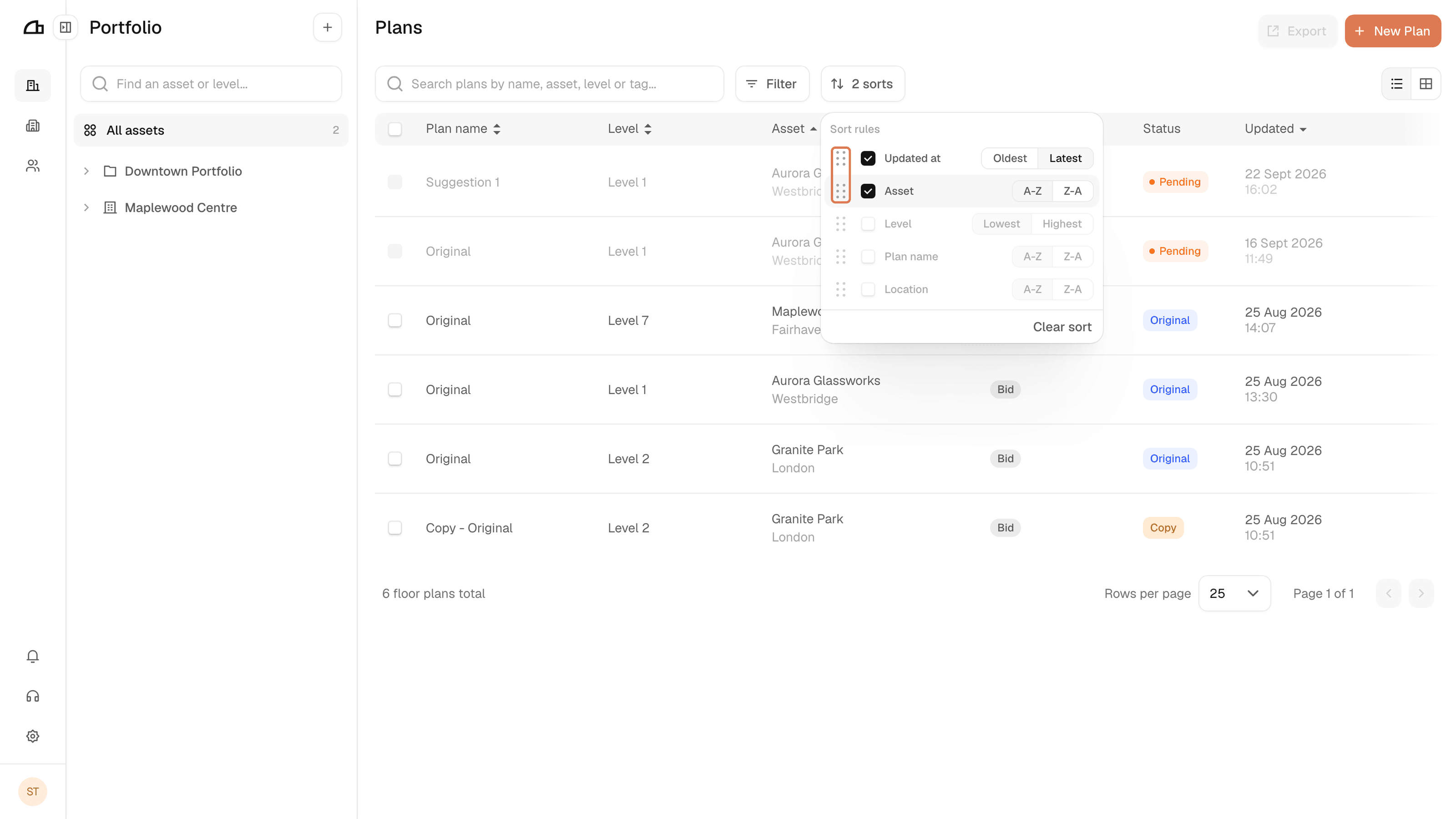
Here plans are ordered by Updated at, and any sharing a date fall back to Asset. Clear sort removes every rule.