Bulk export
Export an area list
Every area on the selected plans as an Excel spreadsheet
An area list is the data behind the drawing: one spreadsheet covering every area on the plans you selected. You can bulk export multiple plans at once, across one asset or several.
Steps
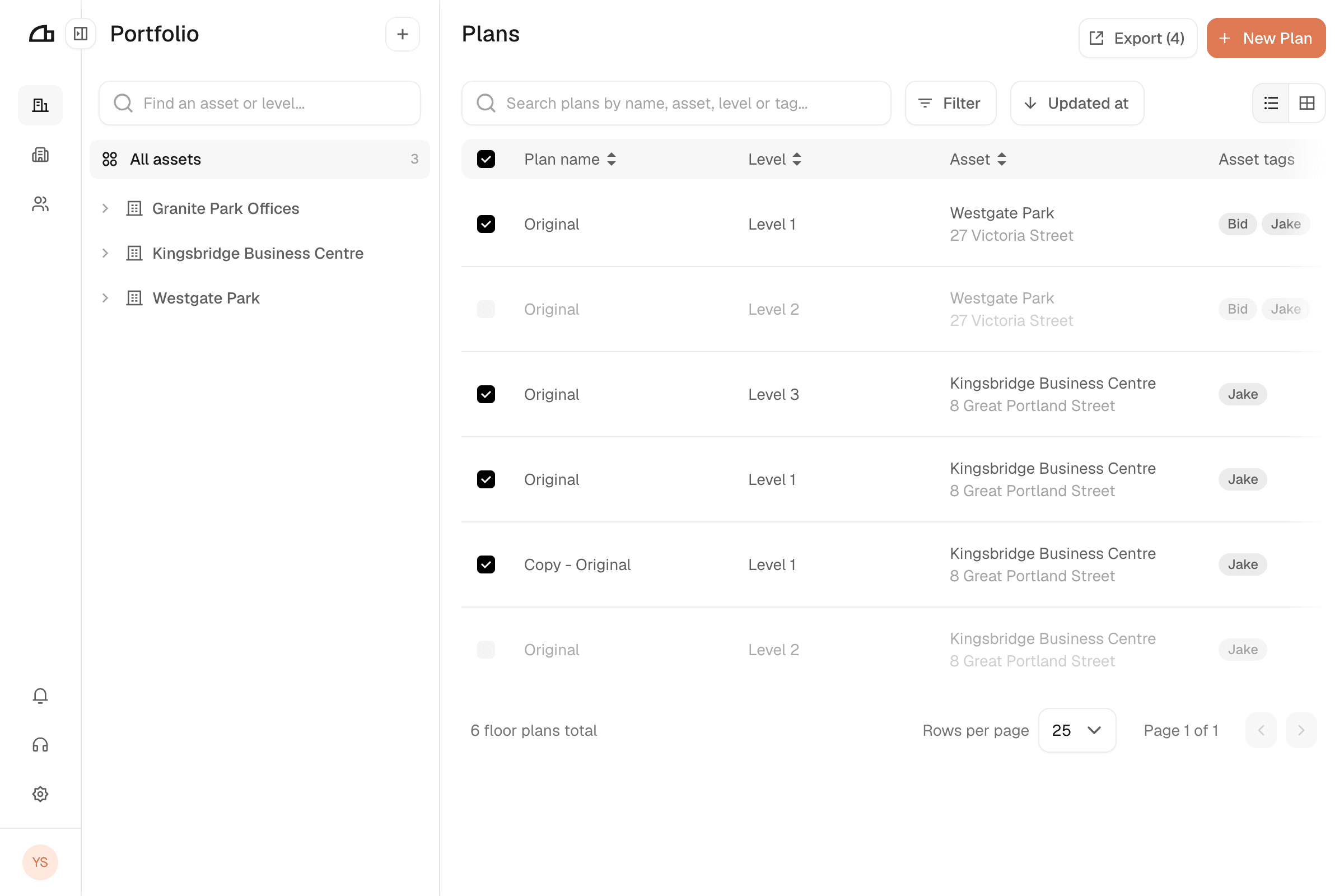
Select the plans
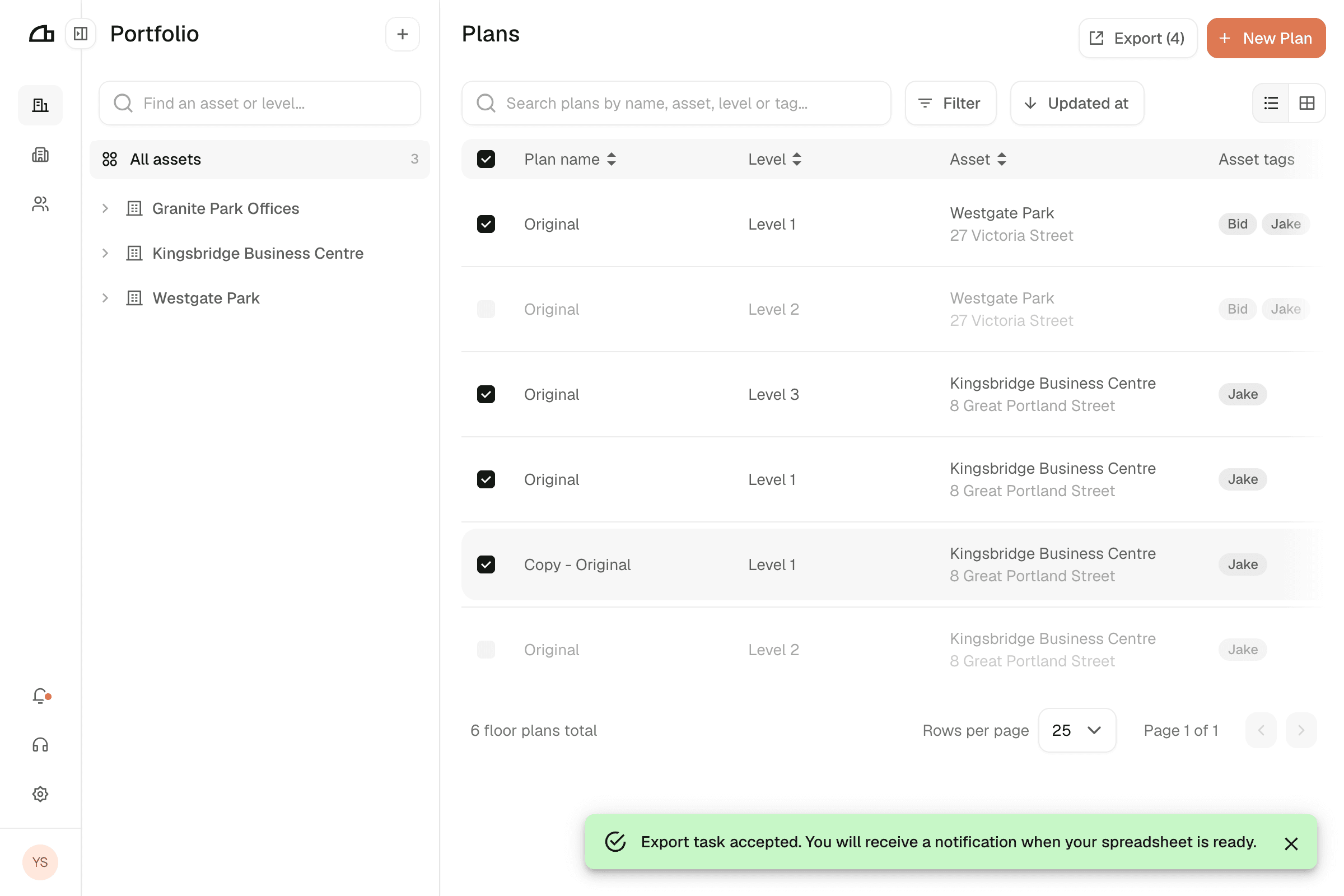
In Portfolio, use the search bar and filters to narrow the list, then tick the plans you want.
Plans still being digitised cannot be selected.
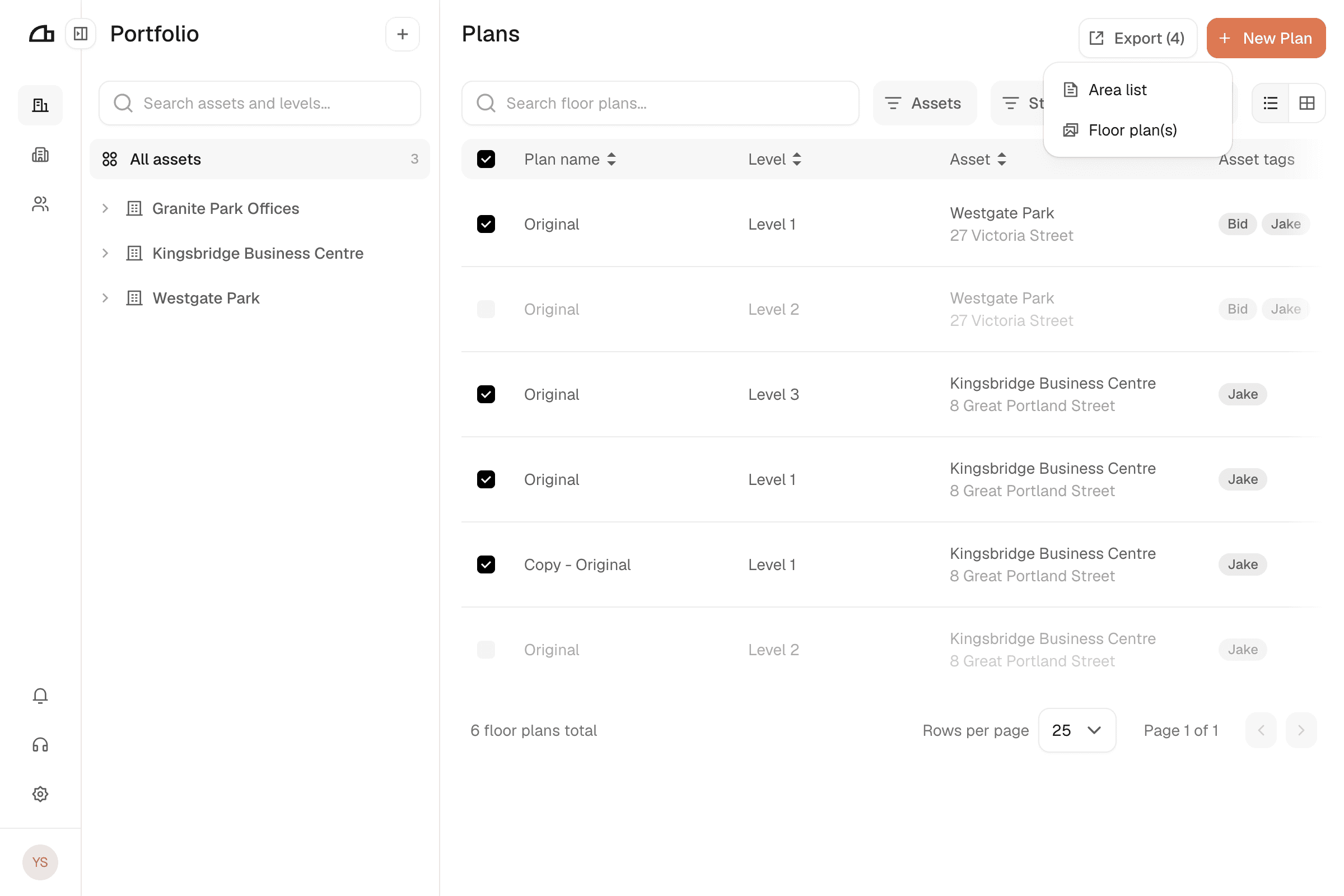
Open the export dialog
Click Export. It shows how many plans are selected and stays disabled until you select at least one. Choose Area list.
Choose the area calculation method
- (NET) Net internal: area measured to the inside of enclosing walls.
- (GEA) Gross external: area measured to the outside of external walls or to the centre of walls between units.
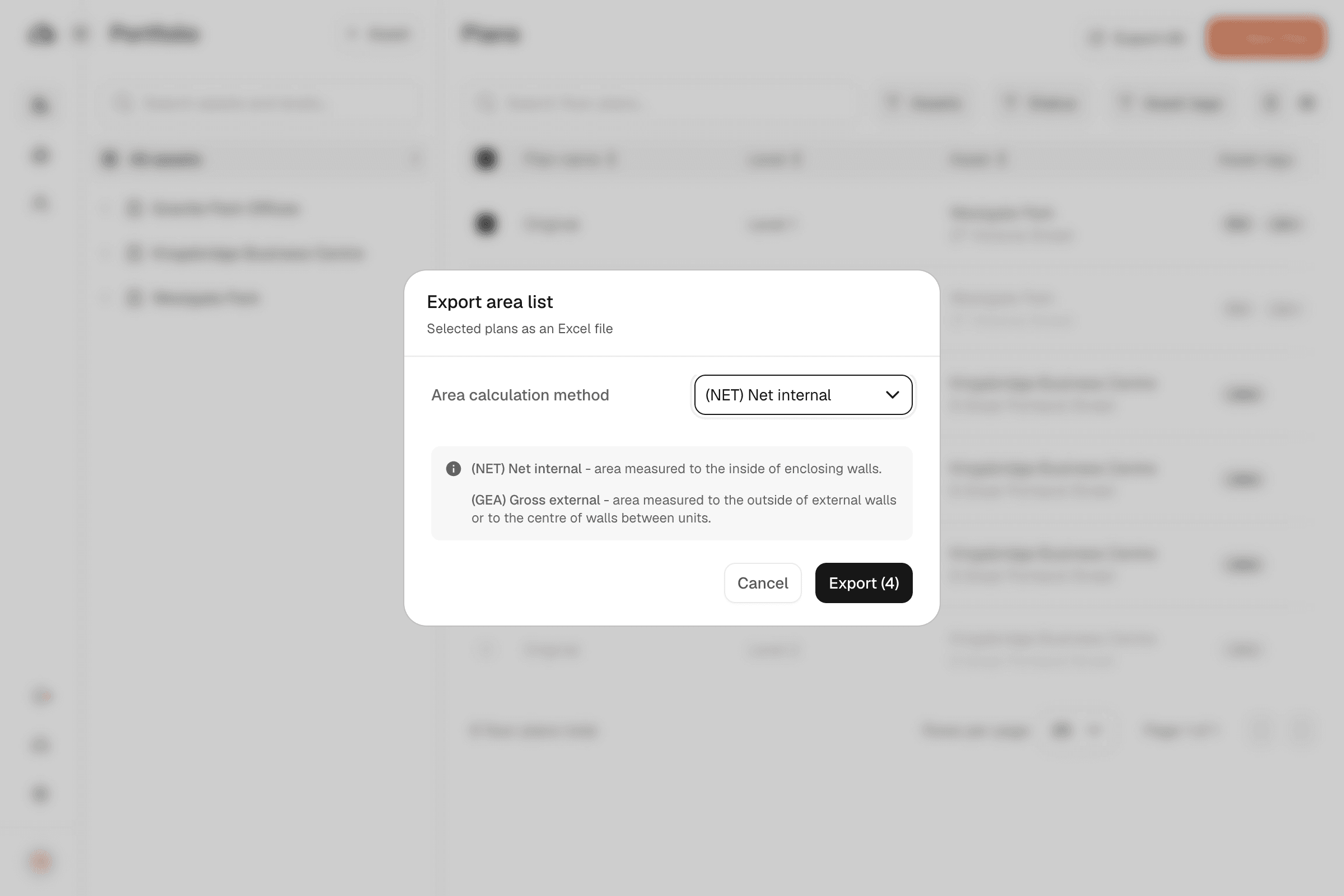
Export
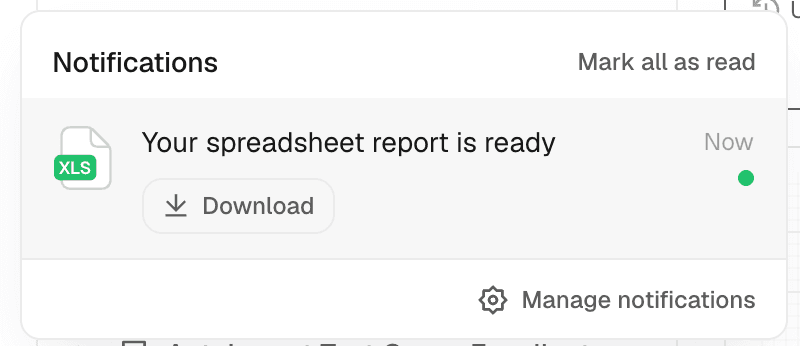
Click Export, which shows how many plans are included. A message confirms the job was accepted, and you receive an in-app notification with a download link when the spreadsheet is ready.